Logic Pro for iPad
Live Loops in Logic Pro for iPad
Live Loops is a grid of cells, each holding a loop or phrase. On iPad you play them by tapping, group them into scenes like song sections, and record your performance into the Tracks area as an arrangement.
 Owen Hartley

Where to find it
Grid View button
Live Loops modes
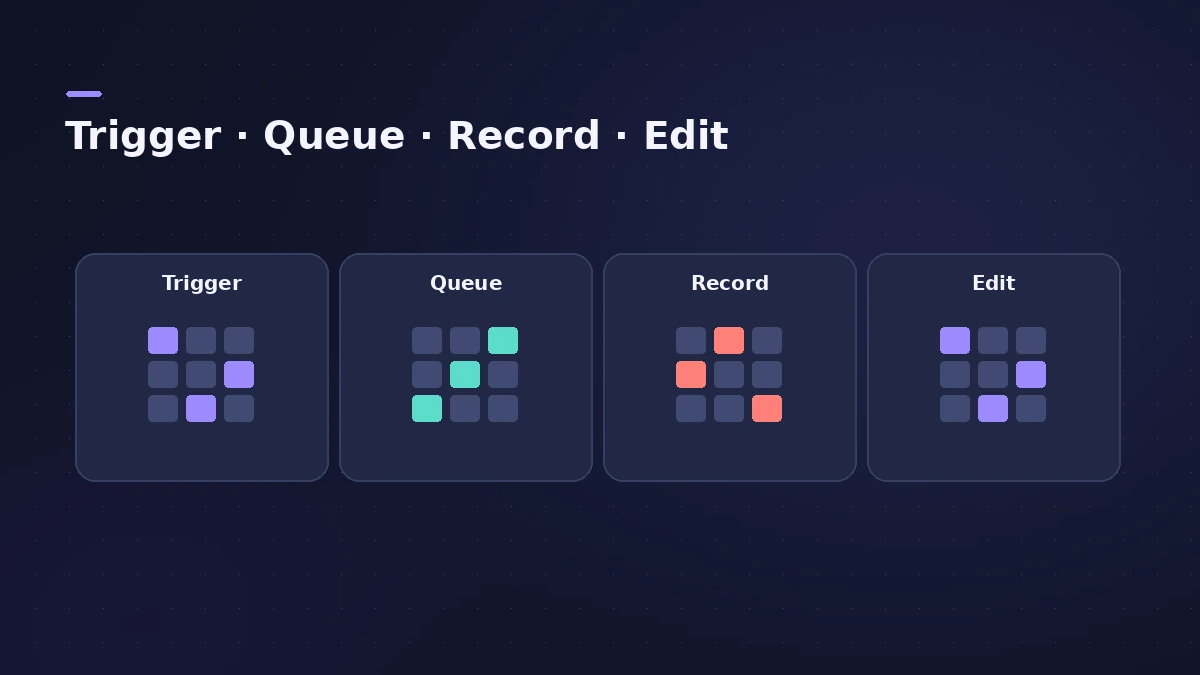
| Mode | Use it to |
|---|---|
| Cell Trigger | Start and stop cells and scenes |
| Cell Queue | Queue cells to start together |
| Cell Record | Record audio or MIDI into cells |
| Cell Edit | Select and edit cells and scenes |
Step by step
-
1
Open a starter grid
In the Projects browser, tap Live Loops under New Empty Project, or pick a starter grid. In any project, tap the Grid View button.
-
2
Trigger cells and scenes
With Cell Trigger mode on, tap a cell to start it, or a scene trigger to start every cell in that scene.
-
3
Set Quantize Start
Choose when triggered cells start — for the whole grid, a scene or a single cell. Queued cells flash until they start.
-
4
Fill cells
Drag loops from the Browser onto cells, copy regions from the Tracks area, or use Cell Record mode to record audio or MIDI into a cell.
-
5
Record a performance
Tap Enable Performance Recording, turn Cycle off, and record while you play cells; they appear as regions in the Tracks area.
Common mistakes
- Trying to record into a cell during a performance recording — Apple says that isn't possible.
- Leaving Cycle on when recording a Live Loops performance.
On the Mac
The Mac version is covered in Live Loops on Mac; to carry projects across, see moving projects between Mac and iPad.
Sources
- Apple — Logic Pro for iPad Guide: Intro to Live Loops
- Apple — Logic Pro for iPad Guide: Start and stop Live Loops cells
- Apple — Logic Pro for iPad Guide: Work with Live Loops cells
- Apple — Logic Pro for iPad Guide: Record a Live Loops performance
- Apple — Logic Pro for iPad Guide: Edit Live Loops scenes
Checked November 2026. Logic ProFiles is independent of Apple; menu names can differ slightly between Logic Pro versions.
Frequently asked questions
Do Live Loops cells follow the project tempo?
+
Yes. Cells play at the project tempo, as do Apple Loops and audio files with tempo information.
Can I record vocals during a Live Loops performance?
+
Yes. You can't record to a cell then, but you can record to an audio or software instrument track.
Related
- Live Loops in Logic ProUse Live Loops in Logic Pro: start a grid, drag in loops and regions, trigger cells and scenes in time, then record the performance to the Tracks area.
- How to make beats in Logic Pro for iPadMake beats in Logic Pro for iPad: load a Drum Machine Designer kit, program Step Sequencer patterns, add velocity and note repeat, then try Beat Breaker.
- Logic Pro for iPad for beginners — your first projectStart with Logic Pro for iPad: begin the trial, create a Tracks or Live Loops project, add loops and instruments, and learn with the built-in Lessons.
- Logic Pro for iPadLogic Pro for iPad guides: subscription, compatible iPads, Mac round-trips, AUv3 plug-ins, audio interfaces, Stem Splitter, exporting and fixes.