Workflows
808 bass in Logic Pro
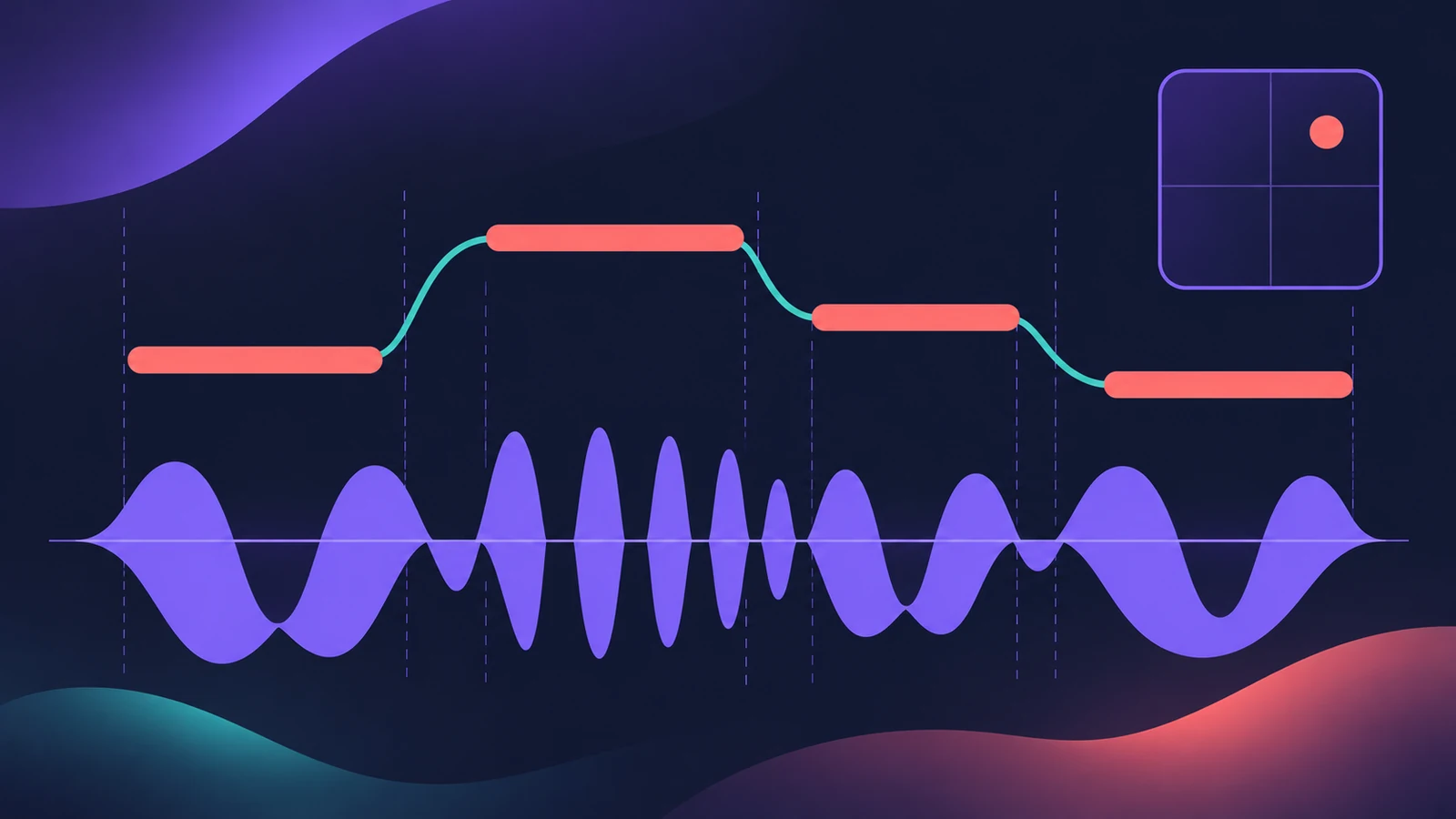
Logic Pro 12 added Synth Players, and the Synth Bass Player has an 808 Bass style. It writes the line for you from the chords on the Chord track; you steer octave, melody, range, slides and rhythm instead of drawing every note.
 Owen Hartley
Where to find it
New Tracks > Session Player > Synth Bass
The 808 Bass controls
| Control | What it changes |
|---|---|
| XY pad | Octave and how melodic the line is |
| Note range | How high and low the line goes |
| Phrase length | Length of the repeating phrase |
| Slides | Glides between notes |
| Repeats / triplets | Extra rhythmic options in the 808 Bass style |
Other bass styles
The Synth Bass Player also has Pump Bass, with a ducking control for a pumping feel, and Sequenced Bass. For a played bass part instead, see Bass Player.
Step by step
-
1
Put chords on the Chord track
Type a progression into the Chord track, or let Chord ID detect it from a recording.
-
2
Create a Synth Bass Player
Add a Session Player track, choose the synth bass player and pick the 808 Bass style.
-
3
Set octave and melody
Drag in the XY pad to move the line's octave and how melodic it is.
-
4
Limit the range and phrase
Set the note range so the line stays low, and choose a phrase length.
-
5
Add slides, repeats and triplets
Turn on Slides for glides between notes, and use the 808 Bass repeat and triplet options for rhythmic variation.
-
6
Check the tuning against the kick
Solo the kick and 808 together. If the kick has a clear pitch, tune it to the song's key; the note frequency calculator shows the frequency of each note.
Common mistakes
- Expecting the line to follow chords when the Chord track is empty.
- Letting the note range drift high, so the 808 loses weight.
- Using Pump Bass ducking and a sidechain compressor together, doubling the pump.
Swap the sound
The Synth Player patches use Alchemy, but the performance is MIDI, so you can load any synth and keep the line. To build the drums around it, see make a hip-hop beat.
Sources
- Apple — Logic Pro for iPad User Guide: Intro to Synth Player styles
- Apple — Logic Pro for iPad User Guide: Edit a Synth Bass Player performance
- Logic Studio Training — Logic Pro 12 update: Chord ID, Synth Players and more
- Apple — Logic Pro User Guide: What's new in Logic Pro for Mac 12
- Apple — Logic Pro for iPad User Guide: Analyze chords with Chord ID
Checked November 2026. Logic ProFiles is independent of Apple; menu names can differ slightly between Logic Pro versions.
Frequently asked questions
Which Logic Pro version has the 808 Synth Bass Player?
+
Synth Players were added in Logic Pro 12. Earlier versions don't have them.
Can the 808 change between verse and hook?
+
Session Player settings belong to the selected region, so split the part into sections and give each region its own settings. See Session Players.
Related
- SubBass in Logic ProAdd sub-octave low end with SubBass in Logic Pro: set High and Low bands a fifth apart, use Ratio 2 for an octave down, blend Wet and Dry, watch the level.
- Synth Players in Logic ProSynth Players in Logic Pro 12 and 13: 808 Bass, Pump Bass, Sequenced Bass, Rhythmic Chords and pads that follow the Chord track. Add one and shape the part.
- How to make a hip-hop or trap beat in Logic ProMake a hip-hop or trap beat in Logic Pro with Drum Machine Designer, the Step Sequencer, hi-hat rolls, an 808 Bass Synth Player and chords that follow along.
- Note to frequency calculatorFind the frequency of any note with your own A4 reference, its MIDI note number, and the nearest note and cents for any frequency — for EQ and tuning.
- The Chord track in Logic ProWhat the Chord track does in Logic Pro: which players and tools follow it — Session Players, Step Sequencer, Play Surface — and how Chord ID fills it for you.
- Logic Pro workflowsStep-by-step Logic Pro workflows by genre — house, techno, drum and bass, lo-fi, synthwave, orchestral, rock — plus beats, film scoring and podcasts.