Plug-ins
SubBass in Logic Pro
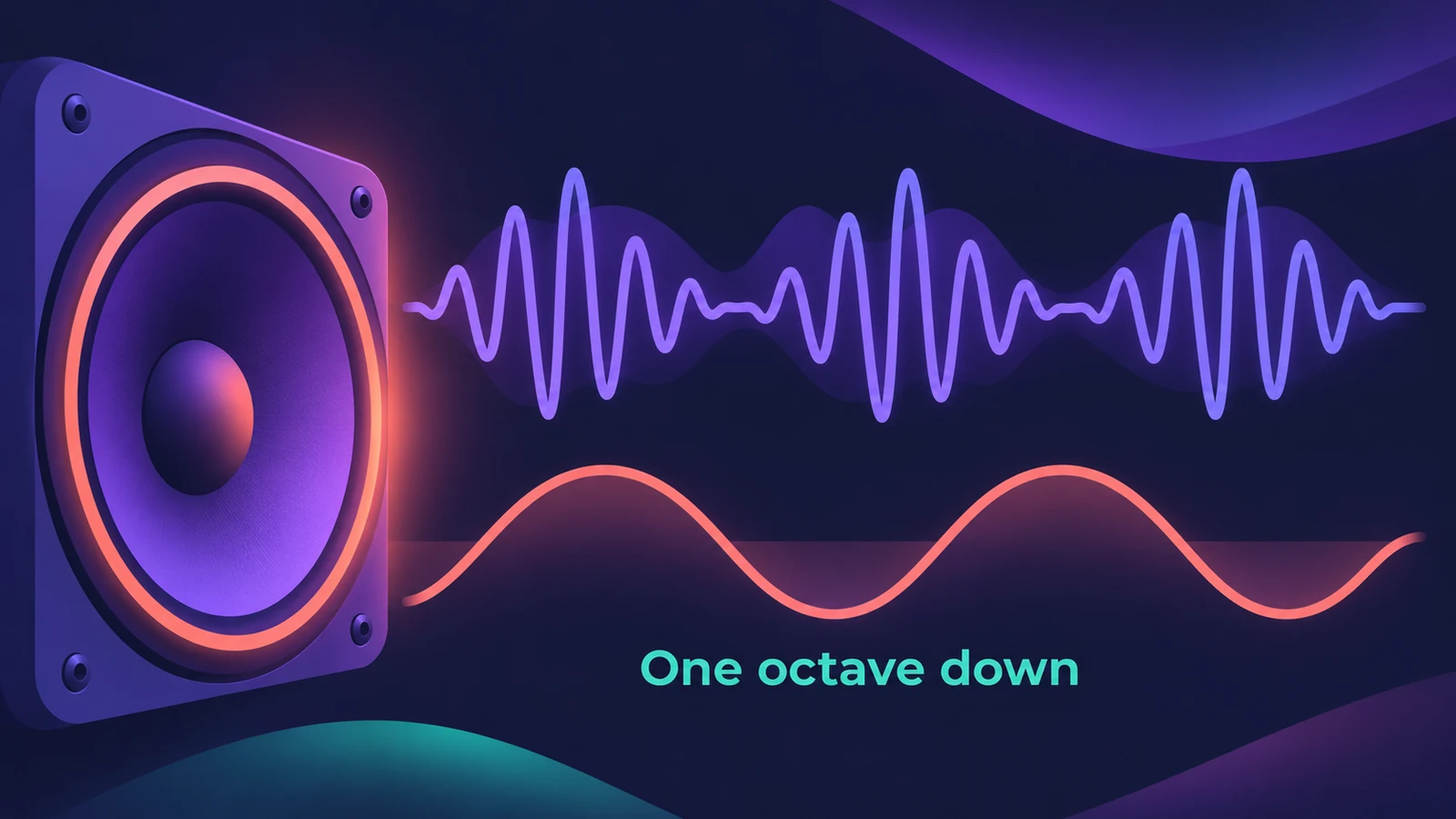
SubBass generates frequencies below the original signal — at its simplest an octave divider, like an octaver pedal for bass guitar. Unlike a pitch shifter it creates a sine wave, and it can work on complex mixed signals as well as single notes. Apple warns it can produce extremely loud output.
 Owen Hartley
Where to find it
Audio Effect slot > Specialized > SubBass
SubBass controls
| Control | What it does |
|---|---|
| Center High / Low | Centre frequency of each band |
| Bandwidth High / Low | Width of each band |
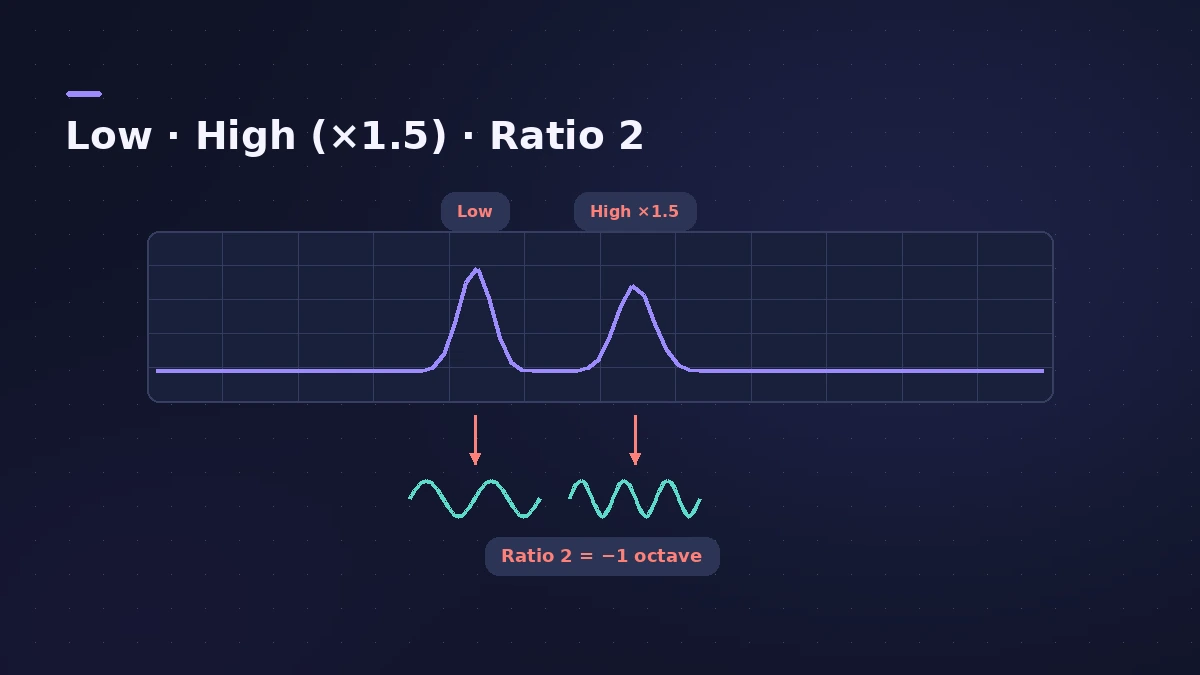
| Ratio High / Low | Transposition of the generated signal; 2 = one octave down |
| Freq. Mix | Balance between the two bands |
| Wet / Dry | Generated vs original signal |
Apple adds that within each band the filtered signal needs a reasonably stable pitch to be analysed correctly.
Step by step
-
1
Turn your monitors down first
Use moderate levels and speakers that can reproduce very low frequencies; SubBass can be extremely loud.
-
2
Insert SubBass
Choose Specialized > SubBass on a bass, kick or bass synth track.
-
3
Set the two bands
Keep bandwidths narrow and set Center High a fifth above Center Low — a factor of 1.5.
-
4
Go an octave down
Set Ratio to 2 in both bands to transpose the generated signal one octave below the original.
-
5
Blend Wet and Dry
Pure sine waves rarely sit well in a busy mix, so balance the generated and original signals with Wet and Dry.
Common mistakes
- Boosting sub frequencies with EQ to hear them on small speakers — Apple warns against forcing speakers this way.
- Overdriving the process, which adds distortion.
- Over-enhancing the low end; compare with other productions.
Check the low end
Measure the result on the master with LUFS and loudness tools and keep kick and bass apart with sidechain compression. For an 808 line instead, see 808 bass.
Sources
- Apple — Logic Pro for iPad User Guide: SubBass
- Apple — Logic Pro for iPad User Guide 1.1: SubBass
- Apple — Logic Pro for iPad User Guide: SubBass parameters
- Apple — Logic Pro for iPad User Guide: SubBass use tips
- Apple — Logic Pro for iPad User Guide 1.0: SubBass use tips
- Apple — Logic Pro Effects 10.2: SubBass use tips (old)
- Apple — Logic Pro 9 Effects: SubBass (old)
Checked November 2026. Logic ProFiles is independent of Apple; menu names can differ slightly between Logic Pro versions.
Frequently asked questions
What does SubBass do in Logic Pro?
+
It creates artificial bass below the original signal, using sine waves generated from two frequency bands you define.
How do I make SubBass go exactly one octave down?
+
Set the Ratio values to 2; a ratio of 2 transposes the signal down one octave.
I hear gaps in the generated bass. What should I change?
+
Move one or both Center frequencies, or widen one or both bandwidths a little.
Related
- 808 bass in Logic ProWrite an 808 bass line in Logic Pro 12 or later with the Synth Bass Player's 808 Bass style: chords, octave, range, slides, repeats and triplets, then tune it.
- Bass Amp Designer in Logic ProShape bass guitar in Logic Pro with Bass Amp Designer: three amp models, a D.I. box channel, blend amp and DI, built-in compressor and graphic or parametric EQ.
- How to sidechain in Logic ProSet up sidechain compression in Logic Pro: put Compressor on the bass or pad, pick the kick in the Side Chain menu, then set threshold, ratio, attack, release.
- How to use Channel EQ in Logic ProLearn Logic Pro's Channel EQ: the eight bands, the high-pass and shelving filters, the Analyzer, Q-Couple and HQ mode, plus a simple workflow for cleaner mixes.
- Plug-ins in Logic ProGuides to Logic Pro's stock plug-ins: Compressor, EQs, limiters, Pitch Correction, Amp Designer, Pedalboard, ChromaGlow, ChromaVerb, Space Designer and delays.