Instruments
Sampler in Logic Pro
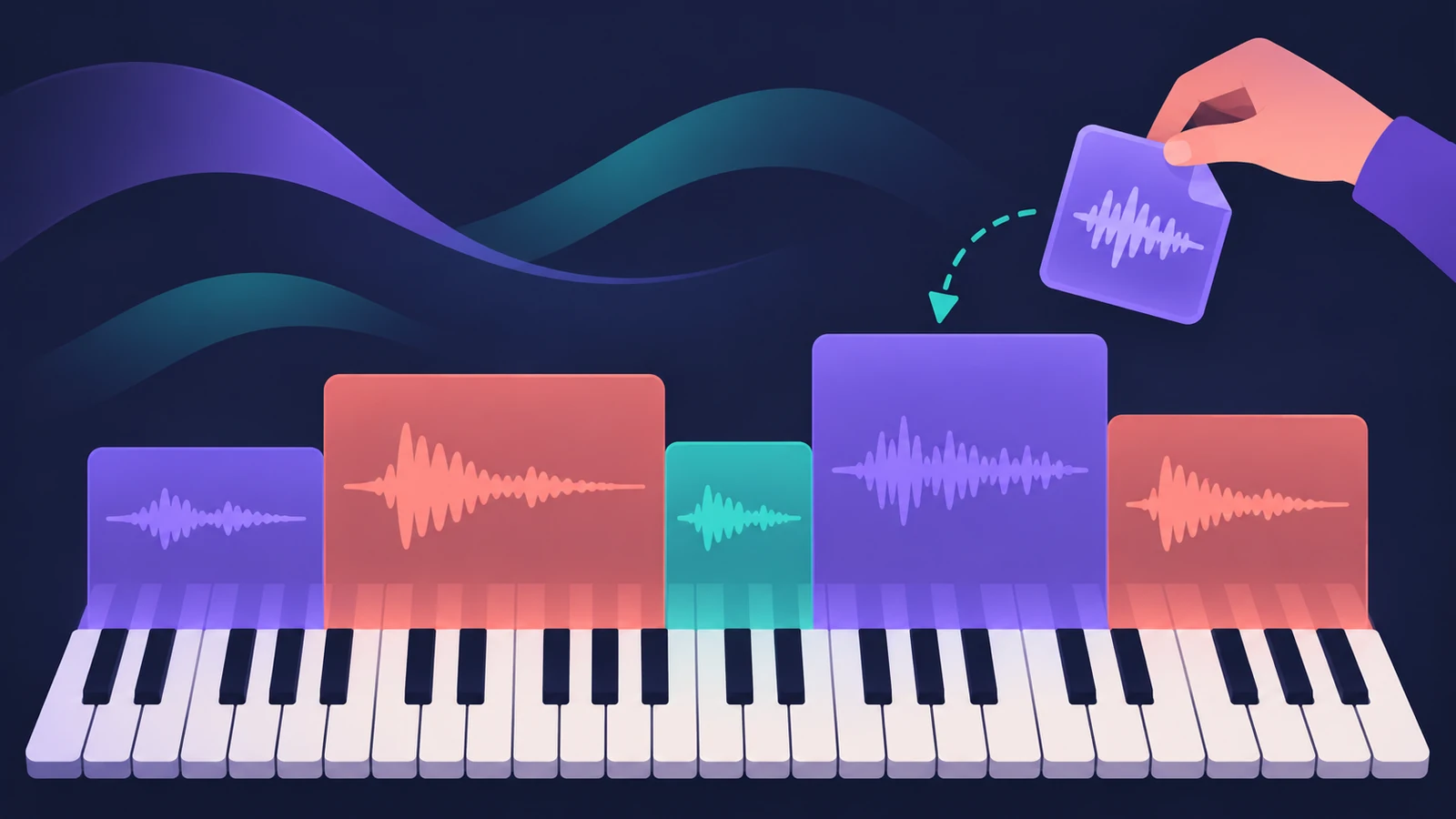
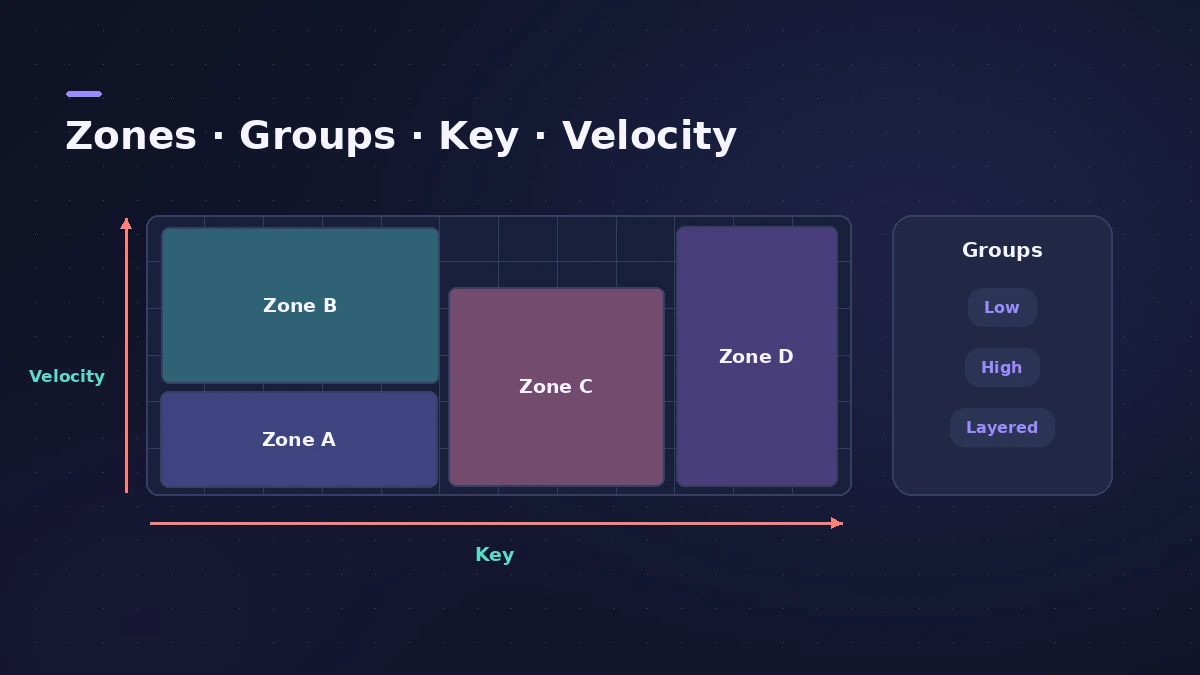
Sampler is Logic Pro's full multisampling instrument. It replaced EXS24 in Logic Pro 10.5: you drop in many samples, map them across the keyboard as zones and groups, and play them like any other instrument. Old EXS24 instruments open in Sampler.
 Owen Hartley
Where to find it
Software instrument track > Sampler
Sampler at a glance
| Part | Use it to |
|---|---|
| Navigation Bar | Drop samples in and see where they sit |
| Mapping options | Optimized, Split at Silence and others when you drop files |
| Mapping pane | Edit zones and groups |
| EXS24 support | Open instruments made in EXS24 |
Coming from EXS24
If an older project used EXS24, it opens with Sampler in its place. For more on content and instruments from older versions, see legacy content.
Step by step
-
1
Insert Sampler
Add Sampler to a software instrument track, or drag audio files into the Tracks area to create a sampler track directly.
-
2
Drop in your samples
Drag samples onto Sampler's Navigation Bar to add them to the instrument.
-
3
Choose how they're mapped
Pick a mapping option such as Optimized, or Split at Silence to cut one file into several samples.
-
4
Edit zones and groups
Open the Mapping pane to adjust each zone's key and velocity range and organise zones into groups.
-
5
Save the instrument
Save it as a patch so you can load the same sampled instrument in other projects.
Common mistakes
- Using Sampler for one quick sound — Quick Sampler is faster for that.
- Leaving gaps between zones, so some keys play nothing.
- Looking for EXS24 in Logic Pro 10.5 or later; open the old instruments in Sampler.
Sampler or Quick Sampler
Sampler is for instruments built from many samples. To turn one sound into a playable instrument in seconds, use Quick Sampler.
Sources
- Apple Support — Create sampler instruments with Sampler in Logic Pro for Mac
- Sound On Sound — Logic Pro: Introducing Sampler (Nov 2020)
- Apple Support — Drag and drop to create sampler instrument tracks in Logic Pro for Mac
- Sound On Sound — Logic Pro X 10.5 review
Checked November 2026. Logic ProFiles is independent of Apple; menu names can differ slightly between Logic Pro versions.
Frequently asked questions
What happened to EXS24?
+
Logic Pro 10.5 replaced it with Sampler. EXS24 instruments open in Sampler.
How do I make an instrument from my own samples?
+
Drag the samples onto Sampler's Navigation Bar, choose a mapping, then fine-tune zones and groups in the Mapping pane.
Can I drag audio files straight into Logic Pro to make a sampler?
+
Yes. Dragging audio files into the Tracks area can create a sampler instrument track.
Related
- Sampler vs Quick SamplerSampler vs Quick Sampler in Logic Pro: one sound with Classic, One Shot, Slice and Recorder modes, or multisampled instruments with zones and groups.
- Logic Pro Sampler missing samplesSampler or old EXS instruments say samples are missing in Logic Pro? Reconnect drives, keep samples in Audio Music Apps and reinstall sound packs.
- Auto Sampler in Logic ProTurn a hardware synth or software instrument into a Sampler instrument with Logic Pro's Auto Sampler: set range, Sample Every, velocity layers, then Sample.
- Move Logic Pro projects between Mac and iPadMove Logic Pro projects between Mac and iPad: copy files into the project, bounce third-party plug-ins and avoid the Mac-only features iPad can't open.
- Quick Sampler in Logic ProTurn one sound into an instrument with Quick Sampler in Logic Pro: what Classic, One Shot, Slice and Recorder modes do, and when to use Sampler instead.
- Drum Machine Designer in Logic ProBuild an electronic kit in Logic Pro's Drum Machine Designer: clear the pads, drag samples on, set notes, process each pad on its own channel strip.
- Logic Pro patches — load, edit and save your ownWhat a Logic Pro patch is, how to load and swap patches in the Browser or Library, save your own, merge only parts of a patch and restore legacy patches.
- Logic Pro legacy content — how to get missing patches backPatches, instruments or loops missing after updating to Logic Pro 12 or 13? Install the free Legacy Patches, Instruments and Loops packs from the Sound Library.