Versions & What's New
Logic Pro legacy content — how to get missing patches back
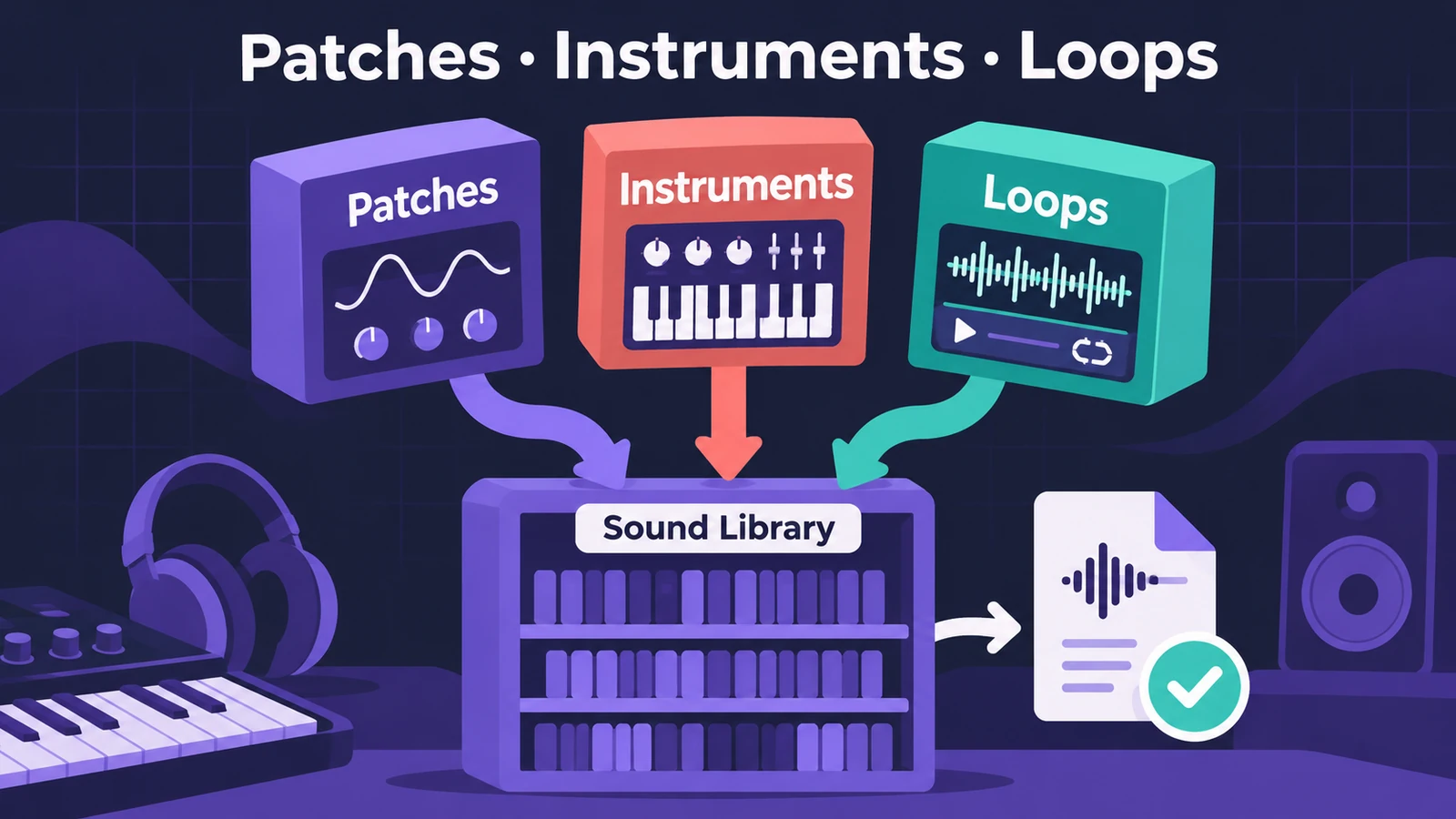
Some patches, instruments and loops were missing from the first release of Logic Pro 12. Since version 12.2 Apple offers them again as three free Sound Library packs — Logic Pro Legacy Patches, Legacy Instruments and Legacy Loops. Install the ones you need and older projects find their sounds again.
 Owen Hartley
Still missing sounds?
If the Sound Library won't download at all, see can't download or install Logic Pro — the full library needs a lot of free space. Third-party instruments that disappear are a different problem: they need their own installers and must be enabled in Logic Pro's Plug-in Manager.
Step by step
-
1
Update Logic Pro
Make sure you run Logic Pro 12.2 or later — the legacy packs arrived with 12.2. Logic Pro 13 includes them too.
-
2
Open the Sound Library
Choose Logic Pro > Sound Library. In Logic Pro 13 you can also reach the Sound Library from the Browser.
-
3
Search for the legacy packs
Type "Logic Pro Legacy" in the search field. Three packs appear: Legacy Patches, Legacy Instruments and Legacy Loops.
-
4
Install what you need
Click Install next to each pack. If you are short of space, install only the pack your project is missing — patches, instruments or loops.
-
5
Reopen the project
Close and reopen the project that reported missing content, and check that its patches load.
Why content went missing
From Logic Pro 12, Apple consolidated the bundled patches, Apple Loops and samples into a single Logic Pro Library.bundle managed through the Sound Library. Content missing from that first release is what the legacy packs restore. The new bundle does not work with older Logic Pro or MainStage versions.
Sources
- Apple Support — Logic Pro 12 release notes (Nov 2026)
- Apple Support — Get missing Sound Library patches in Logic Pro for Mac (Sep 2026)
- Apple Support — About the Logic Pro and MainStage sound library on Mac (Jan 2026)
- Apple Support — Logic Pro for Mac release notes (13.0) (Nov 2026)
Checked November 2026. Logic ProFiles is independent of Apple; menu names can differ slightly between Logic Pro versions.
Frequently asked questions
Why are some Logic Pro patches missing after updating?
+
Some content was missing from the initial release of Logic Pro 12. Apple added Legacy Patches, Legacy Instruments and Legacy Loops packs in 12.2 to reinstall it.
Are the legacy packs free?
+
Yes. They install from the Sound Library like any other pack.
Can I use the new Sound Library with an older Logic Pro?
+
No. Apple says the consolidated Logic Pro Library.bundle used from Logic Pro 12 does not work with older Logic Pro or MainStage versions.
Related
- Ultrabeat in Logic ProWhat happened to Ultrabeat in Logic Pro, how to check whether your version still has it, and how to rebuild its drum kits with Drum Synth and Step Sequencer.
- What's new in Logic Pro 12Logic Pro 12 (28 Jan 2026) to 12.4: Synth Player, Chord ID, the Sound Library, legacy packs, Dolby Atmos mp4 export, granular Alchemy and Beat Breaker modes.
- Can't download or install Logic Pro? How to fix itLogic Pro won't download, install or update from the Mac App Store? Check macOS, free space, your Apple Account and payment, then fix Sound Library downloads.
- What's new in Logic Pro 13Logic Pro 13 (5 Nov 2026): the AI Assistant, a unified Browser with Splice, drum-kit Stem Splitter, Play Surface, Liquid Glass, touch control and more.
- Logic Pro versions and what's newEvery Logic Pro version explained: what's new in Logic Pro 13, 12 and 11, the AI Assistant, the full release history and which macOS each version needs.