Versions & What's New
What's new in Logic Pro 13
Logic Pro 13.0 arrived on 5 November 2026. Its headline is the Assistant, a chat panel that edits your project from plain-English requests — but it is in beta and needs a Creator Studio subscription and macOS 27. The update everyone gets includes a unified Browser with Splice sounds, drum stems split into kit pieces, an on-screen Play Surface and a Liquid Glass redesign.
 Owen Hartley
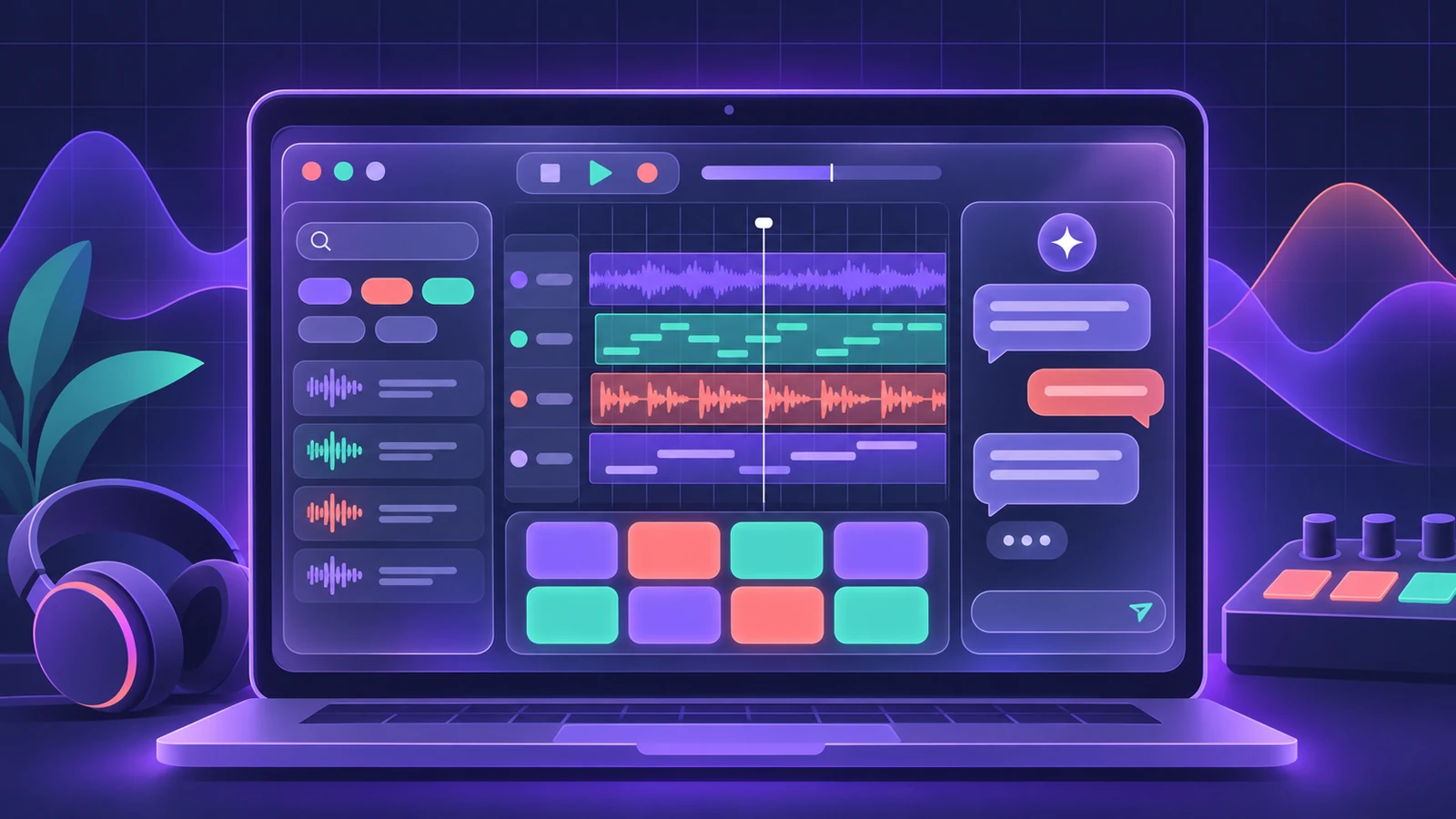
Logic Pro 13 at a glance
| Feature | What it does | Who gets it |
|---|---|---|
| Assistant (beta) | Chat requests that edit the project and answer questions | Creator Studio, Apple silicon, macOS 27, English |
| Unified Browser | One place for Sound Library, samples, patches, presets, Splice | Everyone; some search features need Apple silicon |
| Stem Splitter: drum pieces | Kick, snare, hi-hat, toms, cymbals, other | Everyone with Stem Splitter (Apple silicon) |
| Play Surface | On-screen keyboard, Chord Strips, drum pads | Everyone |
| Liquid Glass | Redesigned windows, toolbar and transport | Everyone |
| Touch and Sidecar | Touch control on supported MacBook Pro and iPad via Sidecar | Supported hardware |
| Step Sequencer | Multi-step editing, ramps, ties, randomize | Everyone |
The Assistant
You open it from the Assistant button in the control bar or View > Show Assistant and type requests such as "group these tracks into a Track Stack", "make the drummer play more intensely" or "add a chord progression". It can also answer questions about using Logic Pro. Apple says your projects and prompts are not used to train models. Full details and requirements: Logic Pro Assistant.
The unified Browser
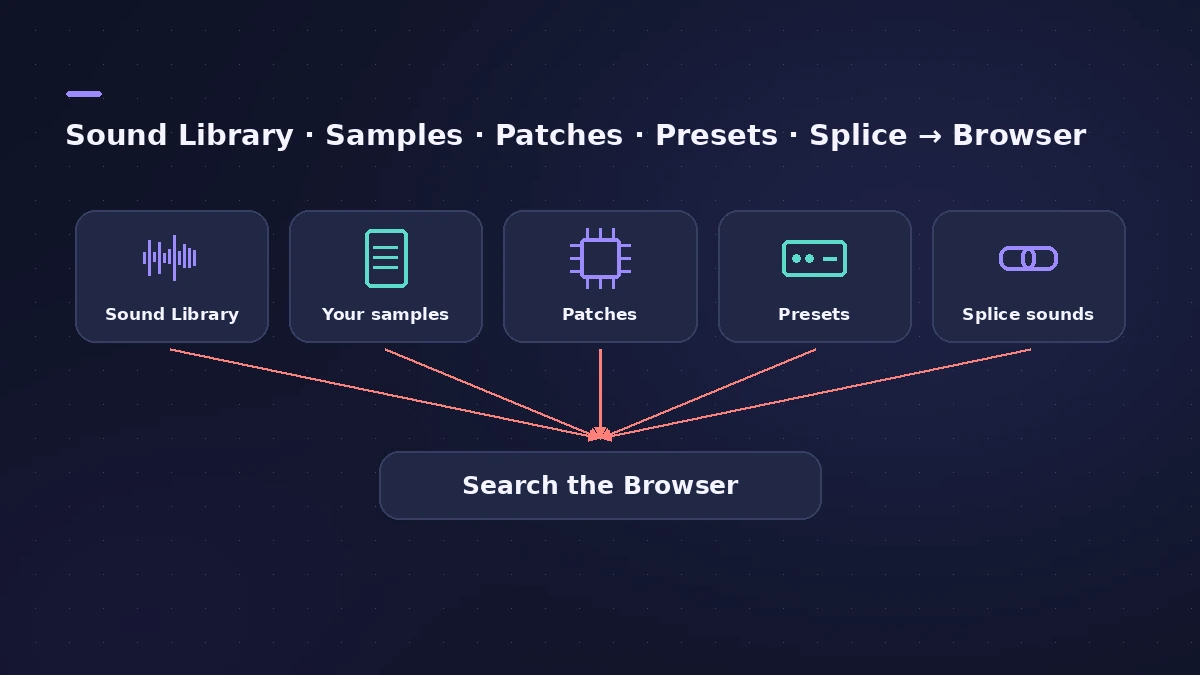
The Browser now brings together the Sound Library, your own samples, patches, plug-in presets, Sampler instruments and Splice sounds. You can search in plain language, find sounds similar to one you drag in, save Smart Searches and add your sample folders as Locations that Logic analyses for type, tempo, key and tags. Natural-language search, Find Similar, Link/Replace and analysis of your Locations need a Mac with Apple silicon.
Splice: a Splice Sounds location appears when the Splice app is installed and you have downloaded sounds; it stays in sync with Splice and the sounds are analysed for search.
New key commands: B opens the Browser, Y toggles Smart Controls, Command-F jumps to Browser search, and Show/Hide Flex moved to F. Return adds the selected sound on a new track.
Stem Splitter: individual drum pieces
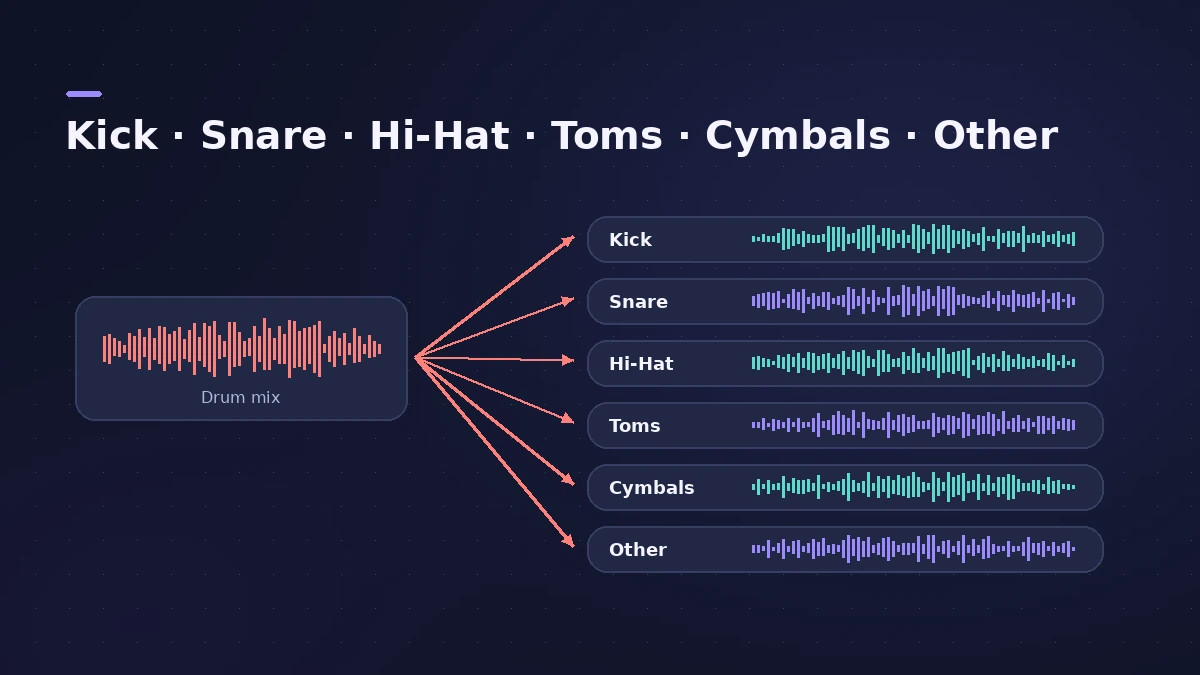
A new Drums (Individual Kit Pieces) preset separates kick, snare, hi-hat, toms, cymbals and everything else, grouped in a summing Track Stack. Stems now also respect the original region's gain.
Play Surface
Window > Show Play Surface (Command-K) opens an on-screen keyboard with Chord Strips and drum pads — up to four windows, each following the selected track. The keyboard has an arpeggiator that can record to a track, MPE support and a configurable Y-axis; Chord Strips can follow the Chord Track or the project key; drum pads offer note repeat from 1/32 to 1/4.
Touch, Sidecar and Liquid Glass
Logic Pro 13 supports touch on the new MacBook Pro with a touch display and on an iPad used as a Sidecar display, with Multi-Touch in the Mixer, Step Sequencer, Browser and several plug-ins. The interface gets Apple's Liquid Glass design, including a redesigned transport.
Smaller changes
- Step Sequencer: edit several steps and rows at once, copy groups, ramp values with Command-Option-drag, ties and randomize options.
- Channel EQ defaults to Proportional Gain-Q; Studio Voice is renamed Studio Sound.
- Save Undo History is on by default; new installs get a Quick Start template.
- Mixer: Remove Bypassed Sends; input menus list mono and stereo inputs.
- New Sergio George Producer Pack with Latin jazz and salsa material.
Moving up from version 12? Logic Pro 13 vs 12 helps you decide when. Check your Mac first in system requirements.
Sources
- Apple Support — Logic Pro for Mac release notes (13.0) (Nov 2026)
- Apple Support — Logic Pro User Guide: What's new in Logic Pro for Mac 13
- Apple Newsroom — Apple Creator Studio adds powerful new AI features and even more creative tools (Oct 2026)
- Production Expert — Logic Pro 13 splits drum stems into kit pieces and rebuilds the Browser (Nov 2026)
- MusicRadar — Apple goes all in on AI with Logic Pro 13 (Oct 2026)
- AI Musicpreneur — Apple Logic Pro 13 AI assistant, macOS 27, beta (Nov 2026)
- Consomac — Apple Creator Studio : la mise à jour de Logic Pro est disponible (Nov 2026)
Checked November 2026. Logic ProFiles is independent of Apple; menu names can differ slightly between Logic Pro versions.
Frequently asked questions
When was Logic Pro 13 released?
+
On 5 November 2026, for both Creator Studio subscribers and one-time owners. Apple had announced it on 27 October 2026.
What are the main new features in Logic Pro 13?
+
The Assistant (beta), a unified Browser with natural-language search and Splice integration, Stem Splitter for individual drum pieces, Play Surface, touch and Sidecar control, and the Liquid Glass design.
Do I need Creator Studio for Logic Pro 13?
+
Only for the Assistant. The other new features come with the free update for one-time owners.
Which keyboard shortcuts changed in Logic Pro 13?
+
B now opens the Browser, Y toggles Smart Controls, Command-F opens Browser search and Show/Hide Flex moved to F.
Related
- Use an iPad with Logic Pro 13 through SidecarUse an iPad as a touch screen for Logic Pro 13 with Sidecar: plug-in windows resize to fit. Setup, requirements and how it differs from Logic Remote.
- Play Surface in Logic Pro 13Play notes, chords and drums on your Mac with the Play Surface in Logic Pro 13: Command-K, Chord Strips that follow the Chord track, pads, musical typing.
- Logic Pro Assistant — what the AI can do and what you needThe Logic Pro 13 Assistant explained: what you can ask it, how to open it, requirements (Creator Studio, Apple silicon, macOS 27), language, privacy and limits.
- Logic Pro 13 vs 12 — should you update?Logic Pro 13 vs 12: what changes, what needs Creator Studio or Apple silicon, the macOS 26.1 requirement and when it is worth waiting before you update.
- What's new in Logic Pro 12Logic Pro 12 (28 Jan 2026) to 12.4: Synth Player, Chord ID, the Sound Library, legacy packs, Dolby Atmos mp4 export, granular Alchemy and Beat Breaker modes.
- Logic Pro system requirements (Mac and iPad, 2026)Logic Pro 13 system requirements: macOS 26.1 or later, Apple silicon on Apple's Creator Studio pages, 6 GB to about 72 GB of space. iPad: iPadOS 26 and A12.