Gear
Use an iPad with Logic Pro 13 through Sidecar
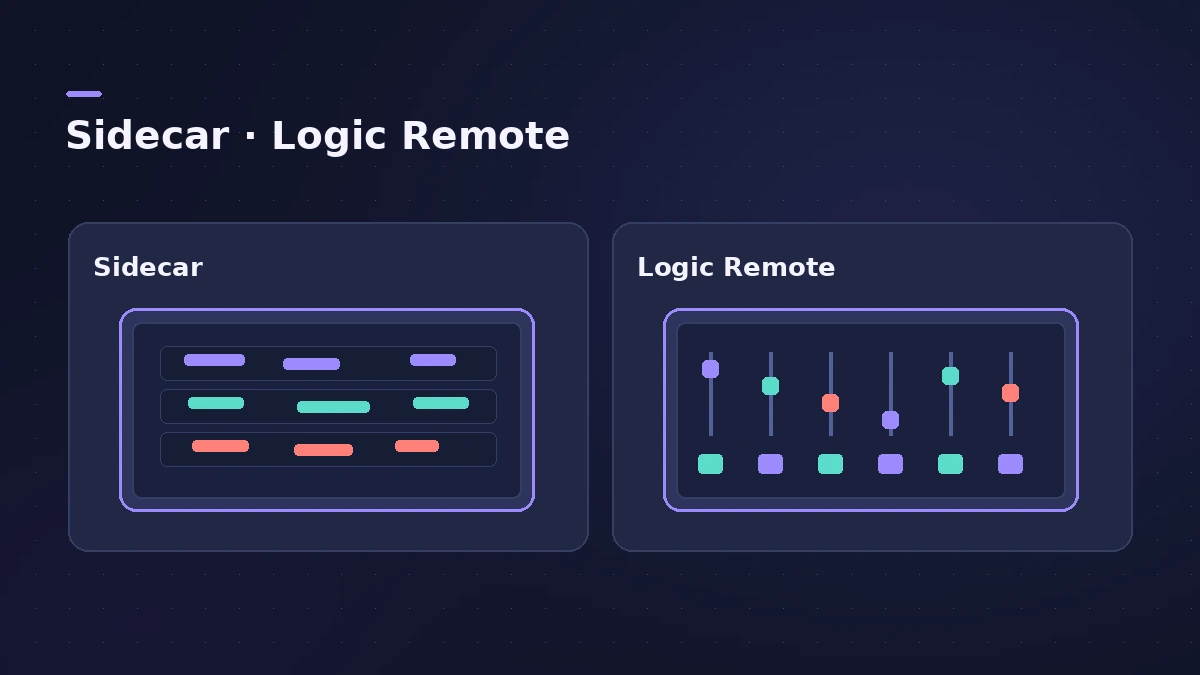
Sidecar turns an iPad into a second display for your Mac. With Logic Pro 13's touch-friendly interface, CDM reports that Logic Pro now works with Sidecar, and a plug-in window moved to the iPad resizes to fit the screen. Unlike Logic Remote, you see the full Logic Pro interface.
 Owen Hartley

Where to find it
System Settings > Displays
Full interface vs touch controls
For what else is new in version 13, see what's new in Logic Pro 13.
Step by step
-
1
Check the basics
Sign in to the same Apple Account on the Mac and iPad, keep them within 10 metres and turn on Wi-Fi and Bluetooth.
-
2
Add the iPad as a display
On the Mac, open System Settings > Displays, click the add button and choose your iPad.
-
3
Choose extend or mirror
Select the iPad in Displays and choose from the Use as menu — extend to use it as a separate screen, or mirror to repeat the Mac's display.
-
4
Move a window to the iPad
Drag a plug-in window or the Mixer onto the iPad and work it with touch.
-
5
Disconnect when done
Click Screen Mirroring in the menu bar and deselect your iPad.
Common mistakes
- Using different Apple Accounts: Sidecar needs the same Apple Account, with two-factor authentication, on both devices.
Sidecar or Logic Remote?
CDM argues Sidecar beats an iPad controller because you get the full interface. Logic Remote, on the other hand, gives touch-optimised mixers, instruments and key commands and also works on iPhone — see Logic Remote.
Sources
- CDM — Logic Pro 13: touch, Sidecar and the Assistant (Nov 2026)
- Apple Support — Use an iPad as a second display for a Mac (Sidecar)
- Apple — macOS User Guide: Use your iPad as a second display
Checked November 2026. Logic ProFiles is independent of Apple; menu names can differ slightly between Logic Pro versions.
Frequently asked questions
Does Logic Pro work with Sidecar?
+
CDM reports that Logic Pro 13 works with Sidecar and its interface is touch-friendly on a Sidecar-ready iPad.
Do I need Logic Pro for iPad to use Sidecar?
+
No. Sidecar shows the Mac's Logic Pro on the iPad; Logic Pro for iPad is a separate app.
Related
- Logic Pro for iPadLogic Pro for iPad guides: subscription, compatible iPads, Mac round-trips, AUv3 plug-ins, audio interfaces, Stem Splitter, exporting and fixes.
- Logic Remote — control Logic Pro from an iPad or iPhoneLogic Remote is Apple's free app that turns an iPad or iPhone into a Logic Pro mixer, transport and Touch Instrument. Connect over Wi-Fi or USB in a few taps.
- What's new in Logic Pro 13Logic Pro 13 (5 Nov 2026): the AI Assistant, a unified Browser with Splice, drum-kit Stem Splitter, Play Surface, Liquid Glass, touch control and more.
- Logic Pro for iPad vs Logic Pro for MacLogic Pro for iPad vs Mac: Creator Studio at $12.99 a month vs $199.99 once, which iPads run it, what's Mac-only and how projects move between the two apps.
- Gear for Logic ProGear for Logic Pro in 2026: which Mac or MacBook to buy, how much RAM you need, moving the Sound Library to an SSD, control surfaces, Logic Remote and Sidecar.