Gear
Logic Remote — control Logic Pro from an iPad or iPhone
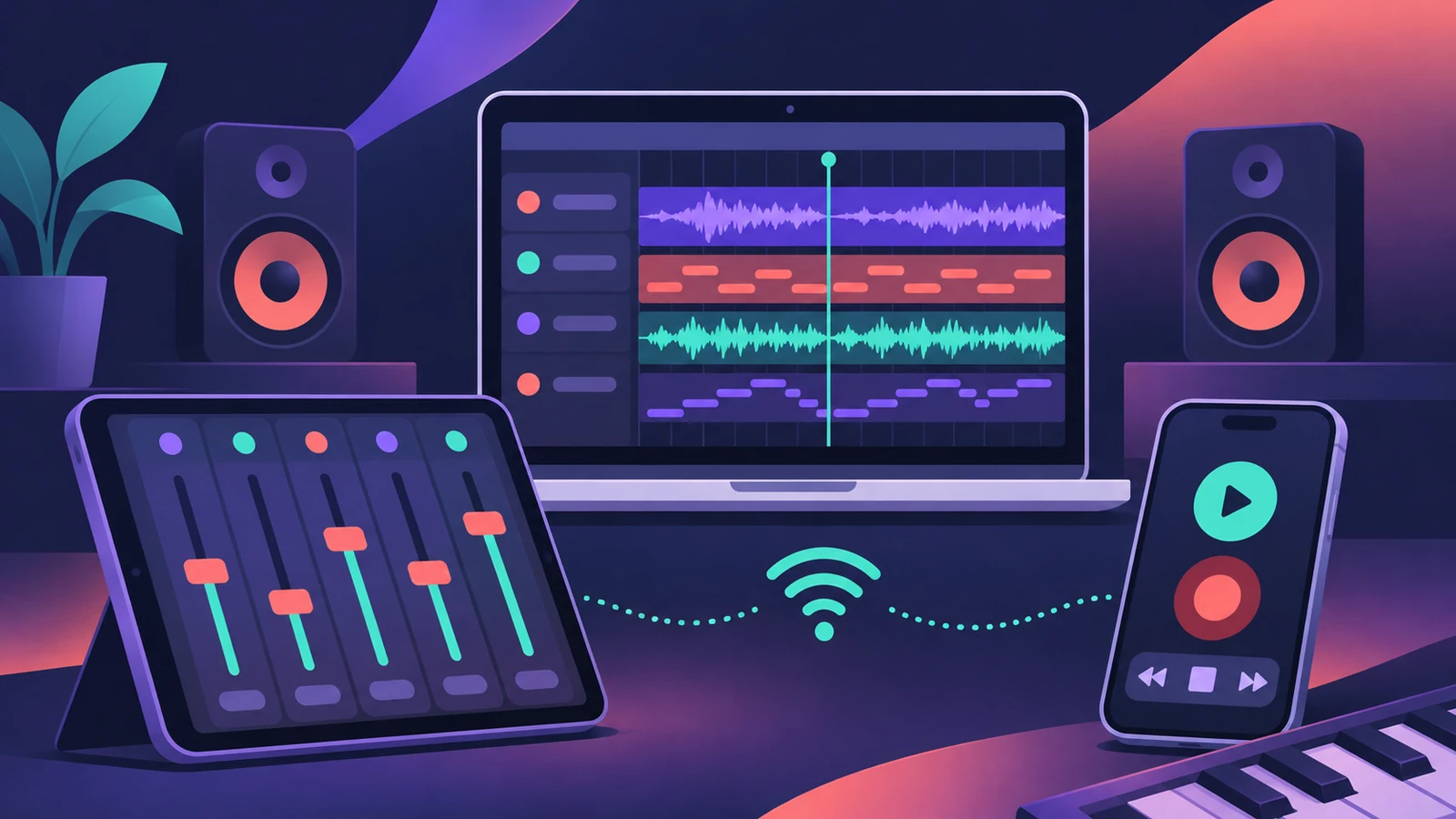
Logic Remote is Apple's free companion app for Logic Pro, GarageBand and MainStage on the Mac. It turns an iPad or iPhone into a mixer, transport control and Touch Instrument, so you can record from across the room. Some features — the full mixer, Smart Controls and plug-in controls — are iPad-only.
 Owen Hartley
Where to find it
Logic Remote app > connection dialog
The views
Want the whole Logic Pro window on your iPad instead? See Sidecar with Logic Pro.
Step by step
-
1
Install Logic Remote
Download it free from the App Store on your iPad or iPhone. Current versions need iOS or iPadOS 18.1 or later.
-
2
Open Logic Pro on the Mac
Logic Remote only lists Macs where Logic Pro, GarageBand or MainStage is open.
-
3
Connect over Wi-Fi
Put the Mac and the iPad or iPhone on the same Wi-Fi network, open Logic Remote and choose your Mac.
-
4
Or connect with a cable
Connect a USB-C or Lightning cable between the devices, open Logic Remote and choose the connected Mac.
-
5
Pick a view
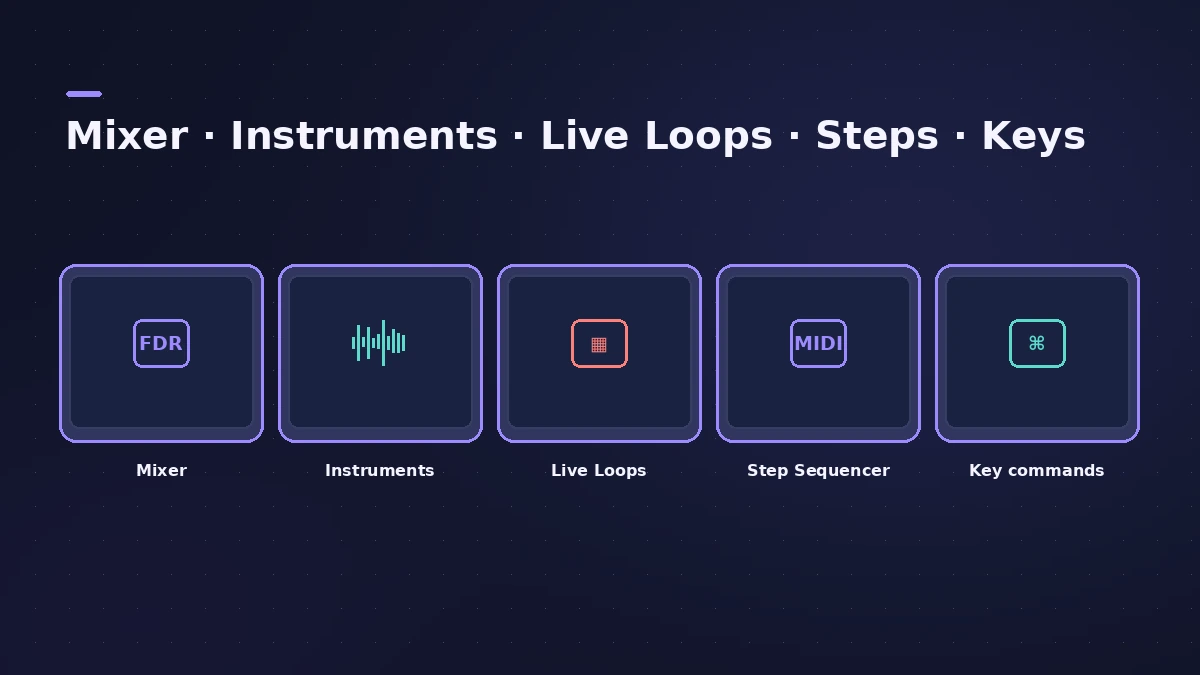
Switch between the mixer, Touch Instruments, Live Loops, Step Sequencer and key commands.
Common mistakes
- Looking for the full mixer on iPhone: Smart Controls, Sound Library navigation, Smart Help, the full mixer and plug-in controls are available only on iPad.
What Logic Remote can do
Play any Logic Pro instrument on a keyboard, fretboard or drum pads, trigger Live Loops cells and scenes, change automation modes per fader, shape tracks with Visual EQ, and trigger key commands from customisable buttons.
Sources
- Apple — Logic Remote on the App Store
- Apple — Logic Remote on the App Store (compatibility)
- Apple — Logic Remote on the App Store (iPad-only features)
- Apple — Logic Remote on the App Store (instruments, Live Loops)
- Apple — Logic Remote for iPad: Get started (connect)
- Apple — Logic Remote for iPad User Guide (contents)
Checked November 2026. Logic ProFiles is independent of Apple; menu names can differ slightly between Logic Pro versions.
Frequently asked questions
Is Logic Remote free?
+
Yes. It's a free app from Apple on the App Store.
Does Logic Remote work with GarageBand?
+
Yes. It connects to a Mac running Logic Pro, GarageBand or MainStage.
Can I use Logic Remote without Wi-Fi?
+
Yes — connect the iPad or iPhone to the Mac with a USB-C or Lightning cable.
Related
- MainStage gig checklistApple's checks before playing live with MainStage: test audio and MIDI, close other apps, go offline, use the same hardware, then switch to Perform mode.
- Use an iPad with Logic Pro 13 through SidecarUse an iPad as a touch screen for Logic Pro 13 with Sidecar: plug-in windows resize to fit. Setup, requirements and how it differs from Logic Remote.
- Control surfaces in Logic ProUse a control surface with Logic Pro: Mackie Control units are detected automatically, HUI devices are added in Control Surfaces > Setup, EuCon uses EuControl.
- Live Loops in Logic ProUse Live Loops in Logic Pro: start a grid, drag in loops and regions, trigger cells and scenes in time, then record the performance to the Tracks area.
- Gear for Logic ProGear for Logic Pro in 2026: which Mac or MacBook to buy, how much RAM you need, moving the Sound Library to an SSD, control surfaces, Logic Remote and Sidecar.