Versions & What's New
Logic Pro Assistant — what the AI can do and what you need
The Assistant is a chat panel in Logic Pro 13 that carries out plain-English requests — create and colour tracks, add a compressor, make the bass follow the drums, isolate drums from a region — and answers questions about using Logic Pro. It is in beta and needs an Apple Creator Studio subscription, a Mac with Apple silicon and macOS 27 or later.
 Owen Hartley

What you can ask
Apple's release notes group example requests like this:
| Area | Example requests |
|---|---|
| Tracks and mixing | Create, rename, colour or pan tracks; put tracks in a Track Stack; show the tempo track |
| Plug-ins and sounds | Add a compressor, load a reverb preset, roll off the highs, add a drum loop |
| Regions and editing | Move regions to a bar, add kick or snare steps, convert a Drummer region to MIDI, set the cycle range |
| Session Players | Make the bass follow the drums, make the drummer play more intensely |
| Arrangement and recording | Set the time signature, add a chord progression, add markers, isolate drums from a region, record-enable a track with input monitoring |
| Interface | Open the Piano Roll |
| Questions | How to use a compressor, how to mic an acoustic guitar |
How to open it
Click the Assistant button in the control bar or choose View > Show Assistant. Type a request and press Command-Return to send it.
Requirements
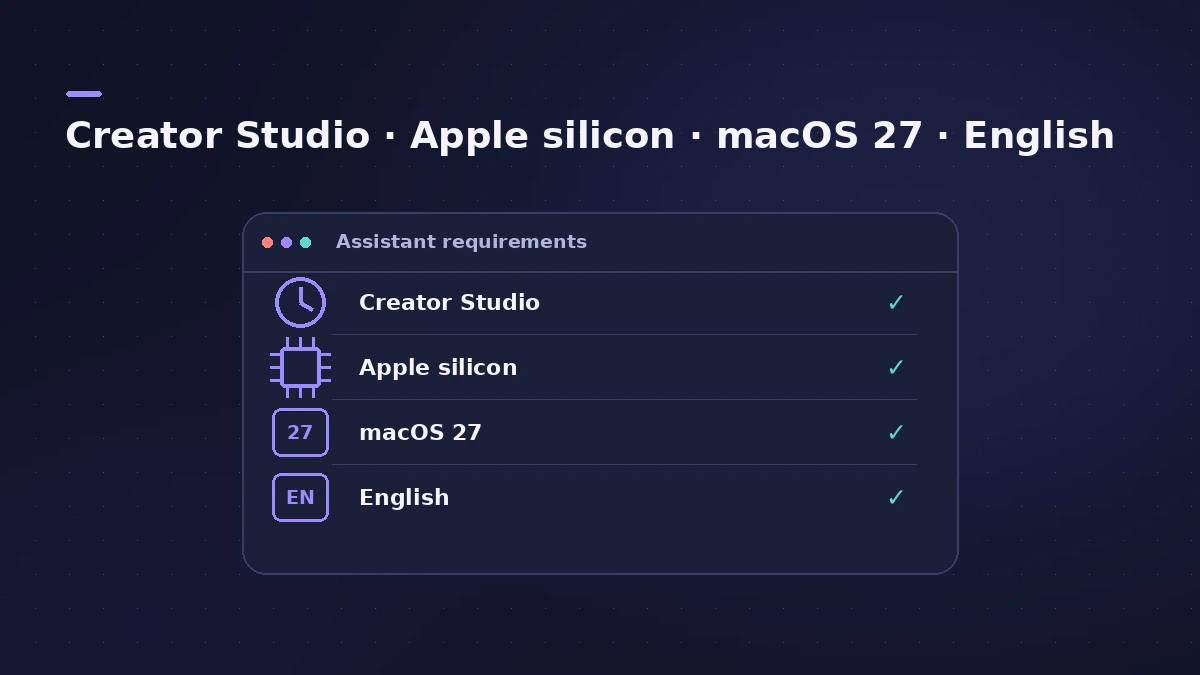
- An Apple Creator Studio subscription — the Assistant is not in the $199.99 one-time version.
- A Mac with Apple silicon (Apple's announcement says an Apple Intelligence-capable Mac).
- macOS 27 Golden Gate or later, which runs on Apple silicon Macs only.
- An Apple Account signed in, and English as the language (U.S. English, per Apple's announcement).
Apple says usage limits may apply but has not published figures.
Privacy and data
Apple states that projects and prompts are never used to train models. The conversation is saved with the project when you reopen it on the same Mac, but not when you share the project or move it to another Mac. Report a Concern and Clear Chat History are in the Assistant's More menu. Apple's announcement says the Assistant is powered by a combination of Apple-built and third-party models; MusicRadar reports that the third-party models are OpenAI's.
Is it worth subscribing for?
The Assistant is a beta convenience layer on top of Logic Pro — everything it does can be done by hand. If you already want Creator Studio for Final Cut Pro or Logic Pro on iPad, it comes along; if not, weigh it up in subscription vs one-time purchase. Everything else new in version 13 is covered in what's new in Logic Pro 13.
Sources
- Apple Support — Logic Pro for Mac release notes (13.0) (Nov 2026)
- Apple Newsroom — Apple Creator Studio adds powerful new AI features and even more creative tools (Oct 2026)
- MusicRadar — Apple goes all in on AI with Logic Pro 13 (Oct 2026)
- Production Expert — Logic Pro 13 splits drum stems into kit pieces and rebuilds the Browser (Nov 2026)
- AI Musicpreneur — Apple Logic Pro 13 AI assistant, macOS 27, beta (Nov 2026)
- Apple Support — macOS 27 Golden Gate is compatible with these computers (Nov 2026)
Checked November 2026. Logic ProFiles is independent of Apple; menu names can differ slightly between Logic Pro versions.
Frequently asked questions
Does Logic Pro have AI?
+
Yes. Logic Pro 13 adds the Assistant (beta), and earlier AI-based features include Session Players, Stem Splitter, Chord ID and Mastering Assistant.
Is the Logic Pro Assistant free?
+
It is included in Apple Creator Studio, which costs $12.99 a month or $129 a year in the US. It is not part of the one-time $199.99 purchase.
Does Apple train AI on my music?
+
Apple says projects and prompts used with the Assistant are never used to train models.
Which languages does the Assistant support?
+
English only, according to the release notes; Apple's announcement says U.S. English.
Related
- What's new in Logic Pro 13Logic Pro 13 (5 Nov 2026): the AI Assistant, a unified Browser with Splice, drum-kit Stem Splitter, Play Surface, Liquid Glass, touch control and more.
- Apple Creator Studio explained for Logic Pro usersApple Creator Studio for Logic Pro users: what the $12.99 a month bundle includes, the free trial, Family Sharing, iPad access and what happens if you cancel.
- Logic Pro subscription vs one-time purchase: which should you choose?Buy Logic Pro once for $199.99 or subscribe to Apple Creator Studio? Cost over time, iPad access, the AI Assistant and what happens if you stop paying.
- Logic Pro and macOS compatibilityWhich macOS each Logic Pro version needs, from 10.6 to 13.0: Big Sur, Ventura 13.5, Sequoia 15.4 and 15.6, Tahoe 26.1 — plus Golden Gate 27 for the Assistant.