Fix Problems
Logic Pro Sampler missing samples
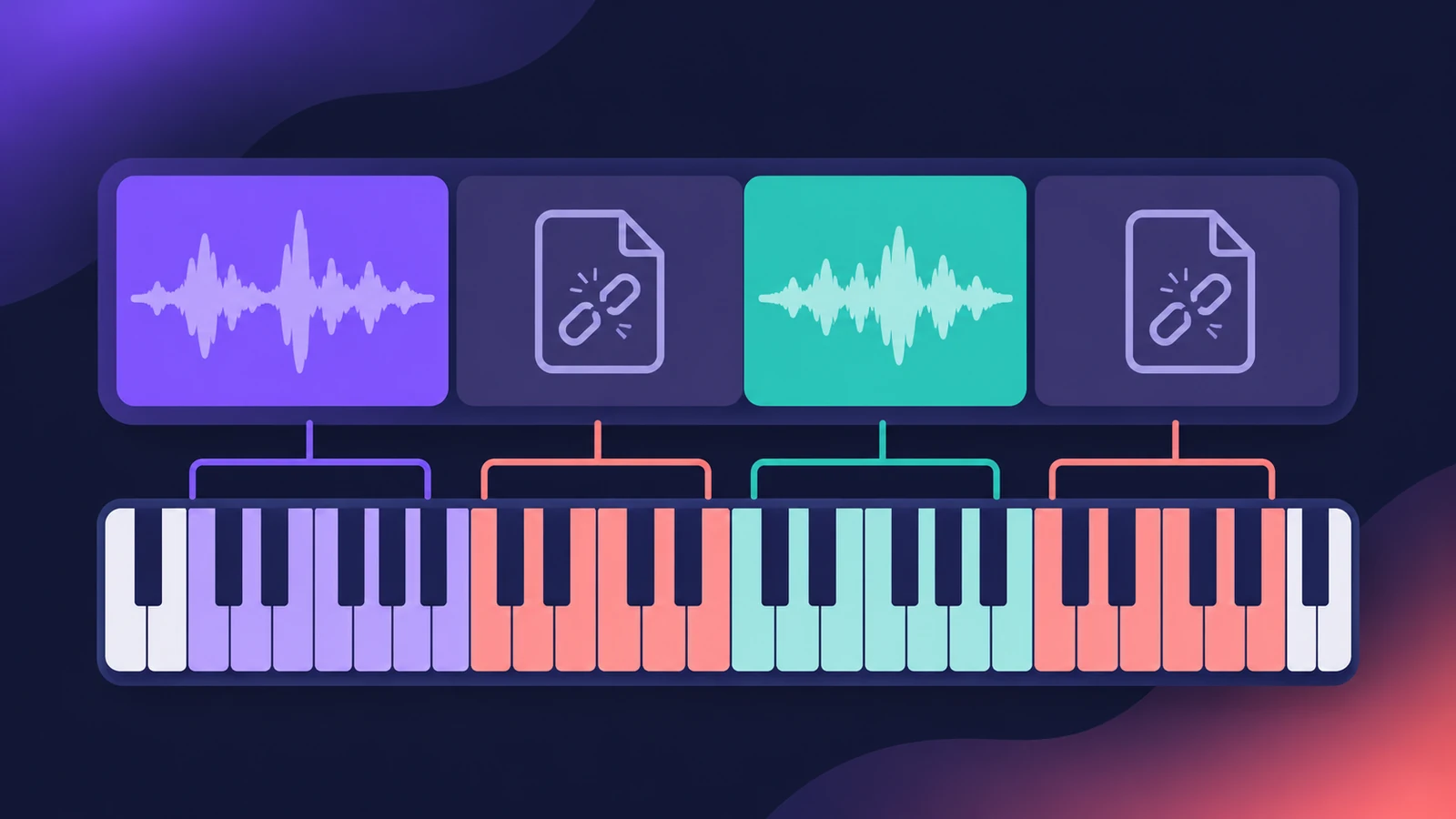
A project opens with a "missing file in sampler instrument" message, or a Sampler patch loads but stays silent. A sampler instrument only stores links to its audio files — if the files moved, sit on a disconnected drive or were never installed, Sampler can't play them.
 Owen Hartley
Applies to: Logic Pro 13, 12 and 11 for Mac.
Most likely causes
- Sample files moved or renamed after the instrument was made (most common)
- External drive with samples not connected (common)
- Factory or legacy sound pack not installed (common)
- Samples kept in an iCloud Drive folder (occasional)
Why samples go missing
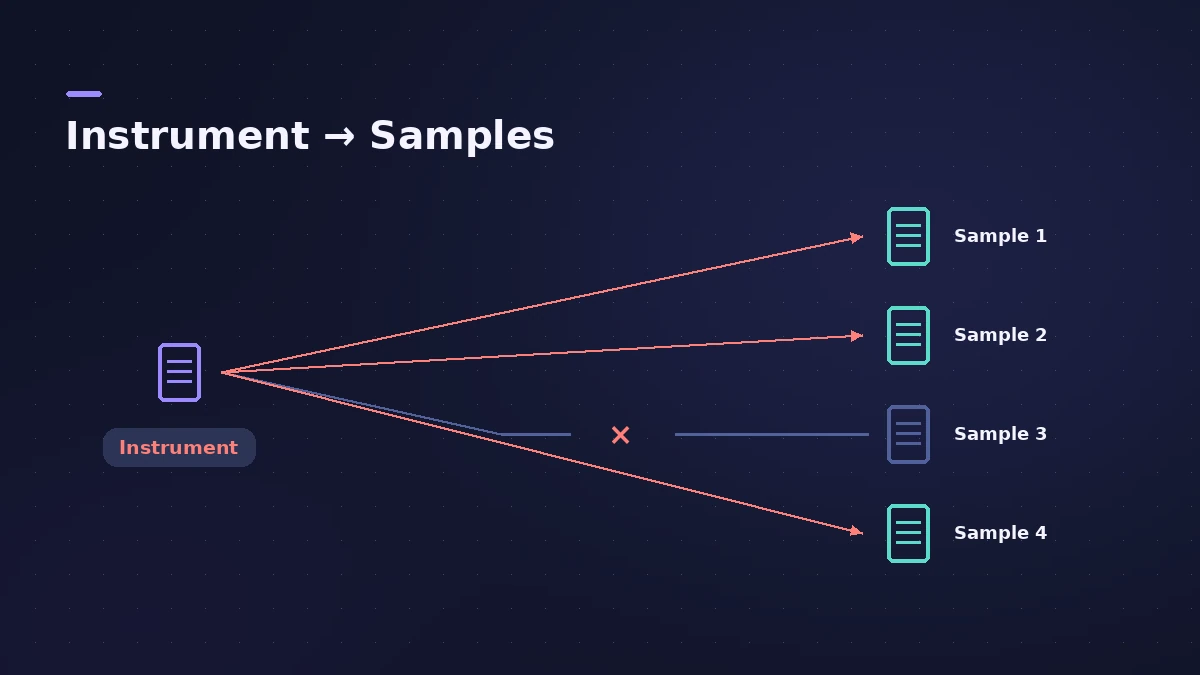
Because the instrument file only points to its samples, moving either one outside Logic Pro breaks the link. For audio regions that can't be found, see missing audio files; for sounds that won't download, see Sound Library download error.
Fixes, in order
1. Reconnect the drive
If your own instruments or libraries live on an external drive, connect it before opening the project.
2. Install missing sound packs
For factory or legacy sounds, open the Sound Library and Manage Packs. Users missing legacy sounds after updating got them back this way.
3. Keep user instruments in the standard folders
Users recommend keeping your sampler instruments and samples inside Music > Audio Music Apps, in Sampler Instruments and Samples.
4. Move samples out of iCloud Drive
A user found samples in an iCloud Drive folder weren't found, while copies on the Desktop loaded at once.
5. Don't move linked files
Users warn that moving an instrument or its samples outside these folders, without realising they're linked, confuses Logic Pro.
Sources
- Apple — Create sampler instruments with Sampler in Logic Pro
- Apple Community — Logic Pro 12: missing legacy sounds (2026)
- Apple Community — Sampler not finding samples in iCloud Drive
- Reddit r/Logic_Studio — Missing file in sampler instrument (2025)
Checked November 2026. Logic ProFiles is independent of Apple; menu names can differ slightly between Logic Pro versions.
Frequently asked questions
Can Sampler open my old EXS24 instruments?
+
Yes. Apple says Sampler opens and edits custom instruments you created with EXS24.
Where should I keep my own sampler instruments?
+
Users recommend the Sampler Instruments and Samples folders in Music > Audio Music Apps, so links don't break.
Related
- Sampler in Logic ProBuild a multisampled instrument with Logic Pro's Sampler: drag in samples, choose a mapping, edit zones and groups, and open old EXS24 instruments in Sampler.
- Logic Pro Sound Library — download, install and move itManage the Logic Pro Sound Library: install sound packs, download everything, move it to an external SSD with Relocate Sound Library and fix a missing drive.
- "Audio file not found" in Logic ProLogic Pro says an audio file wasn't found in its expected location? Use Search or Locate, check moved folders and drives, clean the Project Audio list.
- Sound Library won't download in Logic ProLogic Pro says it was not able to complete the download of sounds? Check free space, install packages one by one in the Sound Library Manager, update Logic Pro.
- Fix Logic Pro problems — errors, crashes and no soundStep-by-step fixes for Logic Pro on Mac: system overload, disk too slow, no sound, crashes, latency, missing plug-ins, MIDI keyboards and recording problems.