Fix Problems
"Audio file not found" in Logic Pro
When Logic Pro can't find an audio file a project uses, it asks you to search for it, locate it or skip it, and the regions show up empty. The file usually still exists — it's been moved, renamed, left on another drive, or blocked by permissions.
 Owen Hartley

Applies to: Logic Pro 13, 12 and 11 for Mac (wording as users report it).
Most likely causes
- Project or audio files moved or renamed in the Finder (most common)
- External drive not connected (common)
- Files deleted but still listed in Project Audio (common)
- Folder permissions changed after a macOS update (occasional)
The three choices
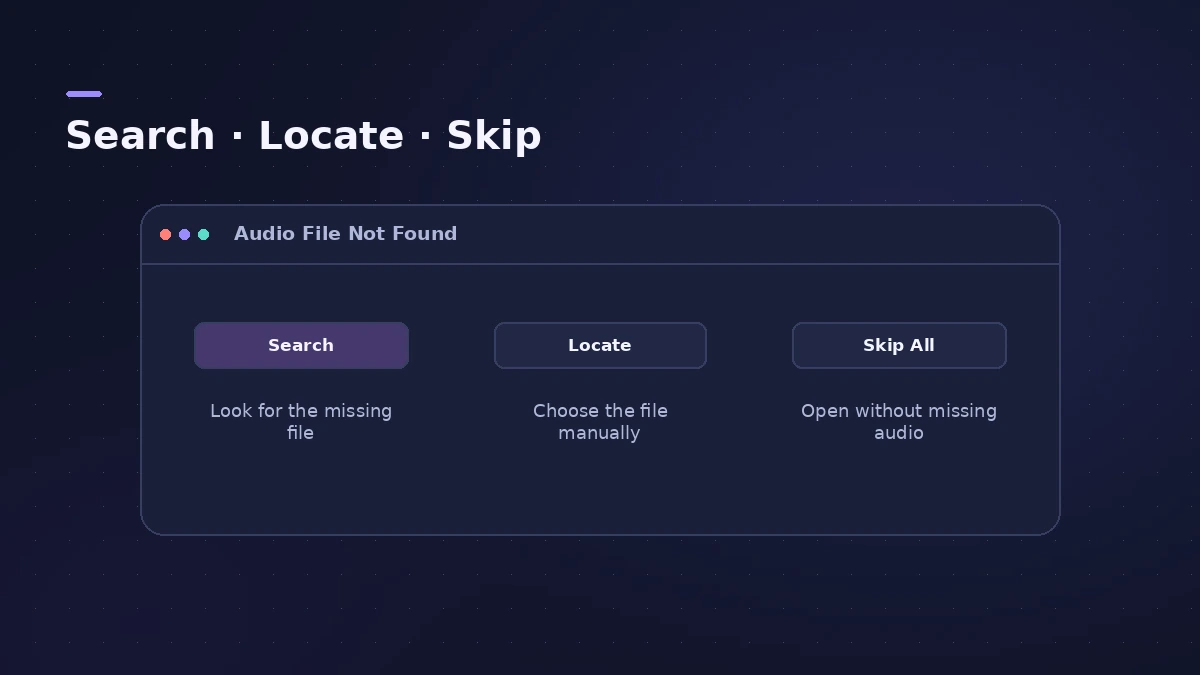
Search scans the drive, Locate lets you point to the file, and Skip opens the project without it — the regions stay as empty placeholders you can reconnect later.
Prevent it next time
Keep the audio inside the project and keep backups; see save and back up projects. If the project itself won't open, go to project won't open.
Fixes, in order
1. Reconnect the drive
If the project used files on an external drive, connect it and reopen the project before searching.
2. Click Search
Search looks for the file on the current volume. If it finds several matches, choose the right one.
3. Click Locate
Point Logic Pro to the folder yourself when you know where the file went.
4. Clean up Project Audio
If it asks for files you deleted on purpose, remove unused files from the Project Audio list so the prompt stops.
5. Check folder access
If files appear greyed out, macOS may be blocking access to that folder; check Privacy & Security permissions for Logic Pro.
6. Revert or restore
If regions are missing without any prompt, try File > Revert To an earlier saved version, or a backup.
Sources
- Apple — Logic Pro 9 User Manual: missing audio files dialog (old)
- Apple Community — Missing audio files (delete unused files from Project Audio)
- Apple Community — Audio files missing after update (Revert To, release notes)
- Apple Community — OSStatus error -108 after macOS 15.4
Checked November 2026. Logic ProFiles is independent of Apple; menu names can differ slightly between Logic Pro versions.
Frequently asked questions
Why does Logic Pro say my audio file wasn't found?
+
The project points to a file path that no longer matches — the file was moved, renamed, deleted or is on a disconnected drive.
How do I stop this from happening?
+
Save projects with their audio copied into the project, so the files move with it.
The regions are empty but no prompt appeared — what now?
+
Check Project Audio, then try File > Revert To or a backup. Apple's Logic Pro 12 release notes also fixed a bug where regions could go missing in some projects.
Related
- Logic Pro Sampler missing samplesSampler or old EXS instruments say samples are missing in Logic Pro? Reconnect drives, keep samples in Audio Music Apps and reinstall sound packs.
- Delete unused audio files in Logic ProShrink a Logic Pro project: delete inactive track alternatives, Select Unused in the Project Audio Browser, delete files, optimize audio and run Clean Up.
- Save and back up Logic Pro projectsSave Logic Pro projects as a package or folder, revert to earlier backups, consolidate assets before moving a project and back everything up with Time Machine.
- Logic Pro project won't openA Logic Pro project won't open or says it's damaged? Open it without plug-ins, import its tracks into a new project, use Revert To or Project Backups.
- Logic Pro keeps crashing or won't open — 14 fixesLogic Pro crashing, quitting or stuck on launch? Follow Apple's order: restart, update, isolate plug-ins with startup keys, reset settings, reinstall.
- Fix Logic Pro problems — errors, crashes and no soundStep-by-step fixes for Logic Pro on Mac: system overload, disk too slow, no sound, crashes, latency, missing plug-ins, MIDI keyboards and recording problems.