Fix Problems
Logic Pro project won't open
When one project crashes Logic Pro or won't open, the cause is often a plug-in, a damaged project file or the drive it lives on. Work from the least to the most drastic step — and copy the project folder first so you never make things worse.
 Owen Hartley

Applies to: Logic Pro 13, 12 and 11 for Mac (message as users report it).
Most likely causes
- A third-party plug-in crashing on load (common)
- Damaged project file after a crash or interrupted save (common)
- Project stored on an unsuitable drive format (occasional)
Recovery, step by step
If none of these work, the problem may be Logic Pro itself rather than the project — see Logic Pro crashing and reset Logic Pro settings.
Avoid it next time
Regular saves, alternatives and backups are the real fix; see save and back up projects.
Fixes, in order
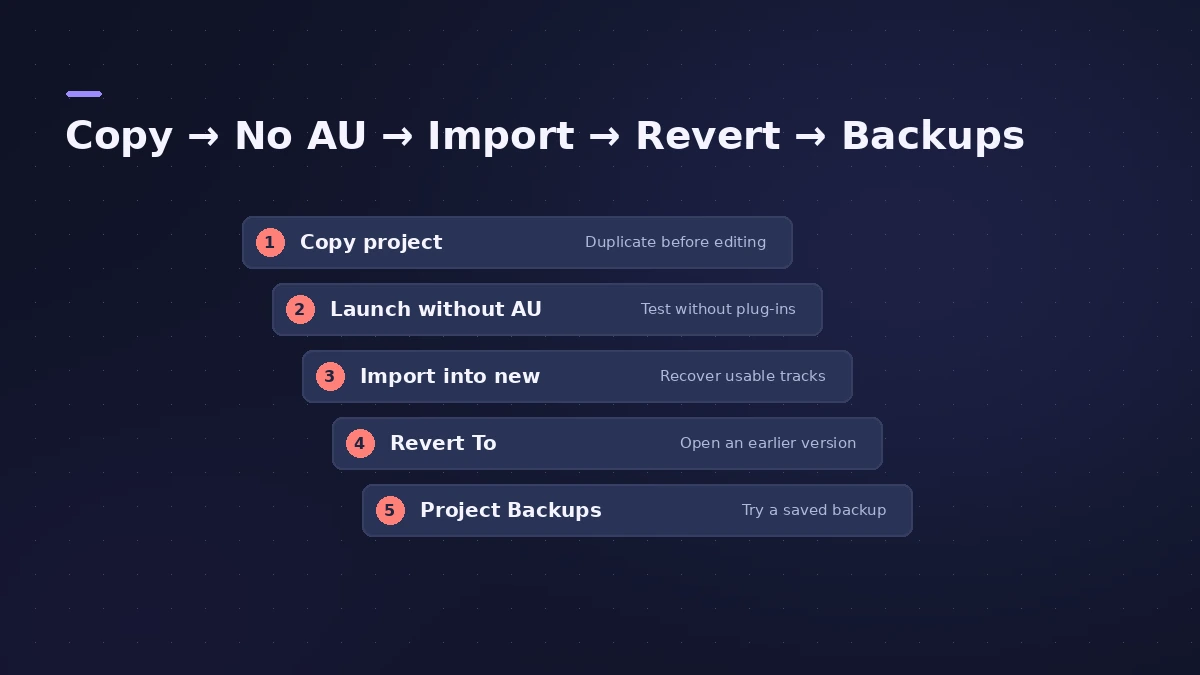
1. Duplicate the project first
Copy the whole project in the Finder before trying anything, so every step can be undone.
2. Open without Audio Units
Open Logic Pro, hold Control right away and choose Launch Without Audio Units. If it opens, a plug-in is the cause.
3. Import into a new project
Create a new project and import tracks and settings from the damaged one — users report this often rescues the work.
4. Use Revert To
Choose File > Revert To to go back to an earlier saved version of the project.
5. Check Project Backups
Look in ~/Library/Application Support/Logic/Project Backups for an autosaved or backup copy.
6. Move it to an APFS drive
Users report corruption with exFAT drives; keep projects on APFS or Mac OS Extended drives.
Sources
- Apple — If Logic Pro for Mac isn't working (reset steps)
- Apple Community — Project won't open: Project Backups folder
- Apple Community — Project won't open after crash (import into new project)
- Apple Community — Audio files missing after update (Revert To, release notes)
- Apple Community — File isn't in the correct format (exFAT drive)
Checked November 2026. Logic ProFiles is independent of Apple; menu names can differ slightly between Logic Pro versions.
Frequently asked questions
How do I recover a Logic Pro project that won't open?
+
Try opening without Audio Units, importing it into a new project, File > Revert To, or a copy in the Project Backups folder.
Where does Logic Pro keep backups?
+
Inside the project (for Revert To) and, for some autosaves, in ~/Library/Application Support/Logic/Project Backups.
Is it a plug-in problem?
+
If the project opens with Launch Without Audio Units, yes — add plug-ins back one by one to find the culprit.
Related
- Logic Pro keeps crashing or won't open — 14 fixesLogic Pro crashing, quitting or stuck on launch? Follow Apple's order: restart, update, isolate plug-ins with startup keys, reset settings, reinstall.
- "Audio file not found" in Logic ProLogic Pro says an audio file wasn't found in its expected location? Use Search or Locate, check moved folders and drives, clean the Project Audio list.
- Save and back up Logic Pro projectsSave Logic Pro projects as a package or folder, revert to earlier backups, consolidate assets before moving a project and back everything up with Time Machine.
- How to reset Logic Pro settingsReset Logic Pro settings to fix odd behaviour: use Reset All Settings Except Key Commands, then reset the plist file or the control surfaces file if needed.