Fix Problems
How to reset Logic Pro settings
When Logic Pro behaves strangely in every project, a damaged or unusual setting may be the cause. Apple's troubleshooting article has three levels of reset — from the Settings menu, the preferences (plist) file and the control surfaces file. None of them touch your projects, presets or patches.
 Owen Hartley

Applies to: Logic Pro 13, 12 and 11 for Mac, one-time purchase and Apple Creator Studio versions.
Most likely causes
- A custom setting causing unexpected behaviour (common)
- Damaged preferences (plist) file (occasional)
- Control surface settings interfering (occasional)
Three levels of reset
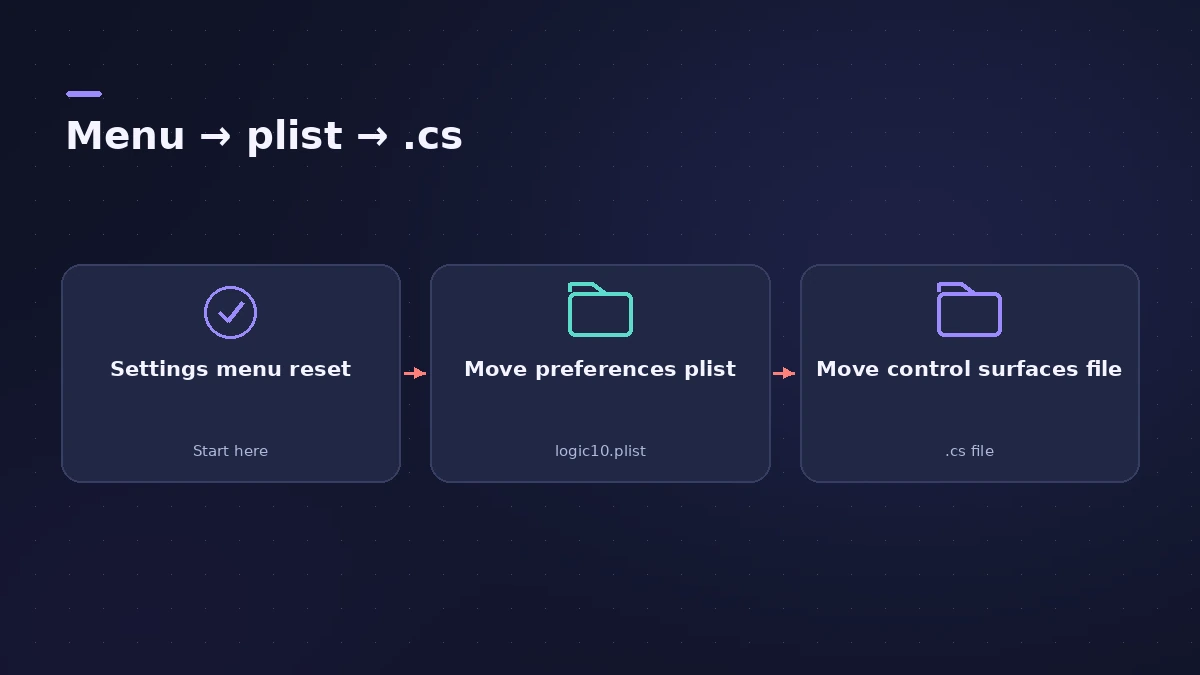
Moving a file into a new folder (rather than deleting it) lets you put it back if the reset doesn't help. If you upgraded from Logic 9 or earlier, Apple says to move com.apple.logic.pro into the folder too.
Still not fixed?
Work through the rest of Logic Pro crashing: test with a new project and built-in audio, then reinstall Logic Pro.
Fixes, in order
1. Note your settings
Write down custom settings and save custom key commands before you reset anything.
2. Reset from the menu
Choose Logic Pro > Settings > Reset All Settings Except Key Commands, then test your project.
3. Reset the plist file
Quit Logic Pro, go to ~/Library/Preferences and move com.apple.logic10.plist (one-time purchase) or com.apple.mobilelogic (Apple Creator Studio) into a new folder, then restart the Mac.
4. Reset control surfaces
Move com.apple.logic.pro.cs into a new folder the same way, restart, and add your control surface again if needed.
5. Reapply settings one by one
If the problem is gone, reapply custom settings one at a time to find the one that caused it.
Sources
- Apple — If Logic Pro for Mac isn't working (reset steps)
- Apple — If Logic Pro for Mac isn't working (Feb 2026)
- Apple — Logic Pro User Guide: What's new in Logic Pro for Mac 12
Checked November 2026. Logic ProFiles is independent of Apple; menu names can differ slightly between Logic Pro versions.
Frequently asked questions
Does resetting Logic Pro settings delete my projects?
+
No. Apple says it doesn't affect project files, presets or patches — only your custom settings.
Where is the Logic Pro preferences file?
+
In ~/Library/Preferences: com.apple.logic10.plist for the one-time purchase version, com.apple.mobilelogic for Apple Creator Studio.
Do I have to turn Advanced settings back on?
+
In Logic Pro 11 and earlier you may need to; in Logic Pro 12 and later every feature is always available.
Related
- Logic Pro settings vs project settingsLogic Pro has two settings windows: Logic Pro > Settings for every project, and File > Project Settings saved with each one. What lives where, how to reset.
- Create custom key commands in Logic ProMake your own Logic Pro key commands: find the command, click Learn by Key Label, press the keys. Find unused shortcuts and export your set as a backup.
- Logic Pro key commands not workingSpace bar or shortcuts stopped working in Logic Pro? Reload a default key command preset, check key focus, and look for control surface or macOS conflicts.
- Logic Pro keeps crashing or won't open — 14 fixesLogic Pro crashing, quitting or stuck on launch? Follow Apple's order: restart, update, isolate plug-ins with startup keys, reset settings, reinstall.
- Logic Pro project won't openA Logic Pro project won't open or says it's damaged? Open it without plug-ins, import its tracks into a new project, use Revert To or Project Backups.
- Logic Pro advanced settings — where "Enable Complete Features" wentCan't find Enable Complete Features or the Advanced pane in Logic Pro 12 or 13? Every feature is now always on. What changed and how older versions work.
- Fix Logic Pro problems — errors, crashes and no soundStep-by-step fixes for Logic Pro on Mac: system overload, disk too slow, no sound, crashes, latency, missing plug-ins, MIDI keyboards and recording problems.