Reference
Create custom key commands in Logic Pro
Almost every Logic Pro function can have its own shortcut. You assign them in the Key Commands window (Option-K): find the command, click Learn by Key Label and press the keys. Export the set afterwards so you can restore it or take it to another Mac.
 Owen Hartley

Where to find it
Logic Pro > Key Commands > Edit
The four steps
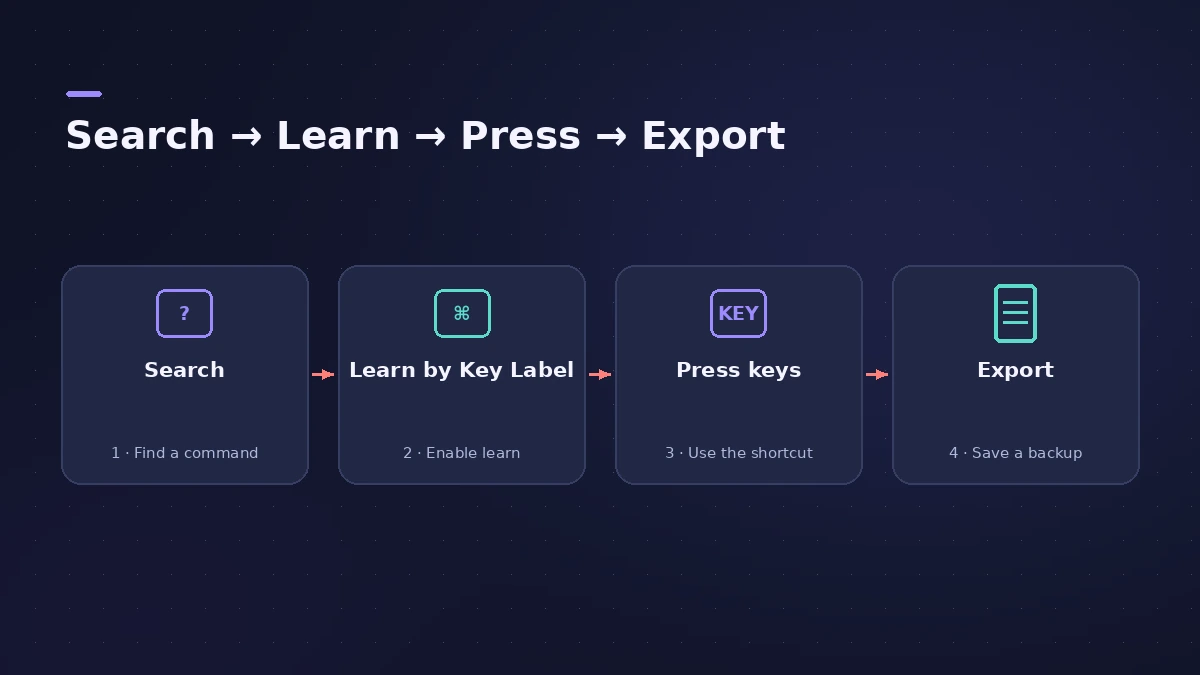
Step by step
-
1
Open the Key Commands window
Choose Logic Pro > Key Commands > Edit (Option-K).
-
2
Find the command
Click All and type in the search field — or click Unused to list commands without a shortcut.
-
3
Check the keys are free
Click Pressed and hold the key combination to see whether it's already assigned.
-
4
Learn the shortcut
Select the command, click Learn by Key Label, then press the key with any modifiers. If it's already used, an alert lets you decide.
-
5
Finish and export
Click Learn by Key Label again to stop, then choose Options > Export Key Commands to save a backup.
Common mistakes
- Using a macOS shortcut: If a combination is taken by macOS (such as showing the Dock), choose another.
- Mixing up keypad and number keys: Learn by Key Label treats both number keys the same; use Learn by Key Position to assign them separately.
MIDI controller buttons
Click Learn New Assignment instead to assign a control surface or MIDI message to the command. For default shortcuts, see Logic Pro shortcuts; if shortcuts stop working, see key commands not working.
Sources
- Apple Support — Create custom keyboard shortcuts for Logic Pro for Mac
- Apple Support — Search keyboard shortcuts (All, Unused)
- Apple Support — Check a key combination with Pressed
- Apple — Logic Pro X 10.1 Help: Browse, import and save key commands (old)
- Apple — Logic Pro X 10.1 Help: Assign key commands (old)
- Apple — Logic Pro X User Manual: Assign key commands (old)
- Apple — Logic Pro 9 User Manual: Key Commands window (old)
Checked November 2026. Logic ProFiles is independent of Apple; menu names can differ slightly between Logic Pro versions.
Frequently asked questions
Where are custom key commands saved?
+
In ~/Library/Application Support/Logic/Key Commands — the default location for exported sets.
Do updates reset my key commands?
+
Apple's Logic Pro 9 manual says personal key commands remain unaltered by updates; export them anyway before resetting settings.
Related
- Logic Pro shortcuts — the default key commands worth learningThe Logic Pro key commands worth learning first: transport, recording, windows, editing, tracks and export from Apple's U.S. preset, and how to change them.
- Logic Pro key commands not workingSpace bar or shortcuts stopped working in Logic Pro? Reload a default key command preset, check key focus, and look for control surface or macOS conflicts.
- How to reset Logic Pro settingsReset Logic Pro settings to fix odd behaviour: use Reset All Settings Except Key Commands, then reset the plist file or the control surfaces file if needed.
- Logic Pro referenceLogic Pro reference: a plain-English glossary, supported audio and MIDI file formats, where plug-ins are installed, and how to make custom key commands.