Editing
Delete unused audio files in Logic Pro
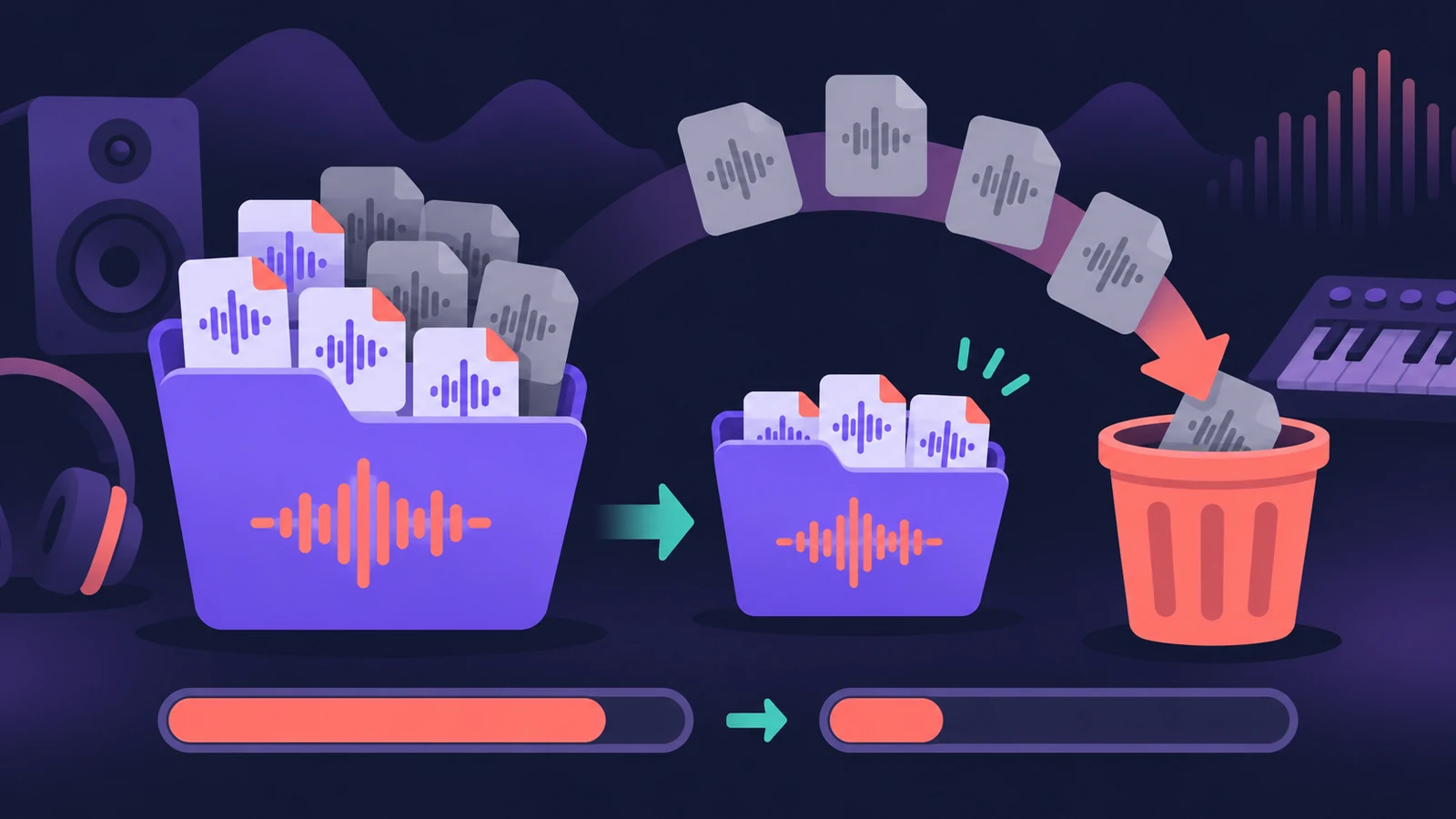
Every take you record stays in the project even after you delete its region. Apple's clean-up route is to remove inactive track alternatives, then use the Project Audio Browser's Select Unused and delete those files — which can free a lot of disk space.
 Owen Hartley
Where to find it
Project Audio Browser > Edit > Select Unused
Delete from project or from disk?
| Action | Result |
|---|---|
| Select a file, press Delete | Removed from the project, not from the disk |
| Audio File > Delete File(s) | Moved to the Trash |
| Audio File > Optimize File(s) | Unused parts of used files removed |
| Project Clean Up | Unused files and backups removed |
Step by step
-
1
Back up the project
Make a copy before deleting anything — see save and back up projects.
-
2
Settle takes and alternatives
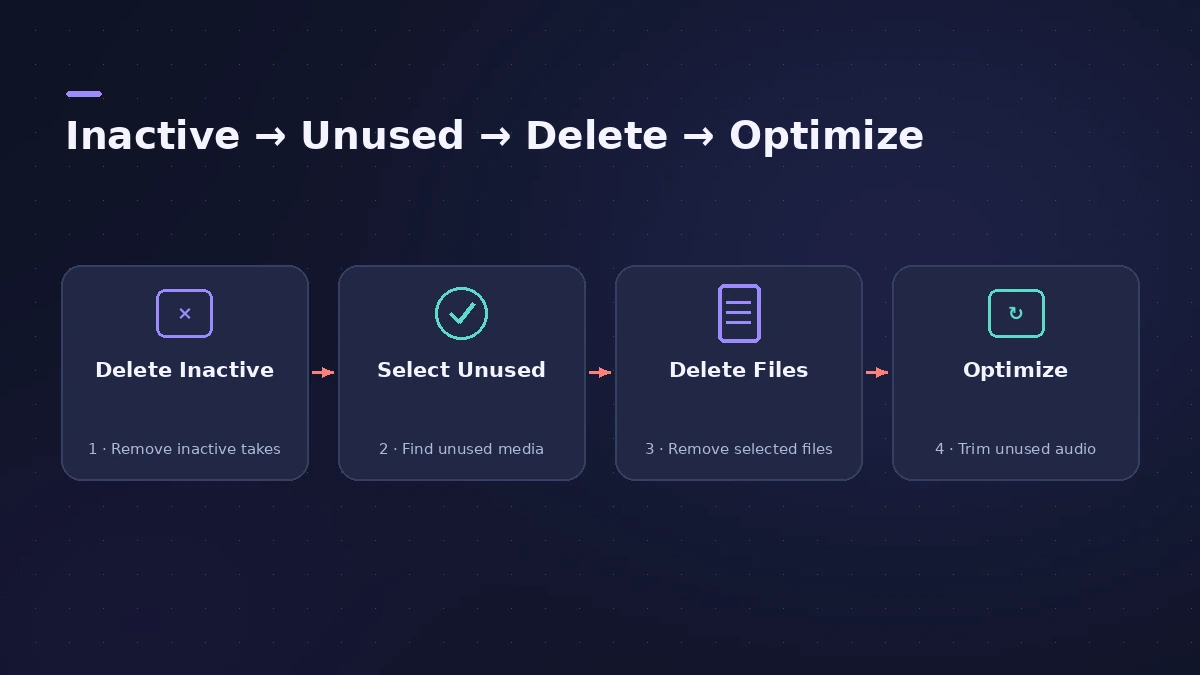
Optionally flatten and merge take folders, and choose Delete Inactive in the Track Alternatives menu for tracks you've decided on.
-
3
Select unused files
Open the Project Audio Browser and choose Edit > Select Unused. Unused files are highlighted.
-
4
Delete them
Choose Audio File > Delete Files. Pressing Delete only removes them from the project; Delete Files moves them to the Trash.
-
5
Optimize what's left
Select used files and choose Audio File > Optimize File(s) to remove unused portions of files.
Common mistakes
- Deleting files before deciding on takes and alternatives.
- Forgetting hidden tracks or muted regions still use their audio.
- Emptying the Trash before checking the project still opens and plays correctly.
Missing files instead?
If Logic Pro asks for files that are gone, see missing audio files. To find where files live, see where files are saved.
Sources
- Apple Support — Remove unused audio files in your Logic Pro for Mac project
- Apple — Logic Pro X 10.1 Help: Add and delete audio files (old)
- Apple — Logic Pro X User Manual: Delete and optimize audio files
- Apple — Logic Pro X 10.1 Help: Clean up projects (old)
Checked November 2026. Logic ProFiles is independent of Apple; menu names can differ slightly between Logic Pro versions.
Frequently asked questions
Does deleting a region delete the audio file?
+
No. The file stays in the project until you remove it in the Project Audio Browser.
What does Clean Up do?
+
Clean Up can delete files not used in any project alternative, and backups, from the project.
Related
- "Audio file not found" in Logic ProLogic Pro says an audio file wasn't found in its expected location? Use Search or Locate, check moved folders and drives, clean the Project Audio list.
- Where does Logic Pro save files?Where Logic Pro keeps files on a Mac: projects in Music > Logic, the Sound Library bundle, templates, key commands, settings files and third-party plug-ins.
- Track Alternatives in Logic ProUse Track Alternatives in Logic Pro like playlists: create New or Duplicate versions, prelisten and exchange, rename, and delete inactive ones to save space.
- Save and back up Logic Pro projectsSave Logic Pro projects as a package or folder, revert to earlier backups, consolidate assets before moving a project and back everything up with Time Machine.
- Editing in Logic ProEdit audio and MIDI in Logic Pro: comp takes, quantize, Flex Time, Smart Tempo, change tempo or key, Stem Splitter, audio to MIDI, fades and Remove Silence.