Reference
Where does Logic Pro save files?
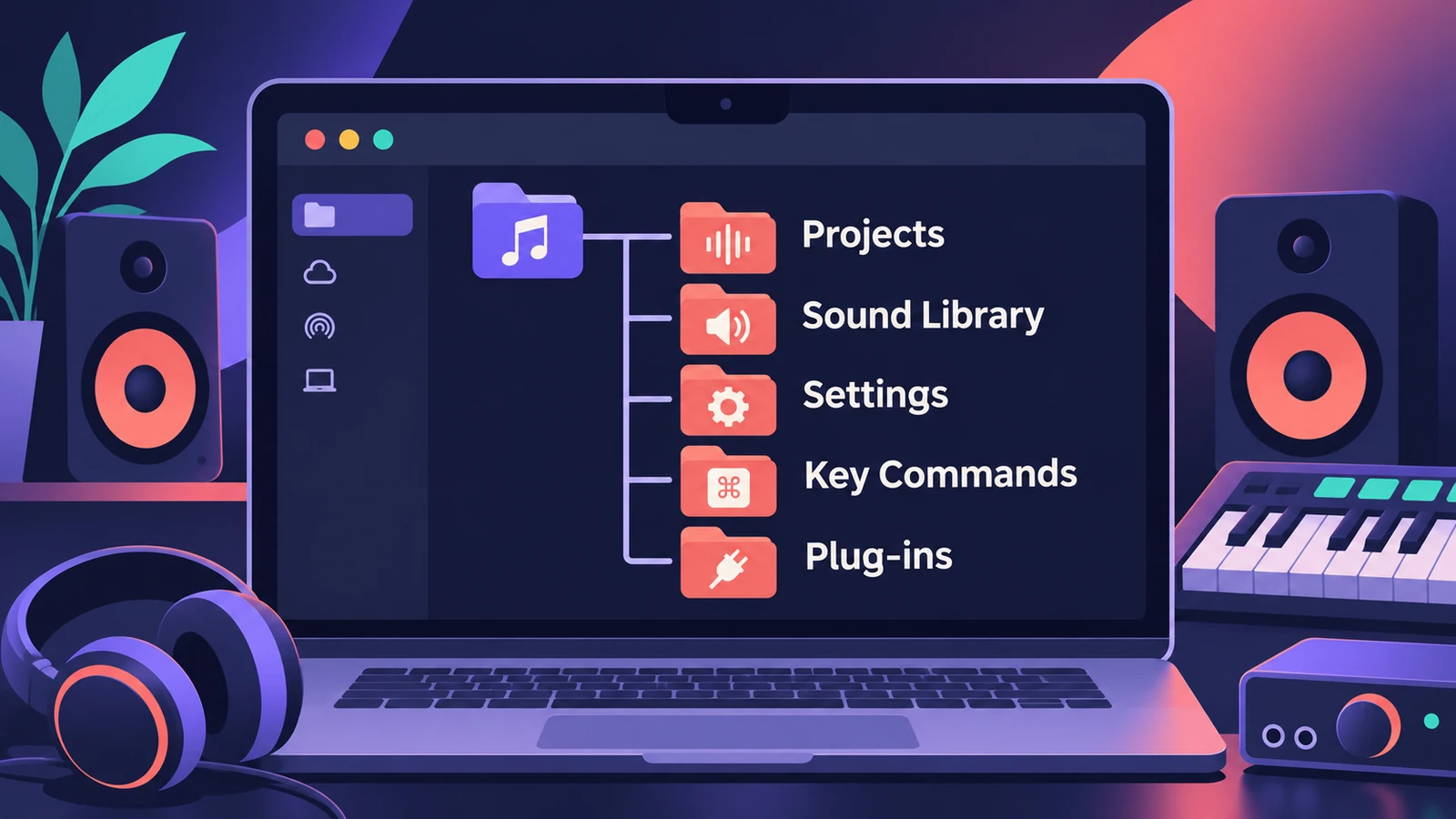
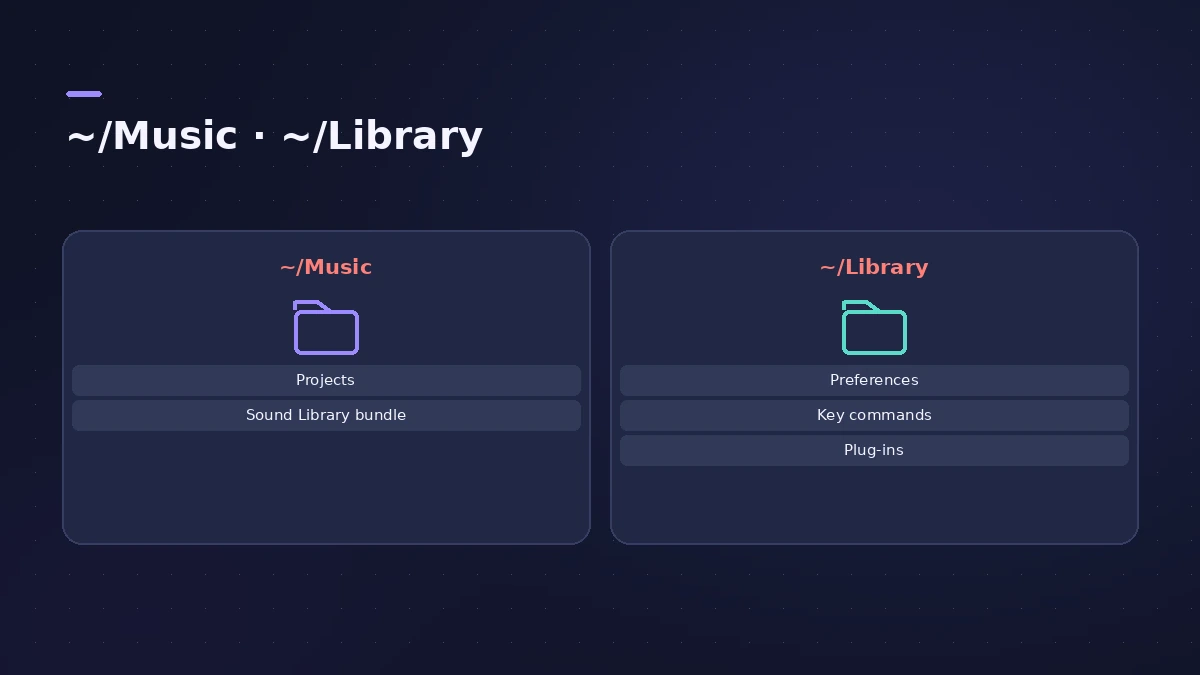
New projects go into the Logic folder inside your Music folder unless you choose somewhere else. The Sound Library, key commands, settings and plug-ins each live in their own place — this page lists them all, so you know what to back up and where to look when something goes missing.
 Owen Hartley
The locations
| What | Where |
|---|---|
| Projects (default) | ~/Music/Logic |
| Sound Library (Logic Pro 12+) | Logic Pro Library.bundle in your Music folder — movable |
| Custom key commands | ~/Library/Application Support/Logic/Key Commands |
| Logic Pro settings | ~/Library/Preferences/com.apple.logic10.plist |
| Control surface settings | ~/Library/Preferences/com.apple.logic.pro.cs |
| Third-party Audio Units | /Library/Audio/Plug-Ins/Components (or the same path in ~/Library) |
"~" means your home folder. The Library folder in your home folder is hidden by default; in the Finder, choose Go > Go to Folder and type the path.
Package or folder
A project can be saved as a single package or as a folder with subfolders for its assets — the choice appears in the Save dialog when advanced tools are on. Either way, you choose whether audio files and other assets are copied into the project or referenced from elsewhere. For backups, see save and back up projects; for bounced files, see where bounces are saved.
Sources
- Dummies — How to start a Logic Pro project (default Logic folder, templates)
- Apple — Logic Pro X 10.1 Help: Save projects (package or folder)
- Apple — Logic Pro X 10.1 Help: Manage project assets
- Apple — Logic Pro 9 User Manual: Saving projects (backups, templates) (old)
- Apple Support — Move Logic Pro for Mac and MainStage content (Library bundle)
- Apple — Logic Pro X 10.1 Help: Browse, import and save key commands (old)
- Apple — Logic Pro User Guide: Overview of Logic Pro settings
- Apple Support — Where are third-party Audio Units plug-ins installed on Mac?
- Apple Support — Audio Units in the Home folder Library
Checked November 2026. Logic ProFiles is independent of Apple; menu names can differ slightly between Logic Pro versions.
Frequently asked questions
Where are Logic Pro projects saved by default?
+
In the Logic folder inside your Music folder (Users > your name > Music > Logic), unless you pick another location when saving.
Where are Logic Pro settings stored?
+
In ~/Library/Preferences, in com.apple.logic10.plist, with a separate file for control surfaces.
Are audio files inside the project?
+
By default, project assets are saved in the project; you can also choose to reference them from another location.
Related
- Logic Pro project package vs project folderLogic Pro projects save as a .logicx package or as a project folder. What each holds, which assets get copied, why iPad needs packages, and how to convert.
- Delete unused audio files in Logic ProShrink a Logic Pro project: delete inactive track alternatives, Select Unused in the Project Audio Browser, delete files, optimize audio and run Clean Up.
- Save and back up Logic Pro projectsSave Logic Pro projects as a package or folder, revert to earlier backups, consolidate assets before moving a project and back everything up with Time Machine.
- Where does Logic Pro save bounces?Can't find your bounced song? Logic Pro saves bounces to ~/Music/Logic/Bounces by default. How to open the folder, change it and name files so you find them.
- Where Logic Pro plug-ins are installedThird-party Audio Units for Logic Pro live in /Library/Audio/Plug-Ins/Components or the same folder in your home Library. How to find and remove them.
- Logic Pro referenceLogic Pro reference: a plain-English glossary, supported audio and MIDI file formats, where plug-ins are installed, and how to make custom key commands.