Bounce & Export
Where does Logic Pro save bounces?
By default, Logic Pro saves bounced files to the Bounces folder inside Music > Logic in your home folder — ~/Music/Logic/Bounces. If you ever picked another folder in the Bounce dialog, Logic Pro keeps using that one for later bounces, which is the usual reason a file seems to vanish.
 Owen Hartley

Where to find it
~/Music/Logic/Bounces
If the song itself is missing rather than the bounce, the project file is a separate matter — Logic Pro saves projects wherever you chose when you first saved them. For finishing settings, see how to bounce.
Step by step
-
1
Open the Bounces folder
In the Finder, choose Go > Go to Folder, type
~/Music/Logic/Bouncesand press Return. -
2
Check the last folder you used
Press Command-B in Logic Pro. The Bounce dialog opens on the folder it will save to — that's where your last bounce went.
-
3
Search by name
Bounces are named after the output channel strip unless you typed a name — so search the Finder for "Output 1-2".
-
4
Set a folder you'll remember
Choose a folder in the Bounce dialog or create one with the New Folder button in its lower-left corner. Logic Pro uses it for later bounces.
Common mistakes
- Looking inside the project file — bounces aren't saved in the project unless you choose that folder.
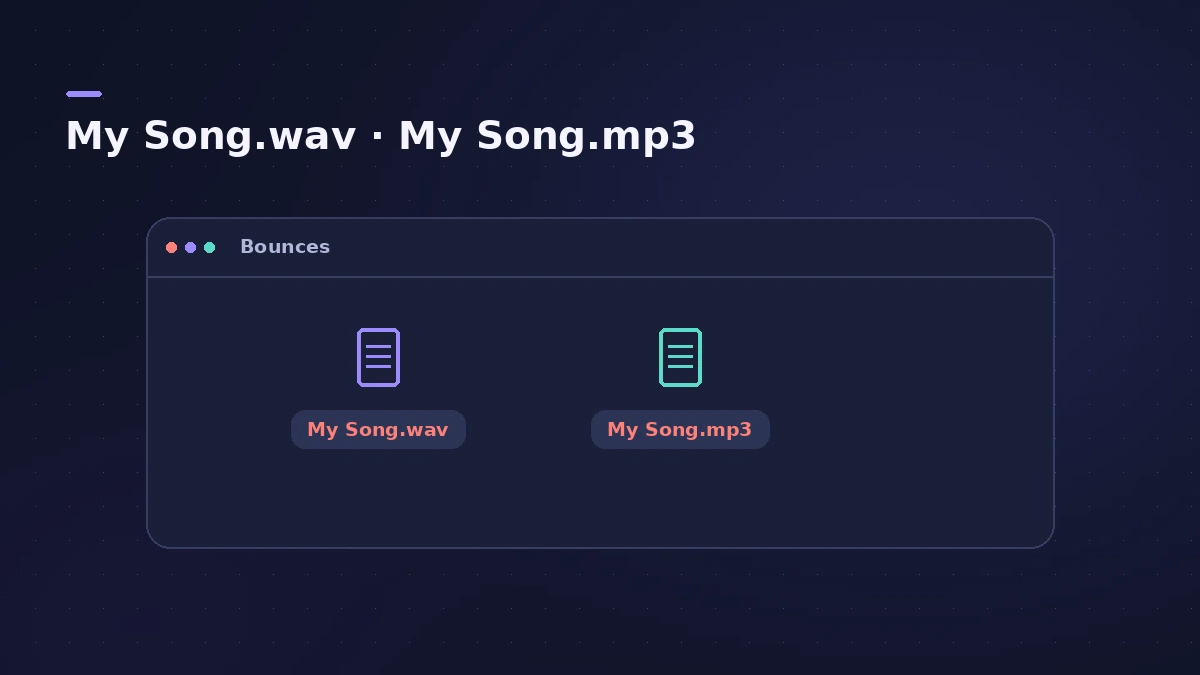
- Expecting each format in its own folder — MP3 and WAV from one bounce share a folder and a name.
Get the file back into Logic Pro
Tick Add to Project in the Bounce dialog to put the bounced file in the Project Audio Browser, ready to drag into the arrangement. MP3 bounces can also be added to your Apple Music library with their own checkbox.
Sources
- Apple — Logic Pro User Guide: Bounce a project to an audio file in Logic Pro for Mac
- Apple — Logic Pro User Guide: Export tracks as audio files in Logic Pro
- Apple — Logic Pro User Guide: MP3 bounce options in Logic Pro for Mac
Checked November 2026. Logic ProFiles is independent of Apple; menu names can differ slightly between Logic Pro versions.
Frequently asked questions
Where are Logic Pro bounces saved by default?
+
In ~/Music/Logic/Bounces — the Bounces folder in Music > Logic in your home folder.
Where do exported stems go?
+
To the folder you choose in the Export dialog. File > Export commands ask for a location each time.
Related
- Where does Logic Pro save files?Where Logic Pro keeps files on a Mac: projects in Music > Logic, the Sound Library bundle, templates, key commands, settings files and third-party plug-ins.
- How to bounce in Logic Pro — every bounce setting explainedBounce your Logic Pro project to WAV, MP3 or AAC: set the range, choose offline or realtime, include the reverb tail and pick the right normalize setting.
- How to export MP3 from Logic ProBounce an MP3 straight from Logic Pro: tick MP3 in the Bounce dialog, choose the bit rate, VBR, quality and stereo mode, and add ID3 tags. Settings explained.
- How to export stems from Logic ProExport every Logic Pro track as its own audio file for a mixer: All Tracks as Audio Files, the right options for effects, tails and naming, and Track Stacks.
- Bounce and export in Logic Pro — songs, stems, MIDI and AtmosHow to get audio out of Logic Pro on Mac: bounce a song to WAV or MP3, export stems and MIDI, deliver Dolby Atmos, send a project to Pro Tools or a video.