Reference
Logic Pro project package vs project folder
A Logic Pro project can be saved as a single .logicx package or as a project folder with subfolders for audio and other assets. Both work; the choice affects disk space, how easily you can move the project and whether Logic Pro for iPad can open it.
 Owen Hartley
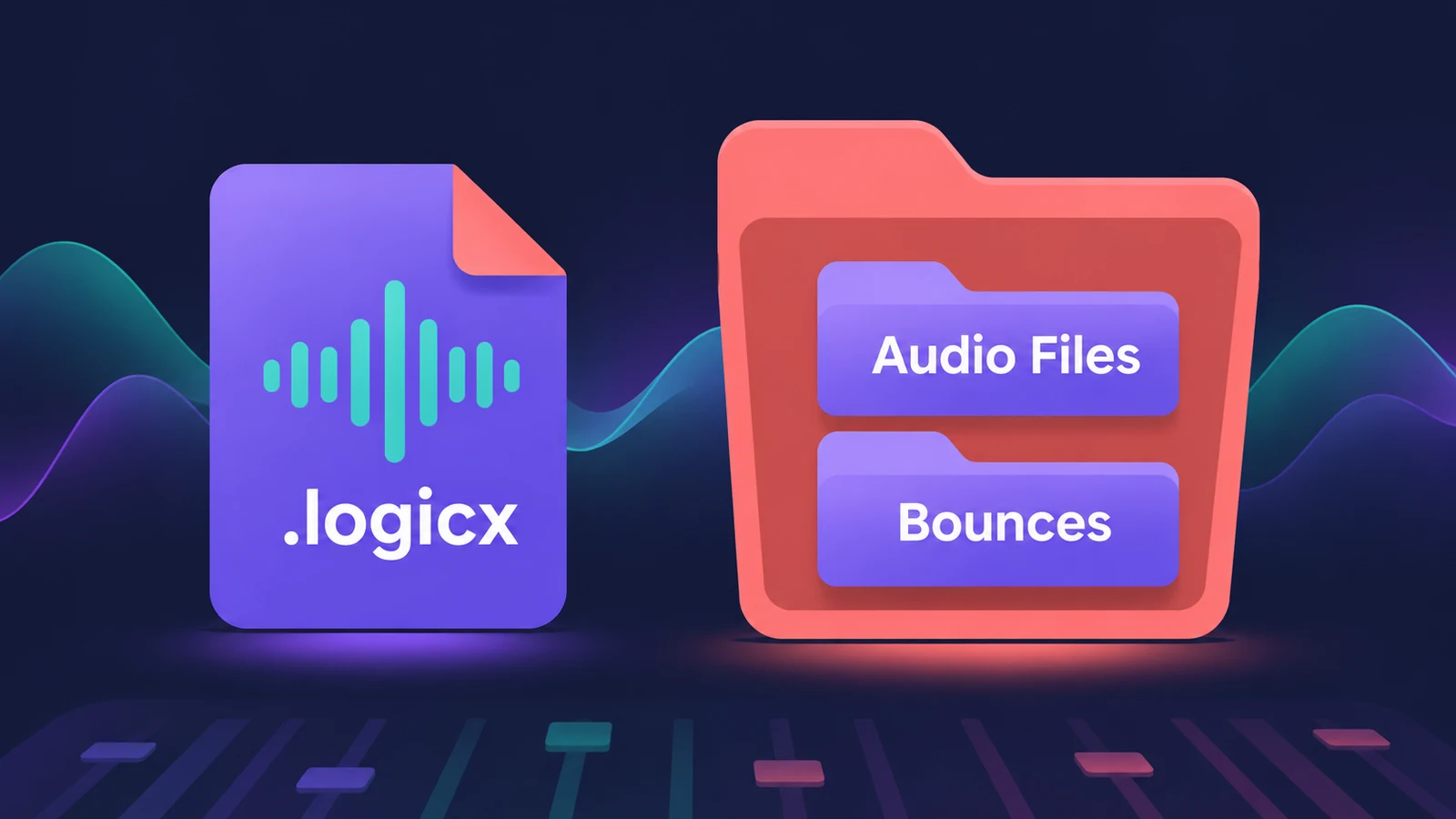
Package or folder?
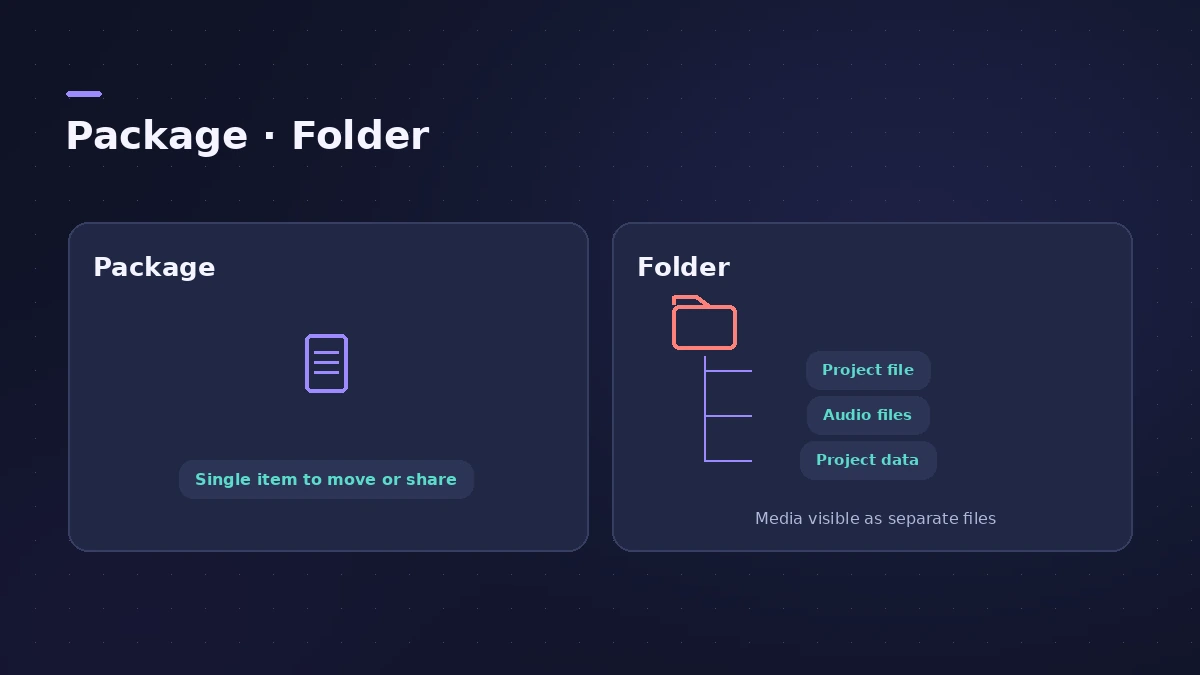
| Package (.logicx) | Folder | |
|---|---|---|
| What it is | One file with all assets inside | Folder with project file and subfolders |
| Moving and copying | Easiest | Copy the whole folder |
| Disk space | Can use more — assets duplicated on Save As | Versions can share assets |
| Logic Pro for iPad | Opens | Must be converted |
Apple's archived article notes that saving as a package always duplicates the old project's audio files and assets, while saving versions in the same folder can save disk space.
What gets copied
In File > Project Settings > Assets, the header shows whether the project is a package or folder. Checkboxes decide whether audio files, Sampler and Alchemy audio, Space Designer impulse responses, movies and Logic Pro Library content are copied into the project.
Sources
- Apple — Logic Pro X 10.1 Help: Save projects (old)
- Apple — Logic Pro for Mac: Assets project settings
- Apple — Work on a Logic Pro project on your iPad and your Mac
- Apple — Open older projects in Logic Pro X (package vs folder, archived)
Checked November 2026. Logic ProFiles is independent of Apple; menu names can differ slightly between Logic Pro versions.
Frequently asked questions
Can Logic Pro for iPad open a project folder?
+
No. Apple says Logic Pro for iPad can only open package files; convert with File > Save As > Package.
Does saving as a package use more disk space?
+
It can. Apple notes a package always duplicates the old project’s audio files and assets, so folders save space when you keep many versions.
Related
- Save and back up Logic Pro projectsSave Logic Pro projects as a package or folder, revert to earlier backups, consolidate assets before moving a project and back everything up with Time Machine.
- Where does Logic Pro save files?Where Logic Pro keeps files on a Mac: projects in Music > Logic, the Sound Library bundle, templates, key commands, settings files and third-party plug-ins.
- Move Logic Pro projects between Mac and iPadMove Logic Pro projects between Mac and iPad: copy files into the project, bounce third-party plug-ins and avoid the Mac-only features iPad can't open.
- Logic Pro referenceLogic Pro reference: a plain-English glossary, supported audio and MIDI file formats, where plug-ins are installed, and how to make custom key commands.