Fix Problems
Sound Library won't download in Logic Pro
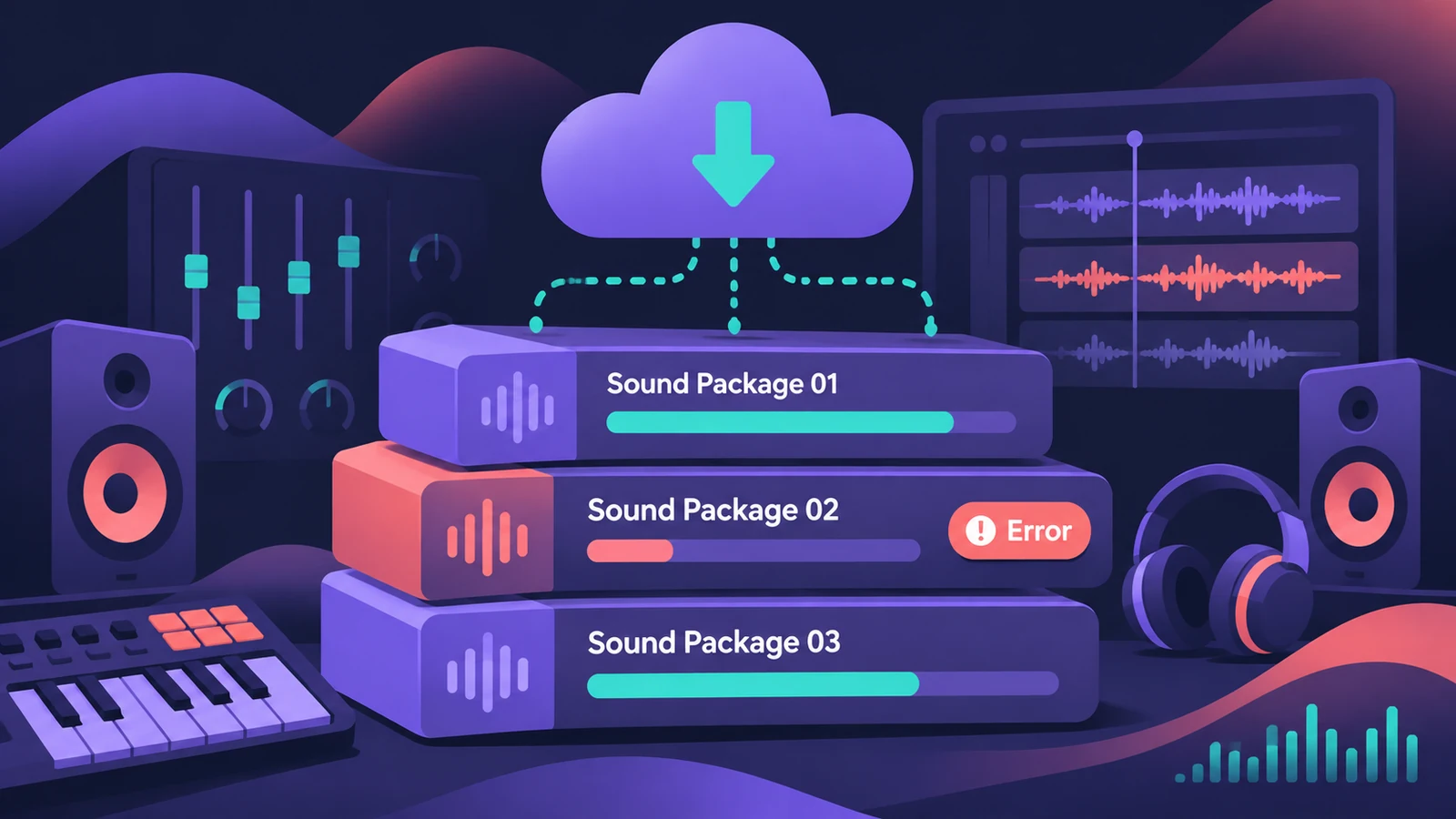
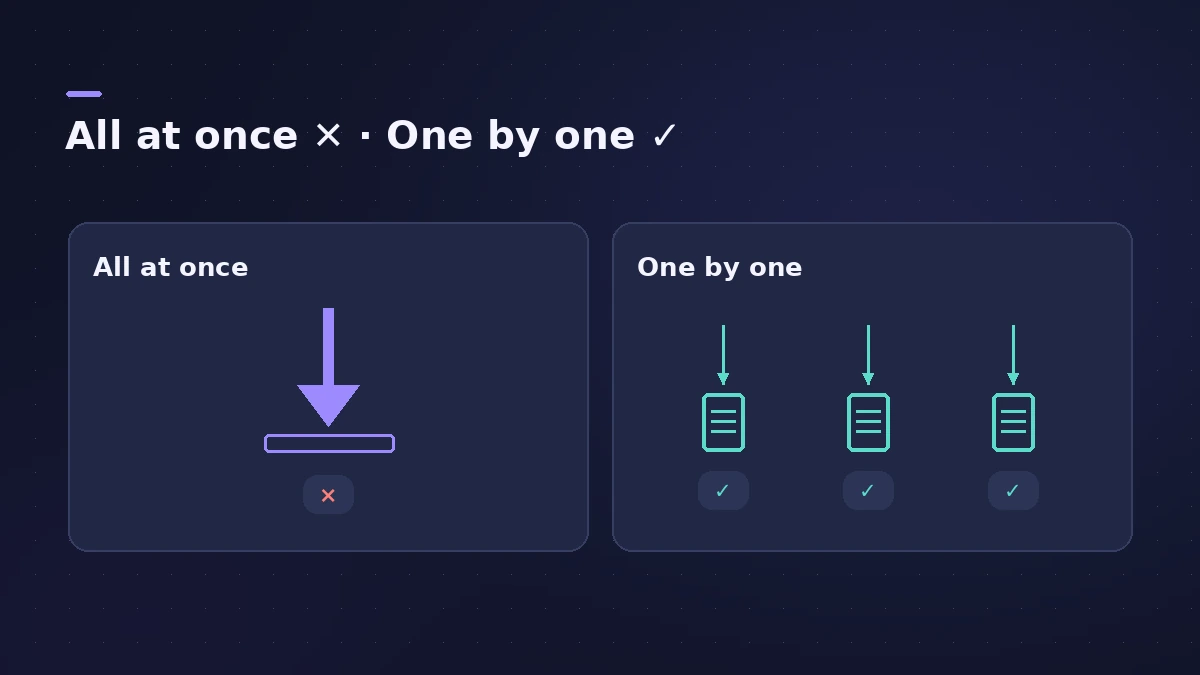
Downloading the whole Sound Library at once is where most failures happen. Apple's own fix is to install the content in smaller packages from the Sound Library Manager — and to make sure there's room, because the full library needs about 72 GB.
 Owen Hartley
Applies to: Logic Pro 13, 12 and 11 for Mac (message as users report it).
Most likely causes
- Too much content requested in one go (most common)
- Not enough free storage (common)
- Older Logic Pro version that can't install the new sounds (occasional)
Smaller batches work better
For where the library lives, how to move it and what each package is, see the Sound Library guide. If the app itself won't download, see can't download Logic Pro.
Fixes, in order
1. Check free space
Choose Apple menu > About This Mac > Storage. The complete library needs about 72 GB.
2. Open the Sound Library Manager
Choose Logic Pro > Sound Library > Open Sound Library Manager.
3. Install packages one at a time
Tick a few packages (or one small one), click Install, and repeat. One failure then won't cancel everything.
4. Update Logic Pro
Users report the error disappearing after updating Logic Pro — new sounds may not install into an older version.
5. Skip a stubborn package
Users report a few packs staying incomplete while the rest install fine one by one — install what works and retry the rest later.
Sources
- Apple Support — If you can't install additional content for Logic Pro for Mac and MainStage
- Apple Support — Additional content: storage and Sound Library Manager steps
- Apple Community — Logic Pro was not able to complete the download (Sound Library)
- Apple Community — Issue downloading the entire library (packs one by one)
Checked November 2026. Logic ProFiles is independent of Apple; menu names can differ slightly between Logic Pro versions.
Frequently asked questions
How much space does the Logic Pro Sound Library need?
+
About 72 GB for the full library, according to Apple.
Is my internet connection really the problem?
+
Not always. Users have seen the message with a working connection; the fix was smaller downloads or updating Logic Pro.
Can I put the Sound Library on an external drive?
+
Yes, in Logic Pro 12 and later — see the Sound Library guide.
Related
- Sound Library in Logic Pro for iPadManage sounds in Logic Pro for iPad: open the Sound Library, download or update sound packs, delete packs to free storage, and get packs old songs need.
- Move the Logic Pro Sound Library to an external SSDMove the Logic Pro Sound Library to an external SSD or USB drive: in Logic Pro 12+ drag Logic Pro Library.bundle; older versions use Relocate Sound Library.
- Logic Pro Sound Library — download, install and move itManage the Logic Pro Sound Library: install sound packs, download everything, move it to an external SSD with Relocate Sound Library and fix a missing drive.
- Can't download or install Logic Pro? How to fix itLogic Pro won't download, install or update from the Mac App Store? Check macOS, free space, your Apple Account and payment, then fix Sound Library downloads.
- Logic Pro system requirements (Mac and iPad, 2026)Logic Pro 13 system requirements: macOS 26.1 or later, Apple silicon on Apple's Creator Studio pages, 6 GB to about 72 GB of space. iPad: iPadOS 26 and A12.
- Fix Logic Pro problems — errors, crashes and no soundStep-by-step fixes for Logic Pro on Mac: system overload, disk too slow, no sound, crashes, latency, missing plug-ins, MIDI keyboards and recording problems.