Gear
Move the Logic Pro Sound Library to an external SSD
The full Sound Library needs about 72 GB, so an external drive is the easiest way to save space on a small Mac. Apple says you can keep it on an SSD or even a USB thumb drive. In Logic Pro 12 and later the whole library is one file you simply drag to the new drive.
 Owen Hartley
Where to find it
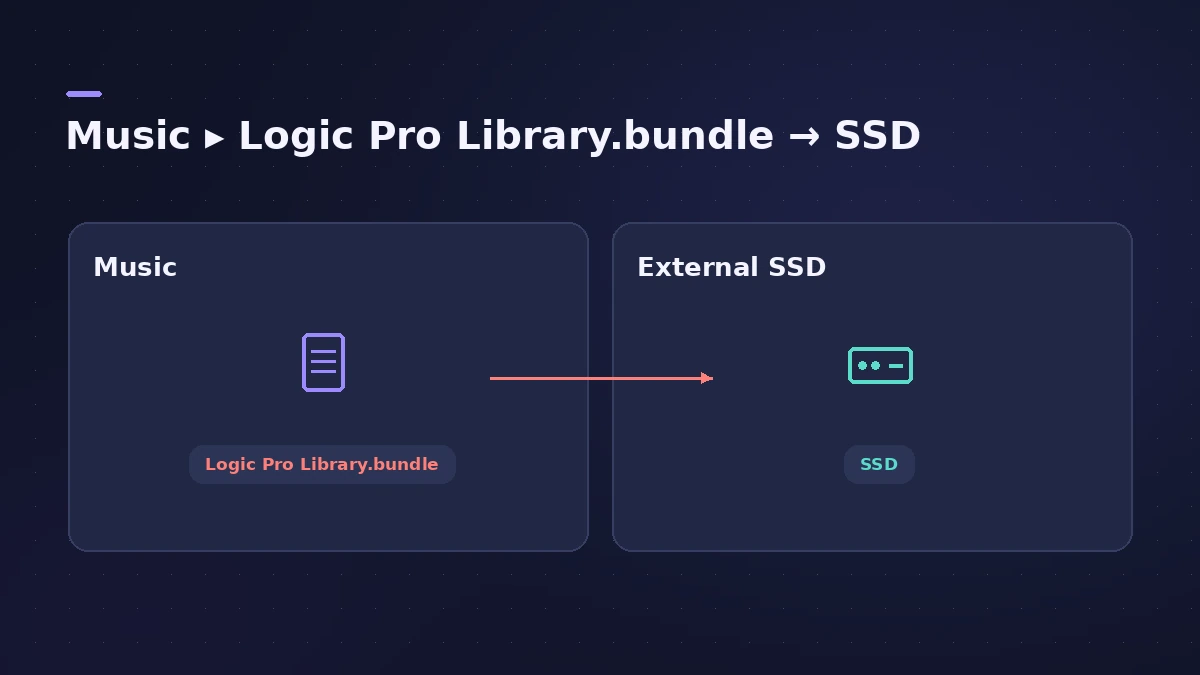
Music folder > Logic Pro Library.bundle
One file, one drag
For what's in the library and which packs to install, see the Sound Library guide.
Step by step
-
1
Connect and format the drive
Connect the SSD. If it isn't formatted for Mac, format it as APFS or Mac OS Extended (Journaled) in Disk Utility. Don't use a Time Machine volume.
-
2
Remember it's shared
Logic Pro and MainStage share the same Sound Library, so moving it moves it for both apps.
-
3
Find the library file
In Logic Pro 12 or later, open your Music folder and find "Logic Pro Library.bundle".
-
4
Drag it to the drive
Drag the file to the external drive. Once it's copied, you can delete the original to free space.
-
5
Allow access
When Logic Pro asks for permission to access the external device, click Allow.
-
6
Don't rename the drive
Renaming the drive or volume afterwards stops Logic Pro and MainStage from finding the library.
Common mistakes
- Expecting loops to move too: Only the Sound Library moves. Apple Loops, impulse responses and third-party content stay where they are.
- Sharing one drive between Macs: You can't share a Sound Library between Macs; each Mac needs its own.
- Opening Logic Pro without the drive: Connect the drive and click Retry, or click Ignore — tracks using the missing sounds play basic tones.
Logic Pro 11.2.2 and earlier
In older versions, choose Logic Pro > Sound Library > Relocate Sound Library, select the drive and click Relocate. If you get an error, give Logic Pro access to removable volumes in System Settings > Privacy & Security > Files and Folders.
Sources
- Apple Support — Move Logic Pro for Mac and MainStage content
- Apple Support — Move the Sound Library (Logic Pro 11.2.2 and earlier, formatting)
- Apple Support — Move content: only the Sound Library moves
- Apple Support — If you can't install additional content for Logic Pro and MainStage
Checked November 2026. Logic ProFiles is independent of Apple; menu names can differ slightly between Logic Pro versions.
Frequently asked questions
Can I run the Logic Pro Sound Library from an external drive?
+
Yes. Apple says you can store it on an external SSD or a USB thumb drive.
Where do new downloads go after I move the library?
+
Additional Sound Library content you download is installed in the new location.
Can two Macs share one library drive?
+
No. Each Mac needs its own Sound Library.
Related
- Logic Pro Sound Library — download, install and move itManage the Logic Pro Sound Library: install sound packs, download everything, move it to an external SSD with Relocate Sound Library and fix a missing drive.
- Sound Library won't download in Logic ProLogic Pro says it was not able to complete the download of sounds? Check free space, install packages one by one in the Sound Library Manager, update Logic Pro.
- How much RAM do you need for Logic Pro?How much RAM for Logic Pro: 16 GB for MIDI and light plug-ins, 32 GB for mixing, 64 GB+ for big orchestral templates. Memory is fixed when you buy.
- Gear for Logic ProGear for Logic Pro in 2026: which Mac or MacBook to buy, how much RAM you need, moving the Sound Library to an SSD, control surfaces, Logic Remote and Sidecar.