Gear
How much RAM do you need for Logic Pro?
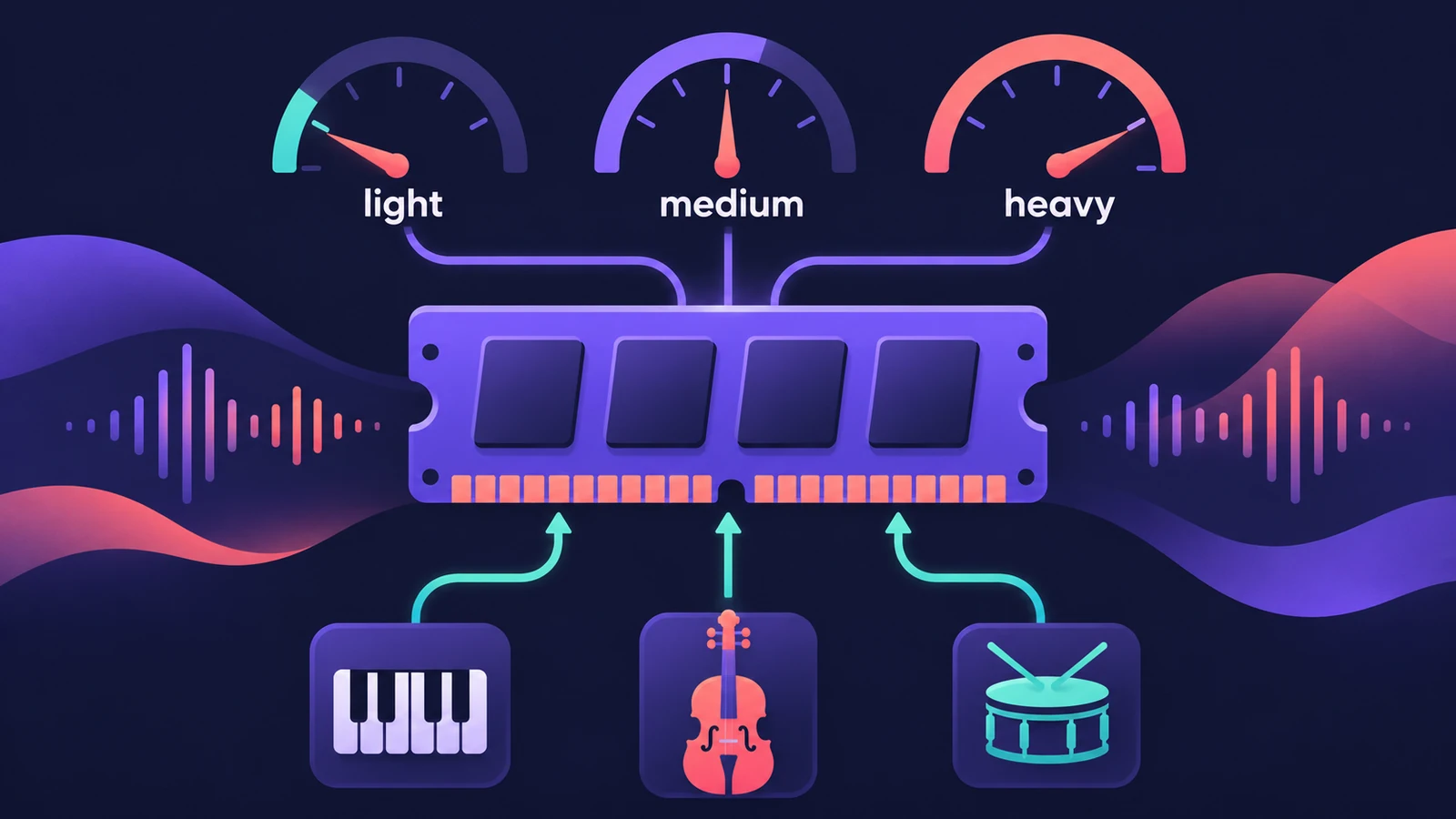
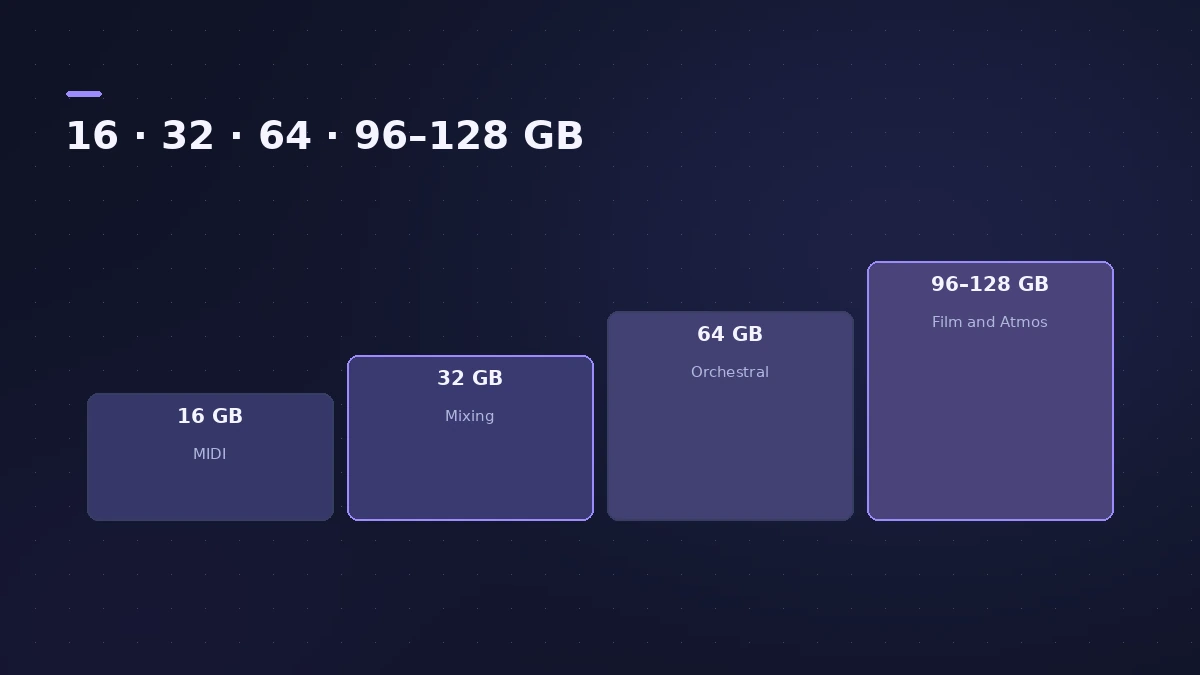
Apple doesn't publish a RAM minimum for Logic Pro, so size memory by what you load. 16 GB covers MIDI work with light plug-ins; 32 GB suits active mixing with moderate sample libraries; big orchestral templates start at 64 GB. Memory on Apple silicon Macs is fixed at purchase.
 Owen Hartley
Memory by workflow
| Your work | Memory | Notes |
|---|---|---|
| MIDI, light plug-ins, no big sample libraries | 16 GB | Covers most of this work |
| Active mixing, moderate virtual instruments, small to medium libraries | 32 GB | |
| Large orchestral templates, heavy Atmos, several full libraries | 64 GB | The practical minimum |
| Film scoring at scale, Atmos Renderer beside a large session | 96–128 GB |
Recommendations from Production Expert's 2026 audio buying guide. Test your own template before relying on the lower figure.
What uses memory in Logic Pro
The audio files in your project, the plug-ins you use and especially sampler instruments decide how much memory Logic Pro needs. Apple's own Logic Pro documentation notes that third-party sampler and sample-player plug-ins can have a big effect on memory use.
Check before you buy
Macs with the M6 chip top out at 32 GB, so if you think you'll need more, look at M5 Pro, M5 Max or Ultra models — see best Mac for Logic Pro. Short on internal storage rather than memory? Move the Sound Library to an external SSD.
Sources
- Production Expert — Mac mini or Mac Studio 2026: which M6 or M5 Mac for audio pros
- MacRumors — Apple silicon unified memory: how much RAM do you need?
- Apple — Logic Pro 9 Instruments: EXS24 memory and RAM (old)
- MusicRadar — Apple MacBook Neo review (Logic Pro test)
- Shattered — Apple silicon lineup and prices, October 30, 2026
Checked November 2026. Logic ProFiles is independent of Apple; menu names can differ slightly between Logic Pro versions.
Frequently asked questions
Is 8 GB of RAM enough for Logic Pro?
+
For learning and smaller projects, yes — MusicRadar ran a large stock plug-in mix on the 8 GB MacBook Neo. Sample-heavy instruments need more.
Is 16 GB enough for Logic Pro?
+
For MIDI-based work with light plug-ins and no large sample libraries, Production Expert says 16 GB covers most of it.
Does unified memory mean I need less RAM?
+
Production Expert says unified memory speeds up access to data but doesn't reduce how much a session needs to hold.
Related
- Freeze tracks in Logic ProFreeze tracks in Logic Pro to save CPU: show the Freeze button, choose Source Only or Pre Fader, press Play to render, and unfreeze to edit plug-ins again.
- Best Mac for Logic Pro in 2026Best Mac for Logic Pro in 2026: Mac mini M6 from $899, M5 Pro mini, Mac Studio M5 Max and Ultra, MacBook Air and Pro — which suits your projects and budget.
- Move the Logic Pro Sound Library to an external SSDMove the Logic Pro Sound Library to an external SSD or USB drive: in Logic Pro 12+ drag Logic Pro Library.bundle; older versions use Relocate Sound Library.
- Logic Pro system overload — how to find the cause and fix itLogic Pro says System Overload? Use the Performance Meter to see if CPU or disk is the cause, then fix it with the buffer, freezing and Sampler settings.
- Gear for Logic ProGear for Logic Pro in 2026: which Mac or MacBook to buy, how much RAM you need, moving the Sound Library to an SSD, control surfaces, Logic Remote and Sidecar.