Compare
Sampler vs Quick Sampler
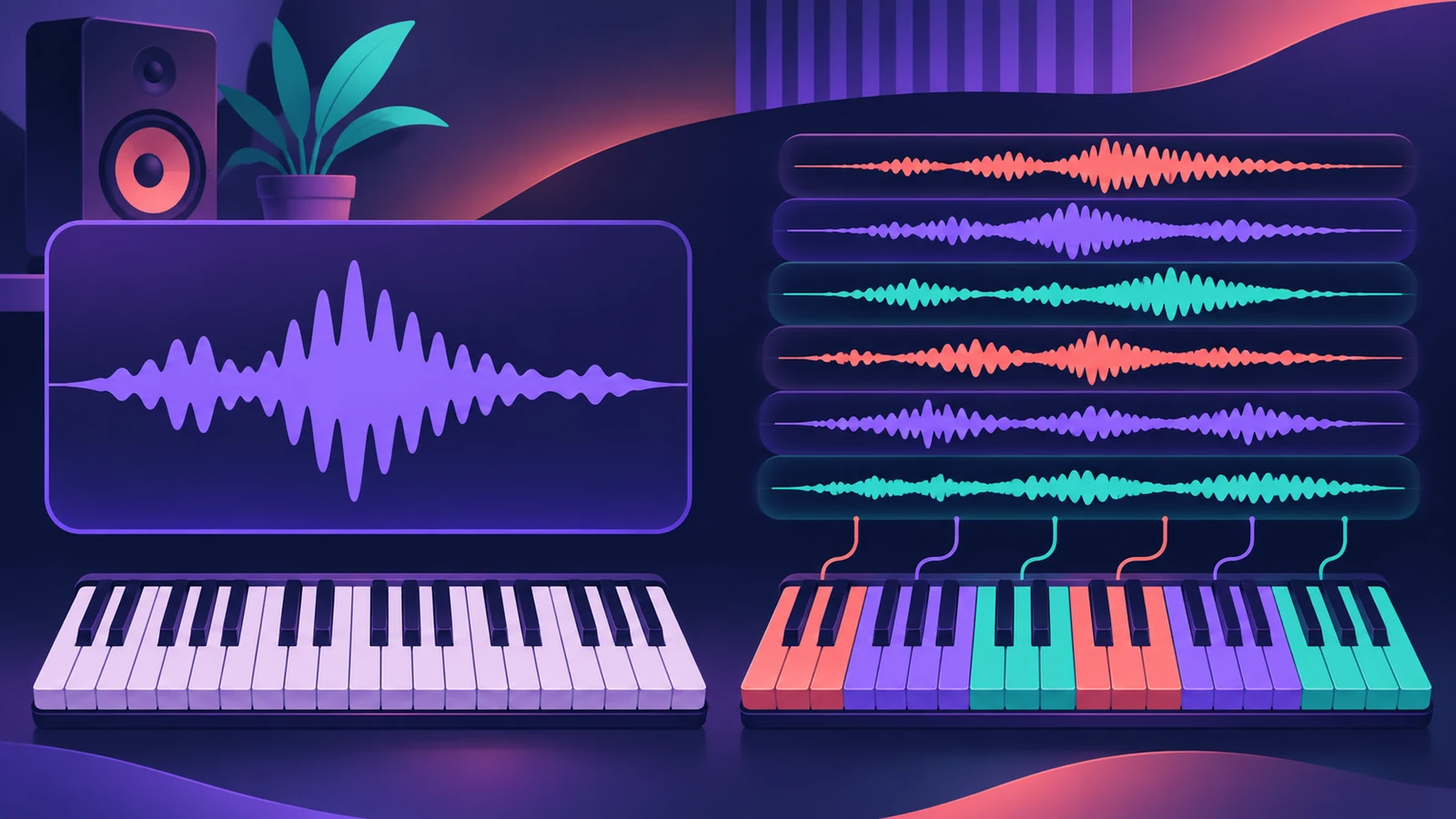
Both arrived in Logic Pro 10.5. Quick Sampler turns one sound into an instrument in seconds; Sampler builds full instruments from many samples mapped across the keyboard.
 Owen Hartley
Chopping a loop or vocal phrase
Quick Sampler
Slice mode puts each slice on its own key.
A drum hit or effect that plays to the end
Quick Sampler
One Shot mode.
A playable piano or orchestral instrument from many samples
Sampler
Zones and groups map many samples across the keyboard.
Opening old EXS24 instruments
Sampler
EXS24 instruments open in Sampler.
| Quick Sampler | Sampler | |
|---|---|---|
| Built for | One sound | Many samples (multisampling) |
| Modes | Classic, One Shot, Slice, Recorder | Zones and groups in the Mapping pane |
| Inside Drum Machine Designer | Yes — every pad | — |
| EXS24 instruments | — | Open in Sampler |
| Added | Logic Pro 10.5 | Logic Pro 10.5 (replaced EXS24) |
From Apple's Logic Pro documentation, November 2026.
In short
Quick Sampler is for one sound — see its modes. Sampler is for building instruments from many samples — see Sampler.
Sources
- Apple Support — Create sampler instruments with Sampler in Logic Pro for Mac
- Apple — Logic Pro for iPad User Guide: Choose a Quick Sampler mode
- Apple — Logic Pro for iPad User Guide: Quick Sampler Slice mode
- Sound On Sound — Logic Pro X 10.5 review
Checked November 2026. Logic ProFiles is independent of Apple; menu names can differ slightly between Logic Pro versions.
Frequently asked questions
When should I switch from Quick Sampler to Sampler?
+
Start in Quick Sampler for one sound, and move to Sampler when you need many samples mapped across the keyboard.
Which sampler do Drum Machine Designer pads use?
+
Quick Sampler — each pad is its own Quick Sampler.
Related
- Quick Sampler in Logic ProTurn one sound into an instrument with Quick Sampler in Logic Pro: what Classic, One Shot, Slice and Recorder modes do, and when to use Sampler instead.
- Sampler in Logic ProBuild a multisampled instrument with Logic Pro's Sampler: drag in samples, choose a mapping, edit zones and groups, and open old EXS24 instruments in Sampler.
- Drum Machine Designer in Logic ProBuild an electronic kit in Logic Pro's Drum Machine Designer: clear the pads, drag samples on, set notes, process each pad on its own channel strip.
- How to make drum and bass in Logic ProMake drum and bass in Logic Pro: set 170–175 BPM, chop a breakbeat with Quick Sampler's Slice mode or Beat Breaker, and write a sub bass on the half-time count.
- Logic Pro compared — GarageBand, Ableton, FL Studio and moreCompare Logic Pro with GarageBand, Ableton, FL Studio, Cubase, Pro Tools, Studio One, Bitwig, Reason and REAPER: price, platforms and licensing.