Instruments
Drum Synth in Logic Pro
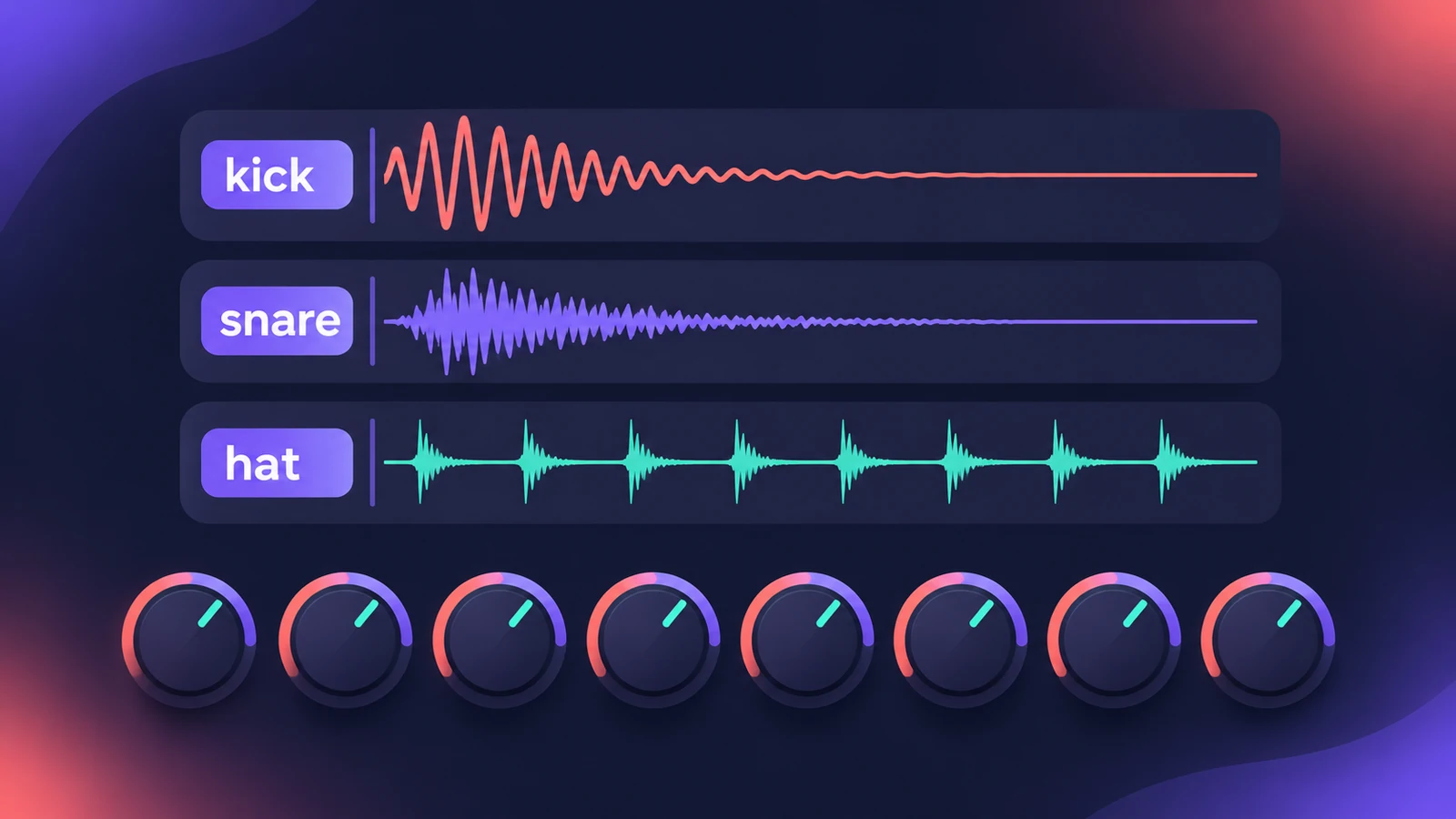
Drum Synth synthesizes electronic drums. Pick a category and a sound type, and up to eight controls for pitch, filter, effect and envelope shape the hit. It arrived in Logic Pro X 10.5 and works on its own track or inside Drum Machine Designer.
 Owen Hartley
Where to find it
Instrument slot > Drums > Drum Synth
Drum Synth categories
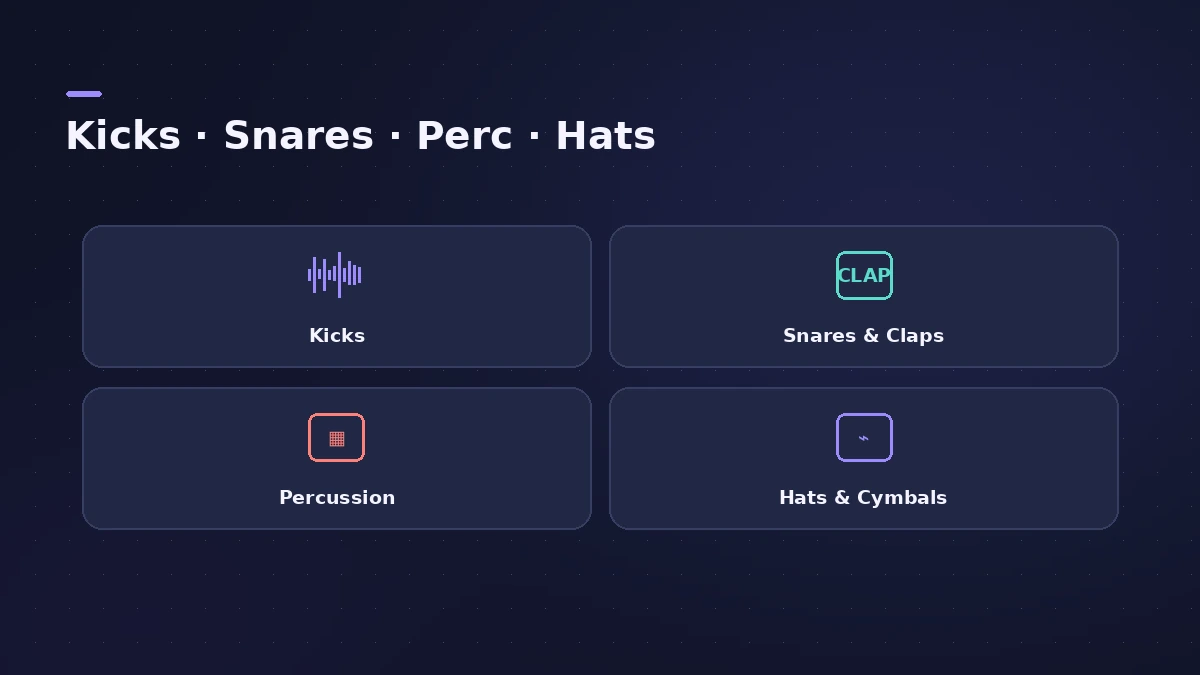
| Category | Examples of controls |
|---|---|
| Kicks | Body, Saturation, Shape, Snap, Sweep |
| Snares and Claps | Noise, Pitch, Position, Size, Tension |
| Percussion | Varies by sound |
| Hats and Cymbals | Varies by sound |
Step by step
-
1
Load Drum Synth
Insert Drum Synth on a software instrument track, or choose it for a pad in Drum Machine Designer.
-
2
Choose a category and sound
Pick Kicks, Snares and Claps, Percussion or Hats and Cymbals, then a sound type from the Sound Module menu.
-
3
Shape the hit
Adjust the controls for that sound — for kicks, for example Body, Saturation, Shape, Snap and Sweep.
-
4
Set mode and key tracking
Choose Mono or Poly, and turn Key Tracking on to play the sound chromatically or off to keep it at its root pitch.
Common mistakes
- Expecting the same knobs on every sound — the controls change with the sound type.
- Leaving Key Tracking on for a kick you want at one pitch on every key.
Build a whole kit
Put several Drum Synths in Drum Machine Designer and program them with the Step Sequencer. For a full beat, see make a hip-hop beat.
Sources
- Apple — Logic Pro for iPad User Guide 1.0: Drum Synth
- Apple — Logic Pro for iPad User Guide: Drum Synth global controls
- Apple — Logic Pro for iPad User Guide: Drum Synth kicks
- Apple — Logic Pro for iPad User Guide 1.1: Drum Synth snares and claps
- Sound On Sound — Apple Logic: Drum Synth & Drum Machine Designer (Apr 2021)
- 9to5Mac — Logic Pro X 10.5: exploring Drum Synth
- Sound On Sound — Apple Logic Pro X 10.5 review (Sep 2020)
Checked November 2026. Logic ProFiles is independent of Apple; menu names can differ slightly between Logic Pro versions.
Frequently asked questions
When was Drum Synth added to Logic Pro?
+
In Logic Pro X 10.5, when Drum Machine Designer started using Drum Synth as its default synthesized-drum instrument instead of Ultrabeat.
Can Drum Synth replace or double recorded drums?
+
Apple suggests it for fills, individual hits, and drum replacement and doubling tasks.
Related
- Drum Machine Designer in Logic ProBuild an electronic kit in Logic Pro's Drum Machine Designer: clear the pads, drag samples on, set notes, process each pad on its own channel strip.
- Step Sequencer in Logic ProProgram beats with Logic Pro's Step Sequencer: create a Pattern Region, set step rate and velocity, add note repeats and automation, follow the chords.
- Ultrabeat in Logic ProWhat happened to Ultrabeat in Logic Pro, how to check whether your version still has it, and how to rebuild its drum kits with Drum Synth and Step Sequencer.
- How to make a hip-hop or trap beat in Logic ProMake a hip-hop or trap beat in Logic Pro with Drum Machine Designer, the Step Sequencer, hi-hat rolls, an 808 Bass Synth Player and chords that follow along.
- Instruments in Logic ProGuides to Logic Pro's instruments: Session Players, Drummer, Synth Players, Chord ID, Drum Machine Designer, Sampler, Step Sequencer and Play Surface.