Instruments
Sample Alchemy in Logic Pro
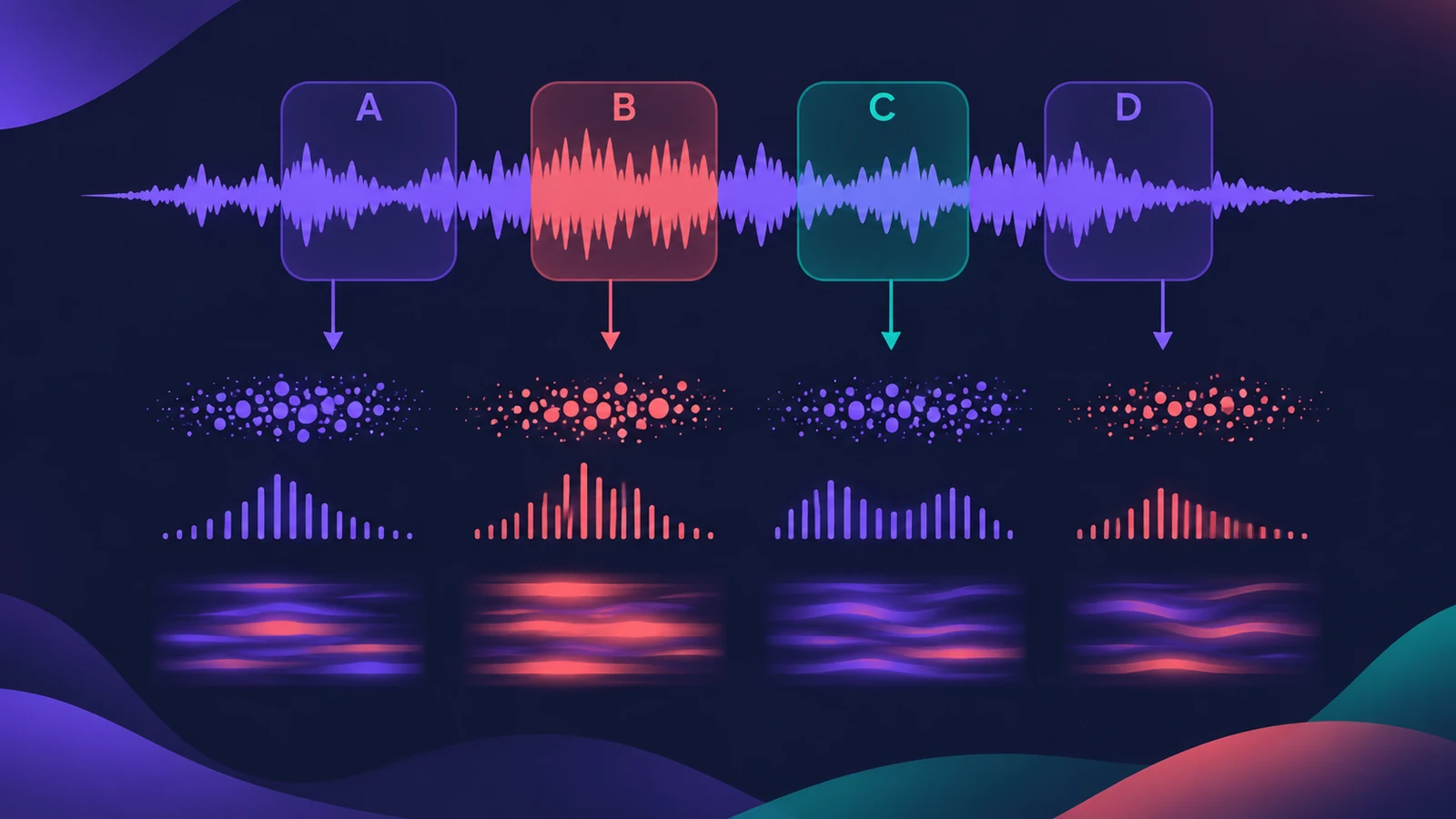
Sample Alchemy, added in Logic Pro 10.8, takes a single sample and resynthesizes it into a playable instrument. It works like a drag-and-drop sampler, but each of its four sources rebuilds the sound with granular, additive or spectral synthesis borrowed from Alchemy.
 Owen Hartley
Where to find it
Instrument slot > Sampler > Sample Alchemy
Sample Alchemy, Quick Sampler or Alchemy
| Instrument | Best for |
|---|---|
| Quick Sampler | Playing a sample back as it is, or slicing it |
| Sample Alchemy | Turning one sample into a new, evolving instrument |
| Alchemy | Full sound design with up to four sources and every engine |
Where to get material
Record something new, drag in a region, or capture sound playing on your Mac with system audio recording. Logic Pro 13 also lets you move several source handles at once with Multi-Touch and records those moves into the MIDI region.
Step by step
-
1
Insert Sample Alchemy
On a software instrument track, choose Sampler > Sample Alchemy from the instrument menu.
-
2
Load a sample
Drag in an audio file, loop or region. Sample Alchemy analyses the pitch so you can play it from a keyboard.
-
3
Pick a synthesis method per source
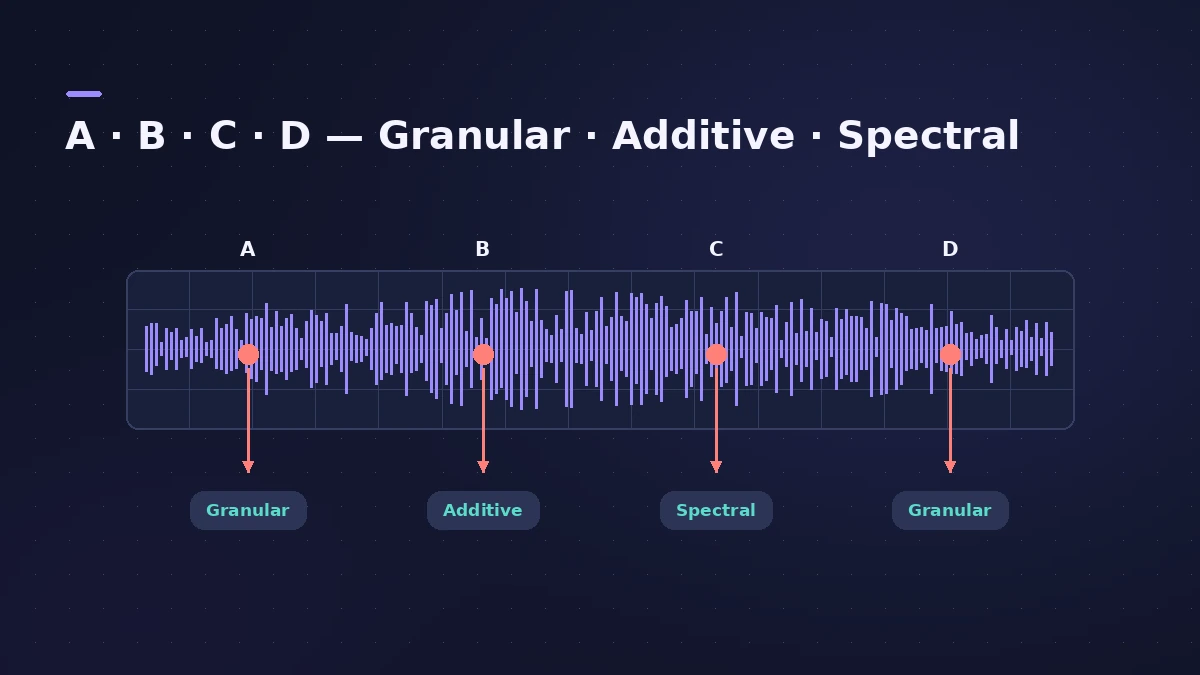
Each source, A to D, can use Granular, Additive or Spectral synthesis on its part of the sample.
-
4
Shape the grains
In granular mode Sample Alchemy plays grains of 2 to 230 milliseconds; in Logic Pro 12.3 and later choose Sync to keep them in tune.
-
5
Save a preset
Save the result so you can load the same instrument in other projects.
Common mistakes
- Loading a full mix — Apple says it works best with monophonic instruments, vocals or found sounds.
- Expecting a normal sampler; the sound is rebuilt, not just played back.
- Forgetting the 12.3 Sync mode when you need the grains to stay pitched.
Granular Sync in 12.3
Logic Pro 12.3 added a synchronous granular mode to Sample Alchemy, with several grain playheads (taps), tap spacing and a formant control. For the full engine with more control, open Alchemy.
Sources
- Apple — Logic Pro for iPad User Guide: Sample Alchemy
- Apple — Logic Pro for iPad User Guide: Sample Alchemy granular synthesis
- MusicRadar — How to use Sample Alchemy
- CDM — Logic Pro 12.3 sound design guide (Jul 2026)
- Apple Support — Logic Pro 12 release notes
- Apple Support — Logic Pro for Mac release notes
- Apple — Logic Pro: Plug-ins and Sounds
Checked November 2026. Logic ProFiles is independent of Apple; menu names can differ slightly between Logic Pro versions.
Frequently asked questions
When was Sample Alchemy added?
+
In Logic Pro 10.8.
What sounds work best in Sample Alchemy?
+
Apple recommends monophonic instruments, vocals and found sounds.
What's the difference between Sample Alchemy and Quick Sampler?
+
Quick Sampler plays the sample back; Sample Alchemy resynthesizes it with granular, additive or spectral engines.
Related
- How to make ambient music in Logic ProMake ambient music in Logic Pro: slow tempos, evolving Alchemy pads, Sample Alchemy textures from your own recordings, and long ChromaVerb reverbs.
- Sample with the iPad mic in Quick SamplerTurn any sound into an instrument in Logic Pro for iPad: record into Quick Sampler's Recorder mode with the iPad mic, then play it in Classic or Slice.
- Alchemy in Logic ProWhat Alchemy does in Logic Pro: four sources, additive, spectral, granular, sampler and VA engines, morphing, the arpeggiator, and what Logic Pro 12.3 added.
- Quick Sampler in Logic ProTurn one sound into an instrument with Quick Sampler in Logic Pro: what Classic, One Shot, Slice and Recorder modes do, and when to use Sampler instead.
- Sampler in Logic ProBuild a multisampled instrument with Logic Pro's Sampler: drag in samples, choose a mapping, edit zones and groups, and open old EXS24 instruments in Sampler.
- How to record audio from other apps into Logic ProRecord sound from a browser or another app into Logic Pro with a loopback driver such as BlackHole or Loopback, and record MIDI through Virtual In.