Logic Pro for iPad
Sample with the iPad mic in Quick Sampler
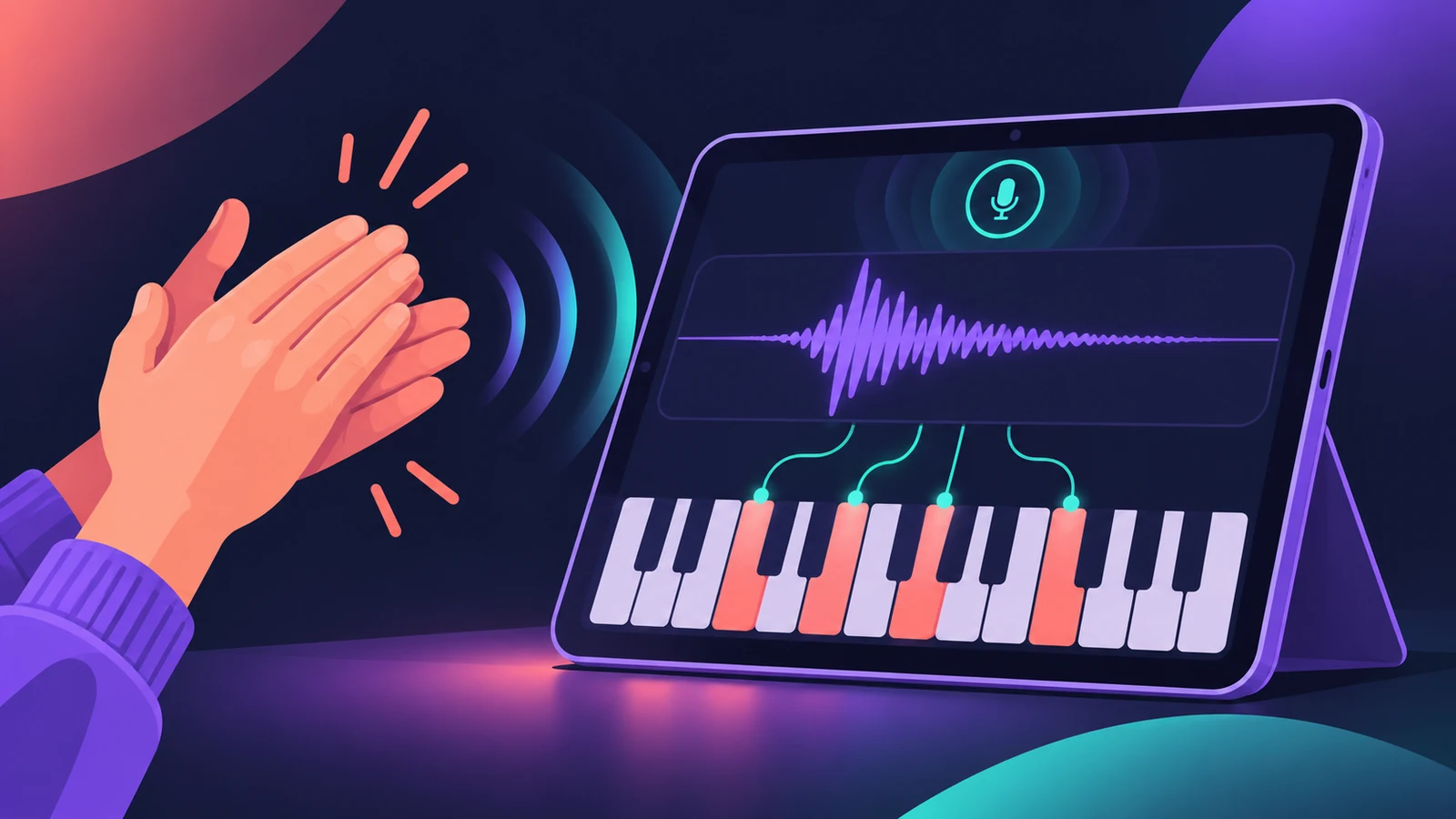
Quick Sampler's Recorder mode, added in Logic Pro for iPad 1.1, records straight into the sampler from the built-in microphone or another input. Clap, sing or tap a glass — then play it across the keyboard or as drums.
 Owen Hartley
Where to find it
Instrument > Sample > Quick Sampler > Recorder
Quick Sampler modes
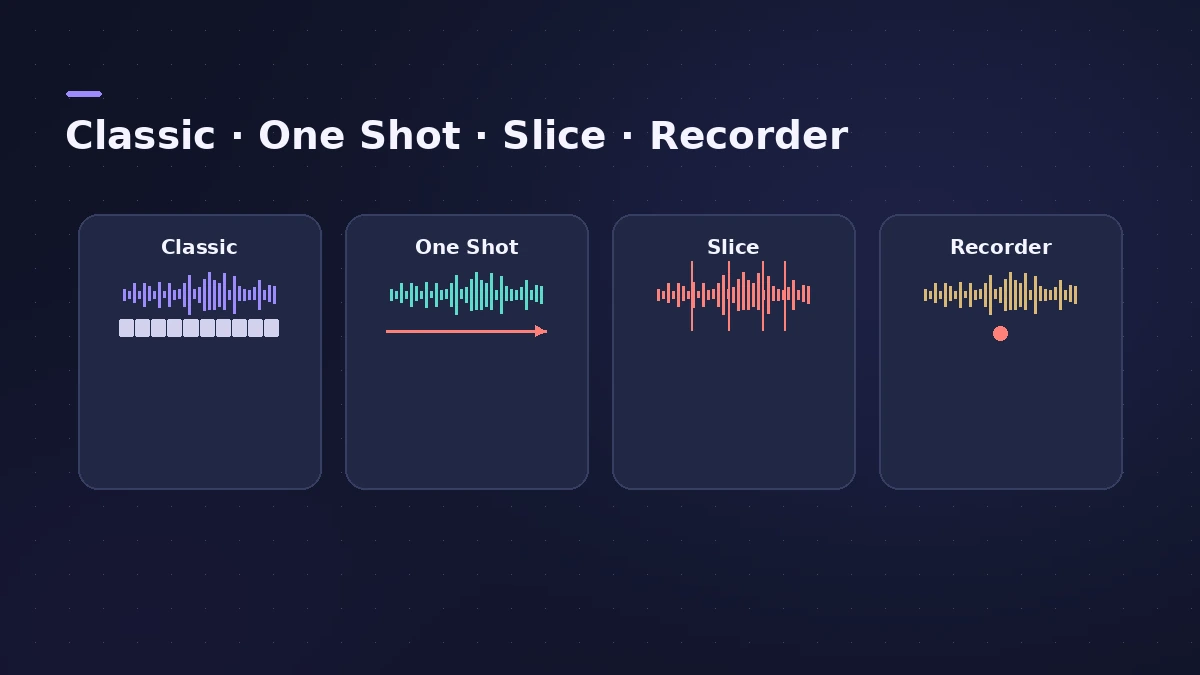
| Mode | Behaviour |
|---|---|
| Classic | Plays while the key is held; can loop |
| One Shot | Plays start to end marker on each note |
| Slice | Splits the sample into playable slices |
| Recorder | Records a new sample from an input |
Step by step
-
1
Insert Quick Sampler
Choose Quick Sampler from the Instrument > Sample submenu on a software instrument track.
-
2
Switch to Recorder
Tap the Recorder button and choose the input — for example the iPad's microphone.
-
3
Set how recording starts
In Record Start, start immediately or wait until the signal passes the threshold set with the level meter slider.
-
4
Record
Tap Record, make the sound, and tap Record again to stop.
-
5
Choose a playback mode
Switch to Classic to play the sound across the keys, One Shot for hits, or Slice to chop a phrase.
Common mistakes
- Recording with a low threshold in a noisy room and catching background noise.
- Staying in Recorder mode — switch to another mode to edit the sample.
Go further
Shape the sound with Quick Sampler's filter, envelopes and Mod Matrix — see Quick Sampler. For texture-style sampling, try Sample Alchemy.
Sources
- Apple — Logic Pro for iPad Guide: Quick Sampler overview
- Apple — Logic Pro for iPad Guide: Choose a Quick Sampler mode
- Apple — Logic Pro for iPad Guide: Recorder mode in Quick Sampler
- Apple — Logic Pro for iPad Guide: What's new in 1.1
Checked November 2026. Logic ProFiles is independent of Apple; menu names can differ slightly between Logic Pro versions.
Frequently asked questions
Can I record a sample directly on iPad?
+
Yes. Quick Sampler's Recorder mode records from the built-in mic or a connected audio input.
Which mode should I use for drum hits?
+
One Shot plays from the start to the end marker whenever a key is pressed.
Related
- Quick Sampler in Logic ProTurn one sound into an instrument with Quick Sampler in Logic Pro: what Classic, One Shot, Slice and Recorder modes do, and when to use Sampler instead.
- Sample Alchemy in Logic ProTurn one sample into a new instrument with Sample Alchemy in Logic Pro: load audio, pick granular, additive or spectral per source and use the 12.3 Sync mode.
- How to make beats in Logic Pro for iPadMake beats in Logic Pro for iPad: load a Drum Machine Designer kit, program Step Sequencer patterns, add velocity and note repeat, then try Beat Breaker.
- Logic Pro for iPadLogic Pro for iPad guides: subscription, compatible iPads, Mac round-trips, AUv3 plug-ins, audio interfaces, Stem Splitter, exporting and fixes.