Workflows
How to make techno in Logic Pro
Techno shares house's four-on-the-floor kick but usually runs faster and darker. The craft is in repetition with small changes, which suits Logic Pro's pattern tools.
 Owen Hartley
Where to find it
New project > Drum Machine Designer track
Repetition with movement
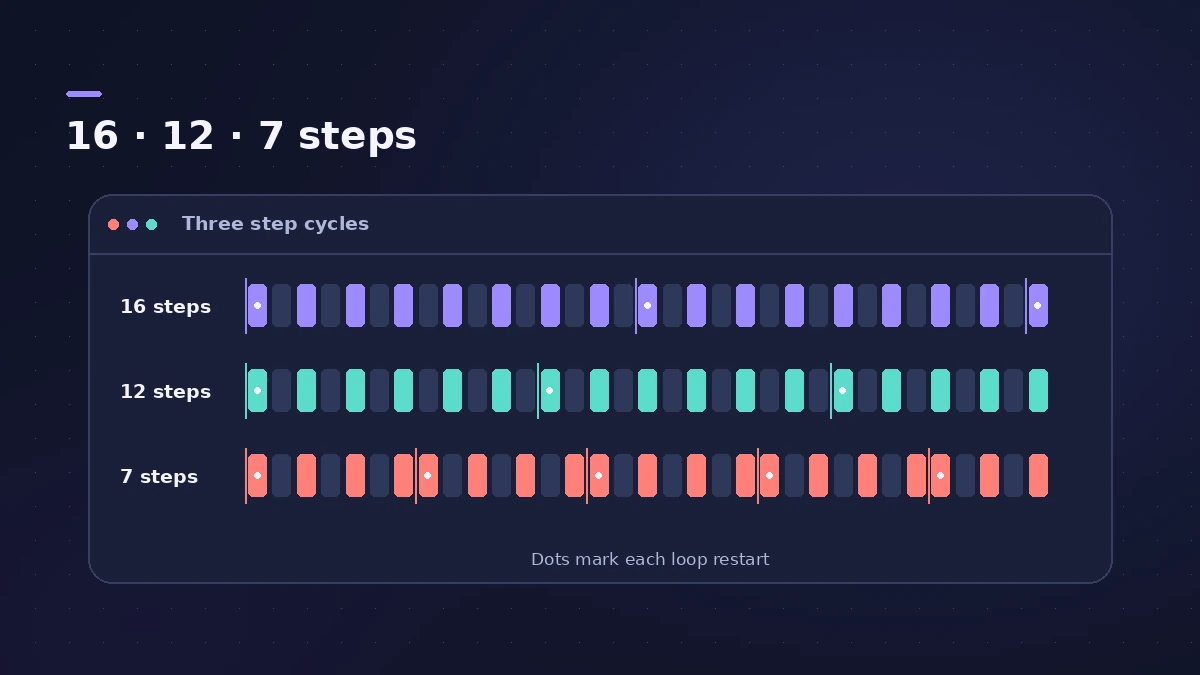
Give percussion rows different lengths in the Step Sequencer and they line up differently each bar. Add rhythmic gating and filtering with Step FX.
Step by step
-
1
Set the tempo
Modern techno often sits between 130 and 135 BPM; the wider range runs from about 125 to 150.
-
2
Build the kick
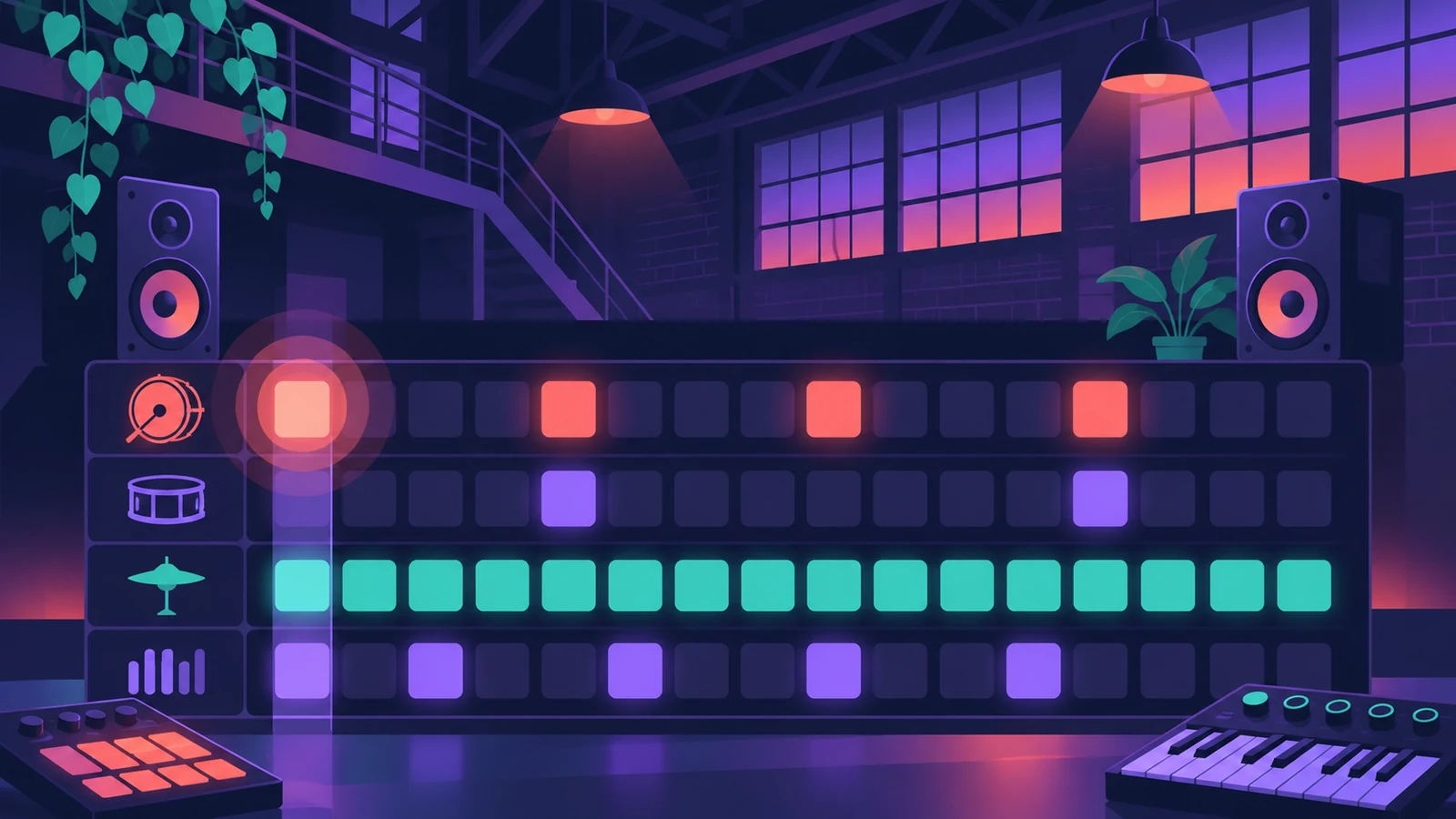
Program a kick on every beat in the Step Sequencer on a Drum Machine Designer track.
-
3
Add percussion layers
Add hats, rides and percussion rows with different pattern lengths so they shift against each other.
-
4
Add a sequenced bass
Use a Synth Bass Player with the Sequenced Bass style, or program a short bass pattern in the Step Sequencer.
-
5
Create movement
Automate filter cutoff or add Step FX on a synth to make a repeating part evolve.
-
6
Arrange by subtraction
Start with everything playing, then remove and return elements to build tension and release.
Common mistakes
- Too many melodic parts: Techno relies on repetition; keep a few parts and vary them.
- Static loops: Automate filters and effects so the track changes over time.
Related styles
For a slower, warmer four-on-the-floor groove, see house music.
Sources
- SampleFocus — Ultimate guide to tempo and BPM by genre
- Orphiq — BPM chart by genre
- Apple — Logic Pro for iPad: Intro to Synth Player styles
Checked November 2026. Logic ProFiles is independent of Apple; menu names can differ slightly between Logic Pro versions.
Frequently asked questions
What BPM is techno?
+
Modern techno often sits between 130 and 135 BPM, within a wider range of about 125–150.
How is techno different from house?
+
Both use a four-on-the-floor kick, but techno is usually faster and darker.
Related
- Step Sequencer in Logic ProProgram beats with Logic Pro's Step Sequencer: create a Pattern Region, set step rate and velocity, add note repeats and automation, follow the chords.
- Step FX in Logic ProUse Step FX in Logic Pro: assign three 128-step modulators to filter, distortion, delay, reverb, gate or pan, and set pattern lengths for polyrhythms.
- Synth Players in Logic ProSynth Players in Logic Pro 12 and 13: 808 Bass, Pump Bass, Sequenced Bass, Rhythmic Chords and pads that follow the Chord track. Add one and shape the part.
- How to make house music in Logic ProBuild a house track in Logic Pro: tempo around 124–128 BPM, a four-on-the-floor kick in Drum Machine Designer, Synth Player bass and chords, sidechain pump.
- Logic Pro workflowsStep-by-step Logic Pro workflows by genre — house, techno, drum and bass, lo-fi, synthwave, orchestral, rock — plus beats, film scoring and podcasts.