Compare
Drum Kit Designer vs Drum Machine Designer
Drum Kit Designer plays acoustic kits and sits behind Logic Pro's acoustic drummers. Drum Machine Designer is the pad-based instrument for electronic kits, where every pad is a Quick Sampler with its own channel strip.
 Owen Hartley
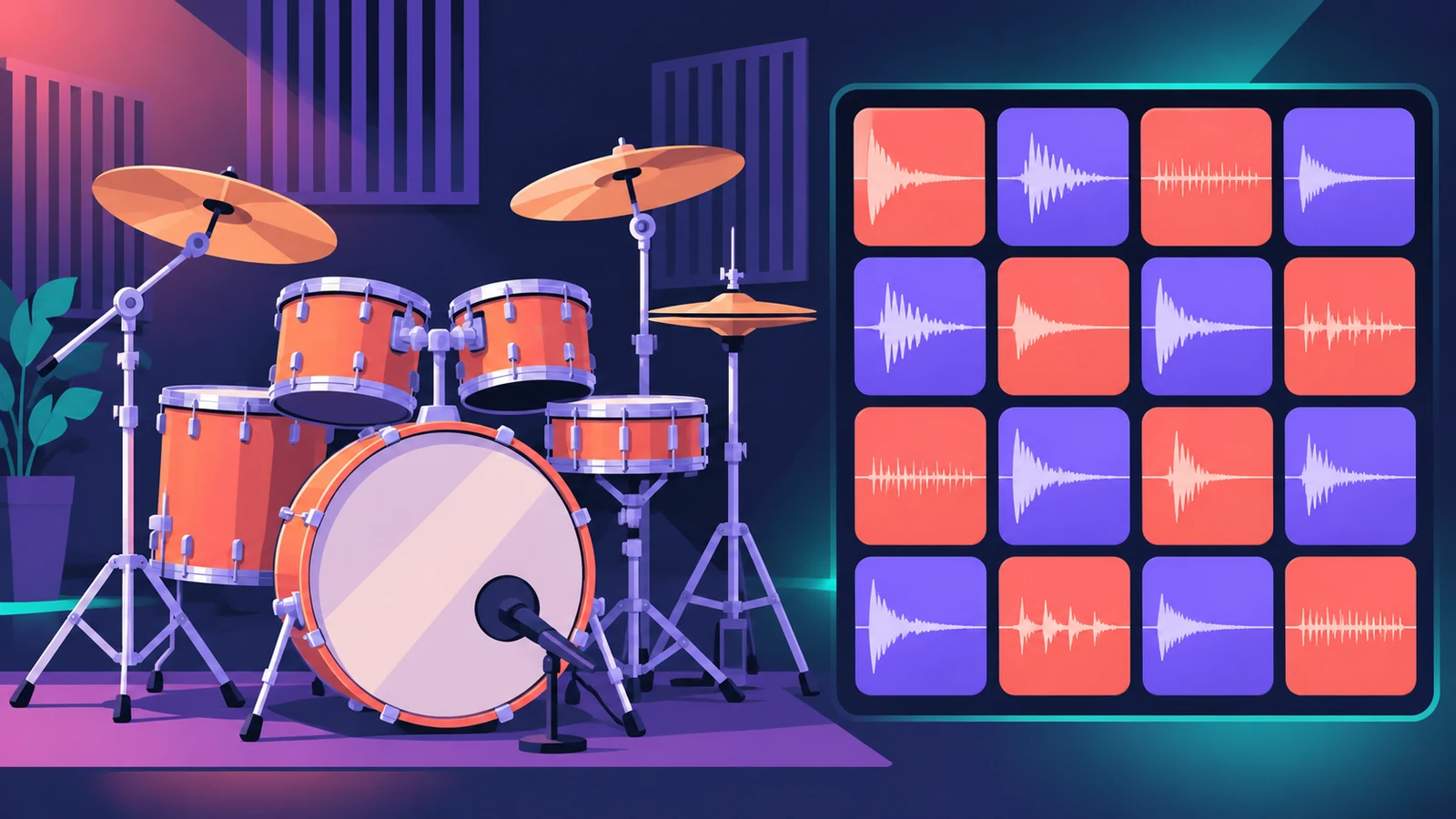
Rock, pop or songwriter drums
Drum Kit Designer
Acoustic kits with per-piece pitch, sustain and level.
Electronic and hip-hop beats
Drum Machine Designer
Pads take any sample and each has its own channel strip.
Building a kit from your own samples
Drum Machine Designer
Drag samples onto pads.
| Drum Kit Designer | Drum Machine Designer | |
|---|---|---|
| Kit type | Acoustic | Electronic, sample-based |
| Edit a piece | Pitch, sustain, volume | Each pad is a Quick Sampler |
| Swap sounds | Kick and snare; more with Producer Kits | Any sample by drag and drop |
| Mixing | Producer Kits: mics on/off | Per-pad channel strips in a Track Stack |
| Used by Drummer | Acoustic drummers | Electronic drummers |
From Apple's Logic Pro documentation, November 2026.
In short
Acoustic sound with realistic kit pieces: Drum Kit Designer. Your own samples on pads, mixed separately: Drum Machine Designer.
Sources
- Apple — Logic Pro X 10.4 Help: Drum Kit Designer (old)
- Apple — Logic Pro for iPad User Guide: Drum Kit Designer controls
- Apple Support — Create and customize Drum Machine Designer kits in Logic Pro for Mac
- Apple — Logic Pro for iPad User Guide: Drum Machine Designer overview
Checked November 2026. Logic ProFiles is independent of Apple; menu names can differ slightly between Logic Pro versions.
Frequently asked questions
Which one does Drummer use?
+
Acoustic drummers play Drum Kit Designer kits; electronic drummers play Drum Machine Designer kits.
Which drums can I swap in Drum Kit Designer?
+
The kick and snare in standard kits; with Producer Kits you can also exchange toms, cymbals and hi-hat.
Related
- Drum Kit Designer in Logic ProEdit an acoustic kit in Logic Pro's Drum Kit Designer: tune, dampen and set the level of each piece, swap the kick and snare, and use Producer Kits.
- Drum Machine Designer in Logic ProBuild an electronic kit in Logic Pro's Drum Machine Designer: clear the pads, drag samples on, set notes, process each pad on its own channel strip.
- Drummer in Logic ProAdd a Drummer to Logic Pro and shape the part: XY pad for complexity and loudness, fills, swing, kit pieces and Follow so the kick and snare match your bass.
- How to make house music in Logic ProBuild a house track in Logic Pro: tempo around 124–128 BPM, a four-on-the-floor kick in Drum Machine Designer, Synth Player bass and chords, sidechain pump.
- Logic Pro compared — GarageBand, Ableton, FL Studio and moreCompare Logic Pro with GarageBand, Ableton, FL Studio, Cubase, Pro Tools, Studio One, Bitwig, Reason and REAPER: price, platforms and licensing.