Decibels to gain ratio calculator
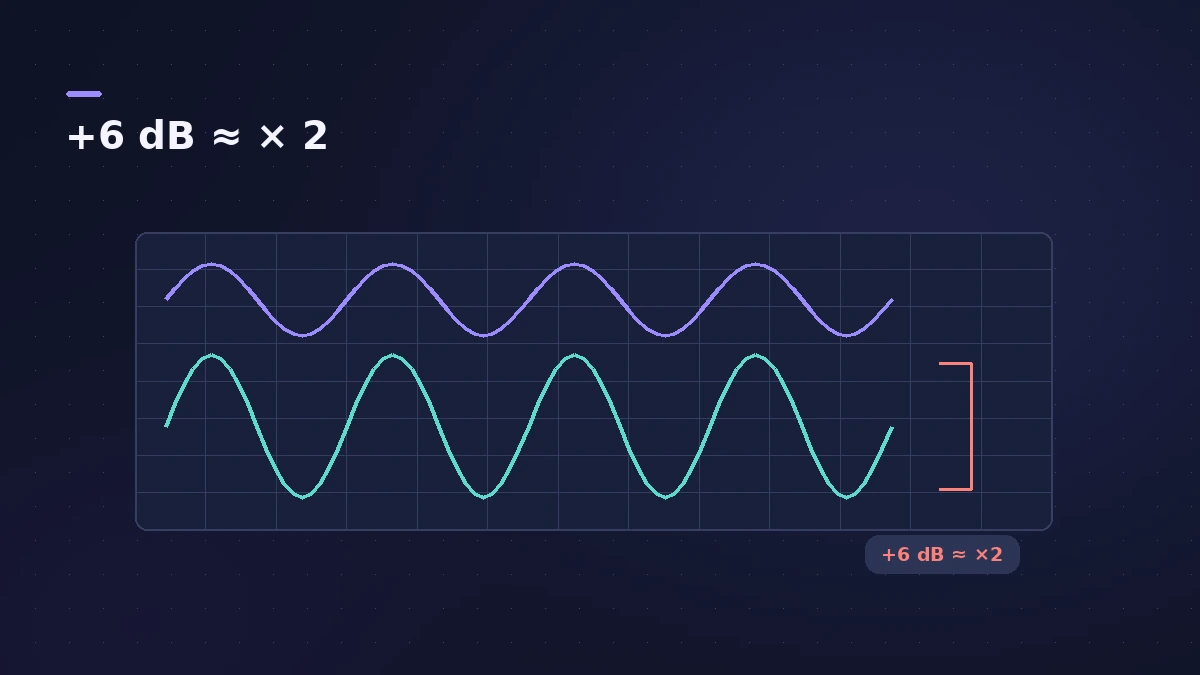
Turning a fader down 6 dB roughly halves the level, but what about −3 dB or +10 dB? Enter a gain change to get the multiplier, or enter a multiplier to get the decibels.
 Owen Hartley
The formulas
| Convert | Formula |
|---|---|
| dB → level ratio | ratio = 10^(dB ÷ 20) |
| Level ratio → dB | dB = 20 × log10(ratio) |
| dB → power ratio | ratio = 10^(dB ÷ 10) |
Sound On Sound gives the voltage version, decibels = 20 × log(signal ÷ reference), and uses it to show that 1.228 V is +4 dBu against 0.775 V. Region gain, faders and the Gain plug-in all work in these level decibels.
Sources
- Sound On Sound — Audio interface input sensitivity (dB maths)
- Sound On Sound — Decibels explained
- Sonarworks — Why do we use the decibel?
Checked November 2026. Logic ProFiles is independent of Apple; menu names can differ slightly between Logic Pro versions.
Frequently asked questions
How many dB is double the level?
+
About +6 dB (20 × log10 2 ≈ 6.02).
Why do some charts say +3 dB is double?
+
That is double the power, which uses 10 × log10; level (voltage or sample value) uses 20 × log10.
Related
- Gain staging in Logic ProGain stage a Logic Pro mix: turn on pre-fader metering, set region gain and plug-in levels before the fader, keep peaks clear of clipping, leave headroom.
- Gain plug-in in Logic ProUse Logic Pro's Gain plug-in to change level by dB, invert phase (polarity) on a snare-bottom mic, sum stereo to mono, swap left and right and adjust balance.
- Region gain and normalize in Logic ProChange audio region gain in Logic Pro with the Gain tool or Region inspector (−30 to +30 dB), and normalize regions to a Peak or Loudness target.
- dBFS to dBu calculatorConvert dBFS in Logic Pro to dBu and volts for your interface's calibration (0 dBFS = +18 or +24 dBu) and see where +4 dBu line level sits on the meter.
- Audio calculatorsFree audio calculators for Logic Pro: buffer latency, file size, BPM to delay time, bars to time, tempo change, samples to ms and note frequency.