dBFS to dBu calculator
Logic Pro's meters show dBFS — decibels below digital full scale. Analogue gear works in dBu. The link between them depends on how your audio interface is calibrated, so pick that first.
 Owen Hartley
How it works
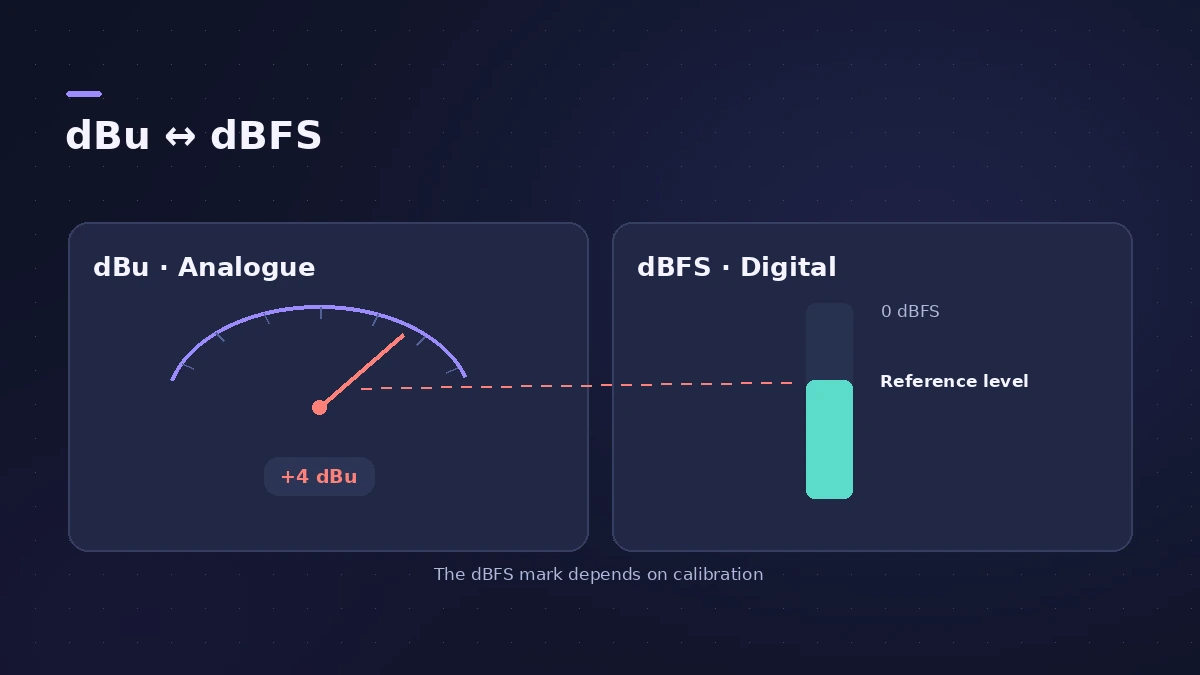
dBu = dBFS + calibration, where calibration is the analogue level that produces 0 dBFS. Volts = 0.775 × 10^(dBu ÷ 20).
Lavry Engineering stresses that dBFS has no fixed relationship to dBu: a "−14" calibration means a peak of +18 dBu reaches 0 dBFS, and Lavry's own converters ship at 0 dBFS = +24 dBu. Check your interface manual for its maximum input level.
| Reference | Value |
|---|---|
| 0 dBu | 0.775 V RMS |
| +4 dBu (pro line level) | about 1.228 V RMS |
For practical recording levels, see gain staging.
Sources
- Lavry Engineering — dB, dBu and dBFS
- Sound On Sound — Audio interface input sensitivity (dB maths)
- Sonarworks — Why do we use the decibel?
Checked November 2026. Logic ProFiles is independent of Apple; menu names can differ slightly between Logic Pro versions.
Frequently asked questions
Is −18 dBFS equal to +4 dBu?
+
Only if 0 dBFS = +22 dBu on your converter. There is no fixed standard; calibrations vary between devices.
What voltage is 0 dBu?
+
0.775 volts RMS. +4 dBu is about 1.23 V.
Related
- Gain staging in Logic ProGain stage a Logic Pro mix: turn on pre-fader metering, set region gain and plug-in levels before the fader, keep peaks clear of clipping, leave headroom.
- How to set up an audio interface in Logic ProConnect a USB or Thunderbolt audio interface to Logic Pro: choose input and output devices, set the I/O buffer, allow mic access and pick track inputs.
- Decibels to gain ratio calculatorConvert decibels to an amplitude multiplier and back: what −6 dB or +3 dB does to level and power, with a quick table for fader and Gain plug-in moves.
- Bit depth and dynamic range calculatorSee the theoretical dynamic range of 8, 16, 20 and 24-bit audio (about 6 dB per bit), the range lost when you reduce bit depth, and relative file sizes.
- Audio calculatorsFree audio calculators for Logic Pro: buffer latency, file size, BPM to delay time, bars to time, tempo change, samples to ms and note frequency.