Bit depth and dynamic range calculator
Each bit adds roughly 6 dB of dynamic range: 16-bit gives about 96 dB, 24-bit about 144 dB. Use the calculator to compare depths before you record or bounce.
 Owen Hartley
The rule of thumb
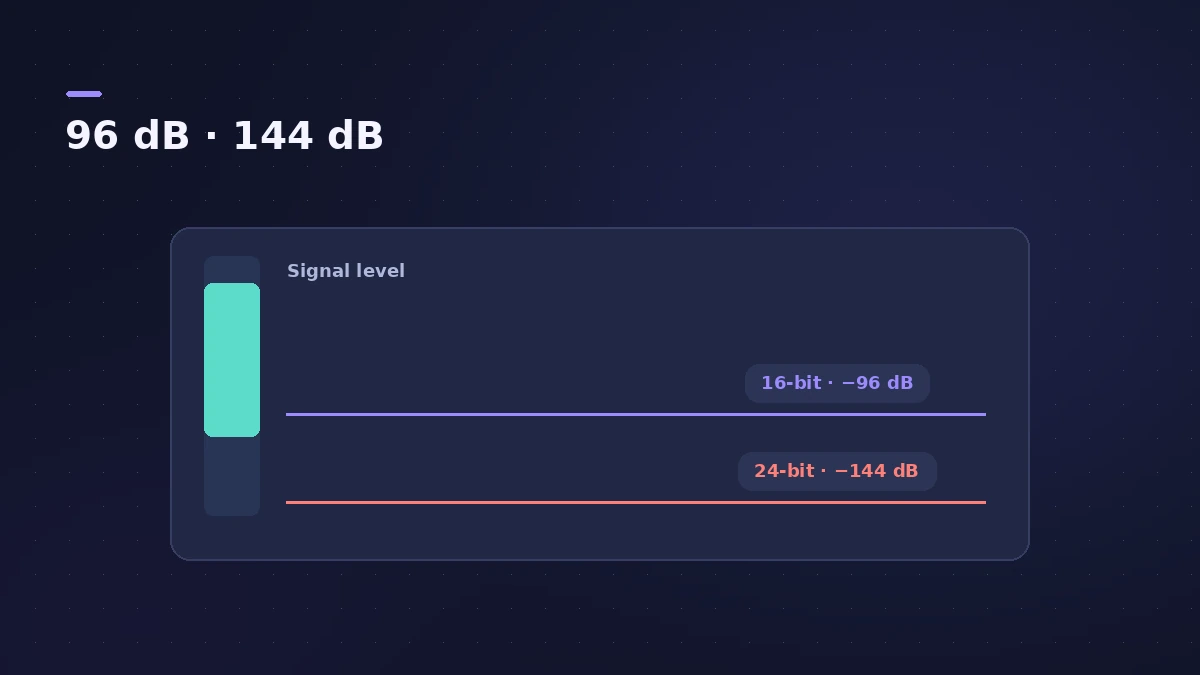
Dynamic range ≈ bits × 6.02 dB. That's the ceiling for an ideal converter; measured figures come in lower.
| Bit depth | Dynamic range | Notes |
|---|---|---|
| 16-bit | ≈ 96 dB | CD standard |
| 24-bit | ≈ 144 dB | Apple: the most commonly used; files 50% larger than 16-bit |
| 32-bit float | Very large | Clipping can be removed by lowering region gain |
When you reduce bit depth for a final bounce, add dither. For choosing settings, see sample rate and bit depth.
Sources
- The Audio Stuff — Bit depth
- Sonarworks — Understanding bit depth
- Apple — Logic Pro User Guide: Recording settings
Checked November 2026. Logic ProFiles is independent of Apple; menu names can differ slightly between Logic Pro versions.
Frequently asked questions
Why record in 24-bit if 16-bit covers 96 dB?
+
Extra range lets you leave headroom without quiet parts sinking into the noise floor; Apple calls 24-bit the most commonly used depth.
Is 6.02 dB per bit exact?
+
It is the ideal figure; real converters measure below it.
Related
- Sample rate and bit depth in Logic ProChoose the right sample rate and bit depth in Logic Pro: 44.1 kHz for music, 48 kHz for video, 24-bit recording, 32-bit float and mismatched rates.
- Dither in Logic ProWhat dithering does in Logic Pro bounces: when to dither (reducing 24-bit to 16-bit), the differences between POW-r #1, #2 and #3, and when to leave it off.
- Audio file size calculatorWork out the size of a WAV or AIFF bounce, or a folder of stems, from length, sample rate, bit depth and channels — plus the size at MP3 or AAC bit rates.
- dBFS to dBu calculatorConvert dBFS in Logic Pro to dBu and volts for your interface's calibration (0 dBFS = +18 or +24 dBu) and see where +4 dBu line level sits on the meter.
- Audio calculatorsFree audio calculators for Logic Pro: buffer latency, file size, BPM to delay time, bars to time, tempo change, samples to ms and note frequency.