Reference
Dither in Logic Pro
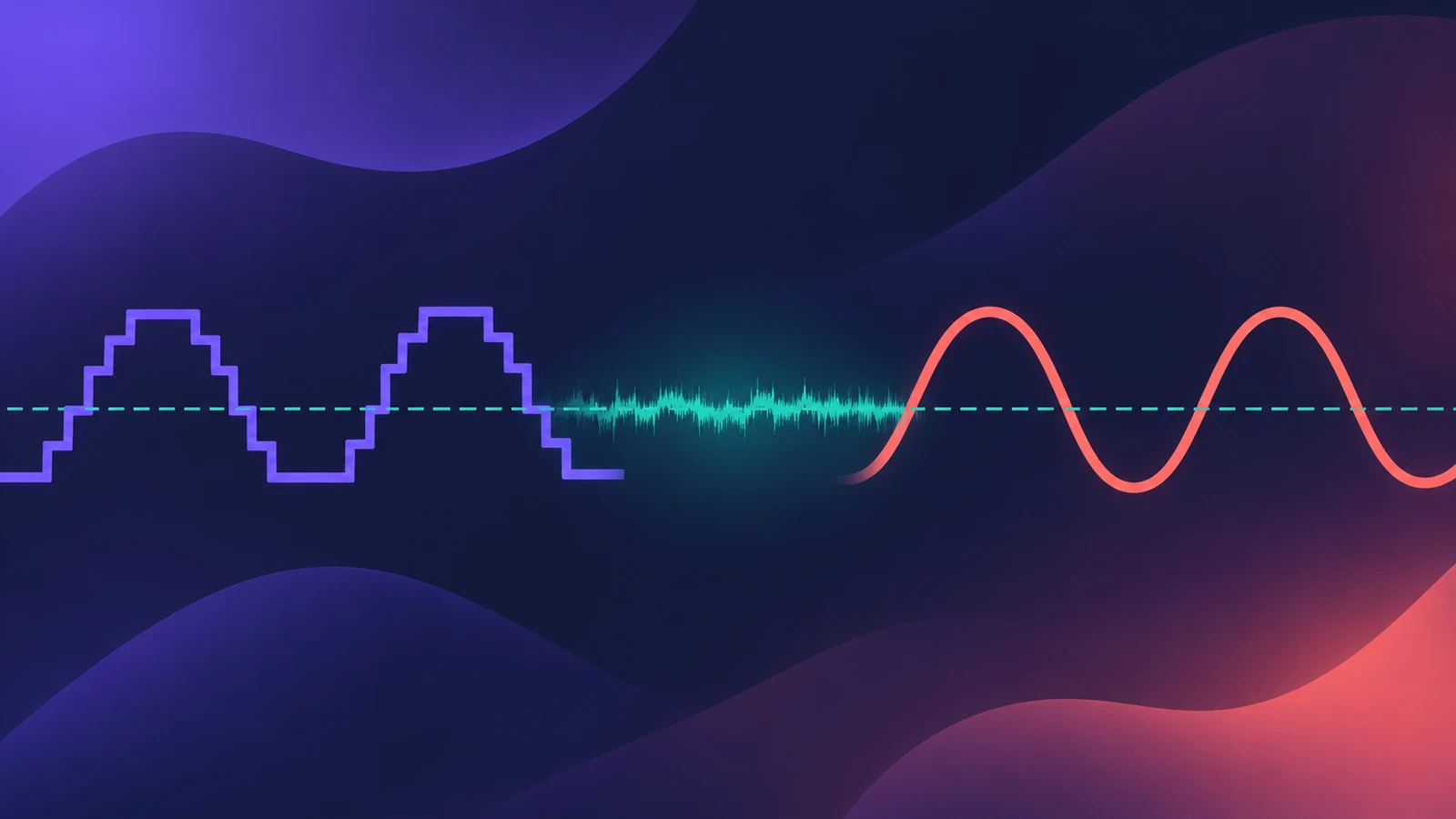
Dither adds a tiny amount of noise when you reduce bit depth — for example from 24-bit to 16-bit for a CD — so the lost resolution doesn't turn into distortion. Logic Pro offers the POW-r algorithms in the Bounce window.
 Owen Hartley
POW-r modes
| Mode | What Apple's manuals say |
|---|---|
| None | No dithering |
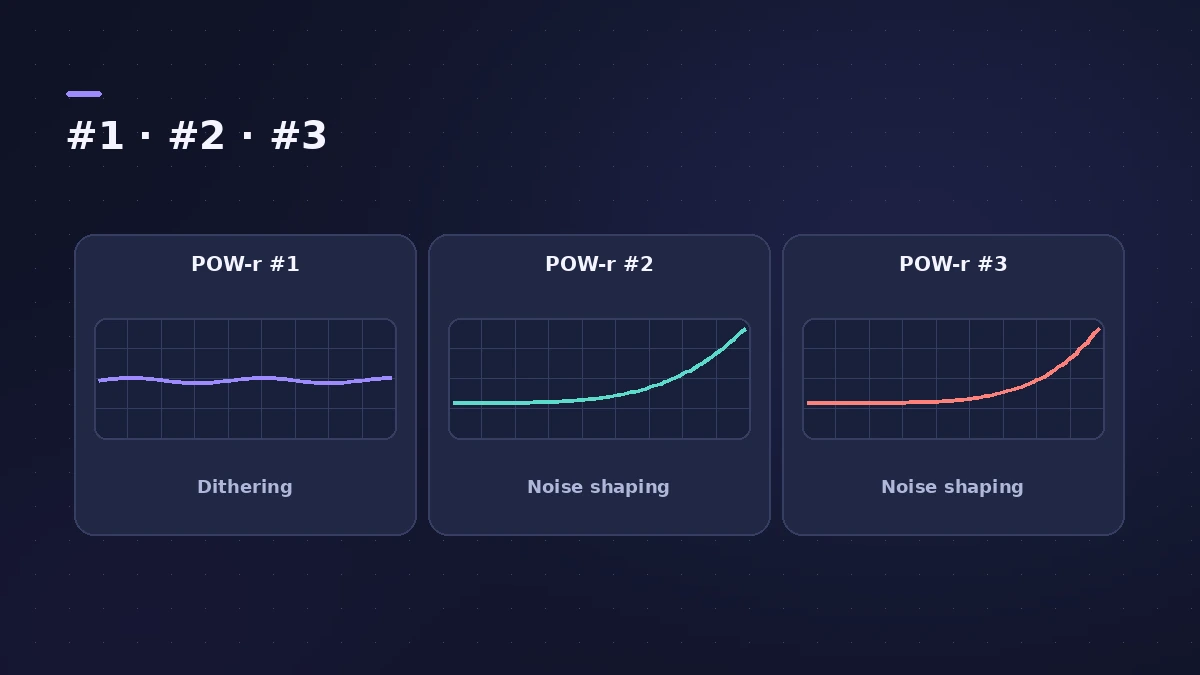
| POW-r #1 | Dithering curve that minimises quantisation noise |
| POW-r #2 | Adds noise shaping over a wide range; 5–10 dB more dynamic range |
| POW-r #3 | Optimised noise shaping; up to 20 dB more in the 2–4 kHz range |
Sage Audio suggests POW-r #1 for low-dynamic-range mixes, #2 for speech and #3 for highly dynamic material like orchestral music — but compare by ear. Dither once, at the final bounce to the lower bit depth. Bounce settings are covered in bounce.
Sources
- Apple — Logic Pro X 10.1 Help: Dithering (old)
- Apple — Logic Pro 9 manual: Bouncing and dithering modes
- Sage Audio — What is dithering?
Checked November 2026. Logic ProFiles is independent of Apple; menu names can differ slightly between Logic Pro versions.
Frequently asked questions
Should I dither a 24-bit bounce?
+
Dither is for reducing word length, such as converting 24-bit to 16-bit. Apple’s algorithms are designed for that conversion.
Which POW-r mode is best?
+
Apple says the algorithm that sounds best depends on the material and your taste.
Related
- Bit depth and dynamic range calculatorSee the theoretical dynamic range of 8, 16, 20 and 24-bit audio (about 6 dB per bit), the range lost when you reduce bit depth, and relative file sizes.
- How to bounce in Logic Pro — every bounce setting explainedBounce your Logic Pro project to WAV, MP3 or AAC: set the range, choose offline or realtime, include the reverb tail and pick the right normalize setting.
- How to export WAV from Logic Pro — 24-bit or 16-bitBounce a WAV from Logic Pro for mastering, a distributor or CD: choose Uncompressed, WAVE, bit depth, sample rate, interleaved files and when to add dither.
- Sample rate and bit depth in Logic ProChoose the right sample rate and bit depth in Logic Pro: 44.1 kHz for music, 48 kHz for video, 24-bit recording, 32-bit float and mismatched rates.
- Logic Pro referenceLogic Pro reference: a plain-English glossary, supported audio and MIDI file formats, where plug-ins are installed, and how to make custom key commands.