Reference
Sample rate and bit depth in Logic Pro
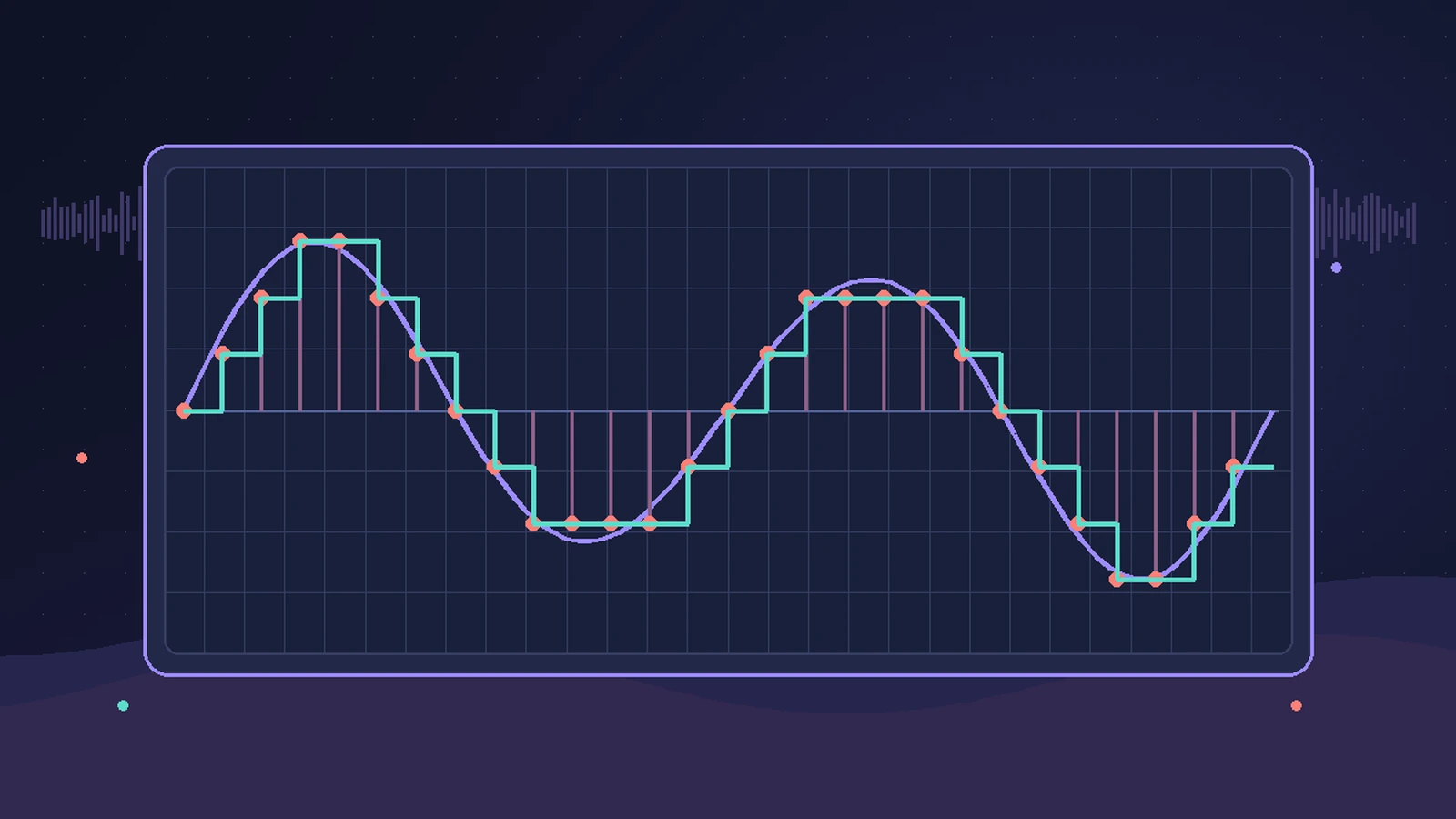
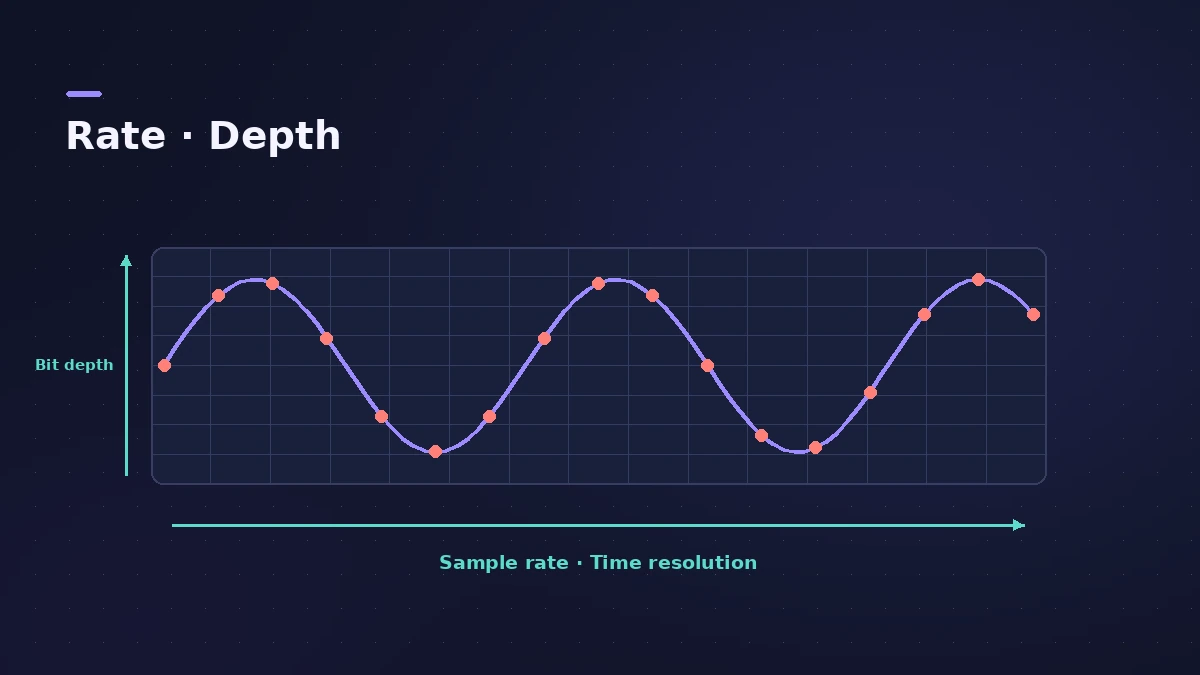
Sample rate is how many times per second the audio is measured; bit depth is how precisely each measurement is stored. Set both when you start a project: they affect quality, file size and how hard your Mac works.
 Owen Hartley
Where to set them
| Setting | Where | Typical choice |
|---|---|---|
| Sample rate | File > Project Settings > Audio | 44.1 kHz (music), 48 kHz (video) |
| Recording bit depth | Settings > Recording | 24-bit |
| Recording file type | Settings > Recording | WAVE (BWF) |
Apple describes 44.1 kHz as the CD standard, 48 kHz as common for video and 96–192 kHz as used by modern recordings; higher rates need more processing power and disk space. Older Apple documentation gives an example of a mismatch: a file created at 96 kHz and played at 48 kHz plays at half speed. If that has happened, see audio too fast or slow.
Bit depth choices
| Bit depth | Use |
|---|---|
| 16-bit | Smaller files, limited dynamic range |
| 24-bit | The most commonly used; 50% larger files than 16-bit |
| 32-bit float | Clipping can be removed by lowering region gain; 33% larger than 24-bit |
Sources
- Apple — Logic Pro for Mac: Set the sample rate of a project
- Apple — Logic Pro 9 Help: Setting the project sample rate (old)
- Apple — Logic Pro for iPad Guide: Supported file formats
- Apple — Logic Pro User Guide: Recording settings
Checked November 2026. Logic ProFiles is independent of Apple; menu names can differ slightly between Logic Pro versions.
Frequently asked questions
What sample rate should I use in Logic Pro?
+
Apple describes 44.1 kHz as the CD standard and 48 kHz as common for video.
Does a higher sample rate cost performance?
+
Yes. Apple says higher sample rates need more processing power and more disk space.
Related
- Bit depth and dynamic range calculatorSee the theoretical dynamic range of 8, 16, 20 and 24-bit audio (about 6 dB per bit), the range lost when you reduce bit depth, and relative file sizes.
- Sample rate mismatch calculatorFind out how much faster or slower and how far out of tune a file plays at the wrong sample rate, such as 96 kHz audio in a 48 kHz project, plus its new length.
- Audio plays too fast or too slow in Logic ProAudio plays too fast, too slow or at the wrong pitch in Logic Pro? The file's sample rate doesn't match the project. Match the rate or convert the audio files.
- File formats Logic Pro supportsWhich file formats Logic Pro plays, records and bounces: AIFF, WAV (BWF), CAF, Apple Lossless, MP3, AAC, plus MIDI, AAF, Final Cut Pro XML and MusicXML.
- Audio file size calculatorWork out the size of a WAV or AIFF bounce, or a folder of stems, from length, sample rate, bit depth and channels — plus the size at MP3 or AAC bit rates.
- Logic Pro referenceLogic Pro reference: a plain-English glossary, supported audio and MIDI file formats, where plug-ins are installed, and how to make custom key commands.