Audio file size calculator
Enter the length of a song, its sample rate, bit depth and channels to see how big an uncompressed bounce will be — and how much a set of stems or a compressed MP3 or AAC version takes.
 Owen Hartley
The formulas
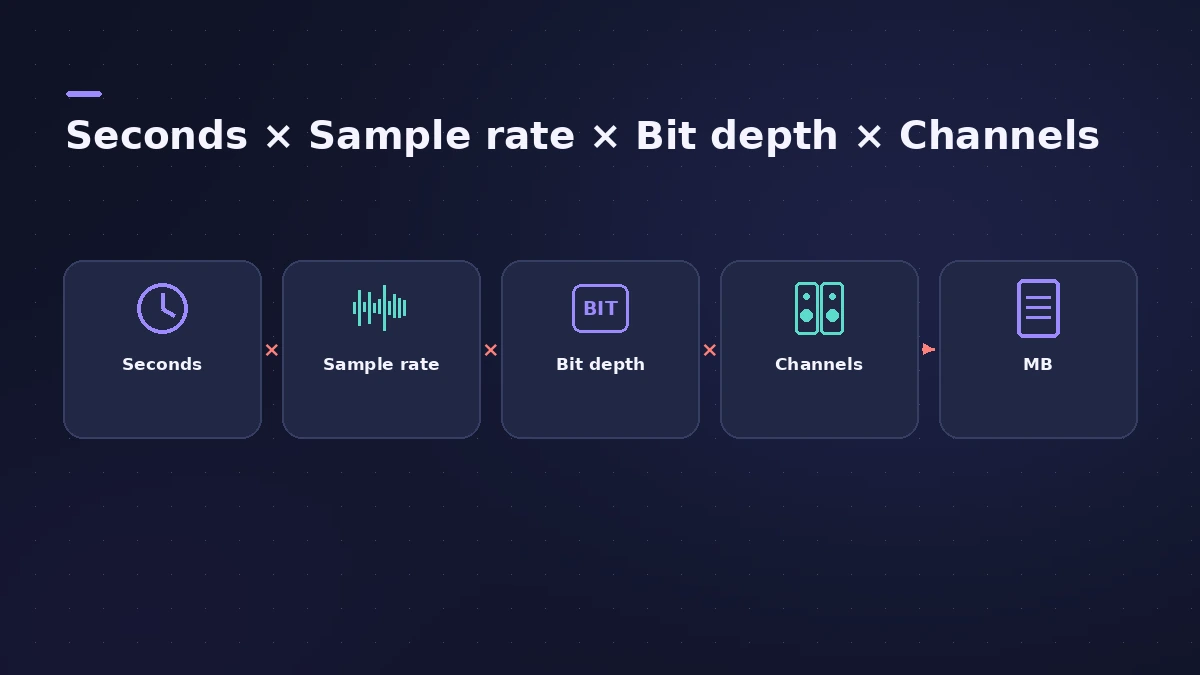
Uncompressed (WAV, AIFF): bytes = seconds × sample rate × (bit depth ÷ 8) × channels
Compressed (MP3, AAC): bytes ≈ bit rate (kbps) × 1000 ÷ 8 × seconds
| 3:00 stereo bounce | File size |
|---|---|
| 44.1 kHz, 16-bit | 31.8 MB |
| 48 kHz, 24-bit | 51.8 MB |
| 96 kHz, 24-bit | 103.7 MB |
| 48 kHz, 32-bit float | 69.1 MB |
| MP3 at 320 kbps | 7.2 MB |
MB here means 1,000,000 bytes. Headers and metadata add a few kilobytes.
Stems multiply quickly
Ten stereo stems of a 3:30 song at 48 kHz, 24-bit come to about 605 MB — worth knowing before you send them through a file-sharing service. Ask your mix engineer which sample rate and bit depth they want; export stems covers the rest of the settings.
What Logic Pro lets you choose
The Bounce window sets the file format, sample rate and bit depth of a bounce; compressed formats such as MP3 and AAC are chosen there too. See how to bounce in Logic Pro for each option. For how long recordings take to fill a drive, the data-rate line in the calculator gives megabytes per minute per file.
Checking monitoring delay instead? Try the buffer latency calculator.
Sources
Checked November 2026. Logic ProFiles is independent of Apple; menu names can differ slightly between Logic Pro versions.
Frequently asked questions
How big is a 3-minute WAV file?
+
At 44.1 kHz, 16-bit stereo, about 31.8 MB. At 48 kHz, 24-bit stereo, about 51.8 MB.
How do I calculate WAV file size?
+
Multiply the length in seconds by the sample rate, the bit depth divided by 8 and the number of channels. The result is in bytes.
Is a 32-bit float bounce bigger than 24-bit?
+
Yes, by a third: 32 bits per sample instead of 24, at the same sample rate and length.
Related
- Bit depth and dynamic range calculatorSee the theoretical dynamic range of 8, 16, 20 and 24-bit audio (about 6 dB per bit), the range lost when you reduce bit depth, and relative file sizes.
- How to bounce in Logic Pro — every bounce setting explainedBounce your Logic Pro project to WAV, MP3 or AAC: set the range, choose offline or realtime, include the reverb tail and pick the right normalize setting.
- How to export stems from Logic ProExport every Logic Pro track as its own audio file for a mixer: All Tracks as Audio Files, the right options for effects, tails and naming, and Track Stacks.
- Buffer latency calculatorConvert Logic Pro's I/O buffer size to milliseconds at any sample rate. See one-buffer and input-plus-output delay for 32 to 1024 samples, with the formula.
- Audio calculatorsFree audio calculators for Logic Pro: buffer latency, file size, BPM to delay time, bars to time, tempo change, samples to ms and note frequency.