Fix Problems
Audio plays too fast or too slow in Logic Pro
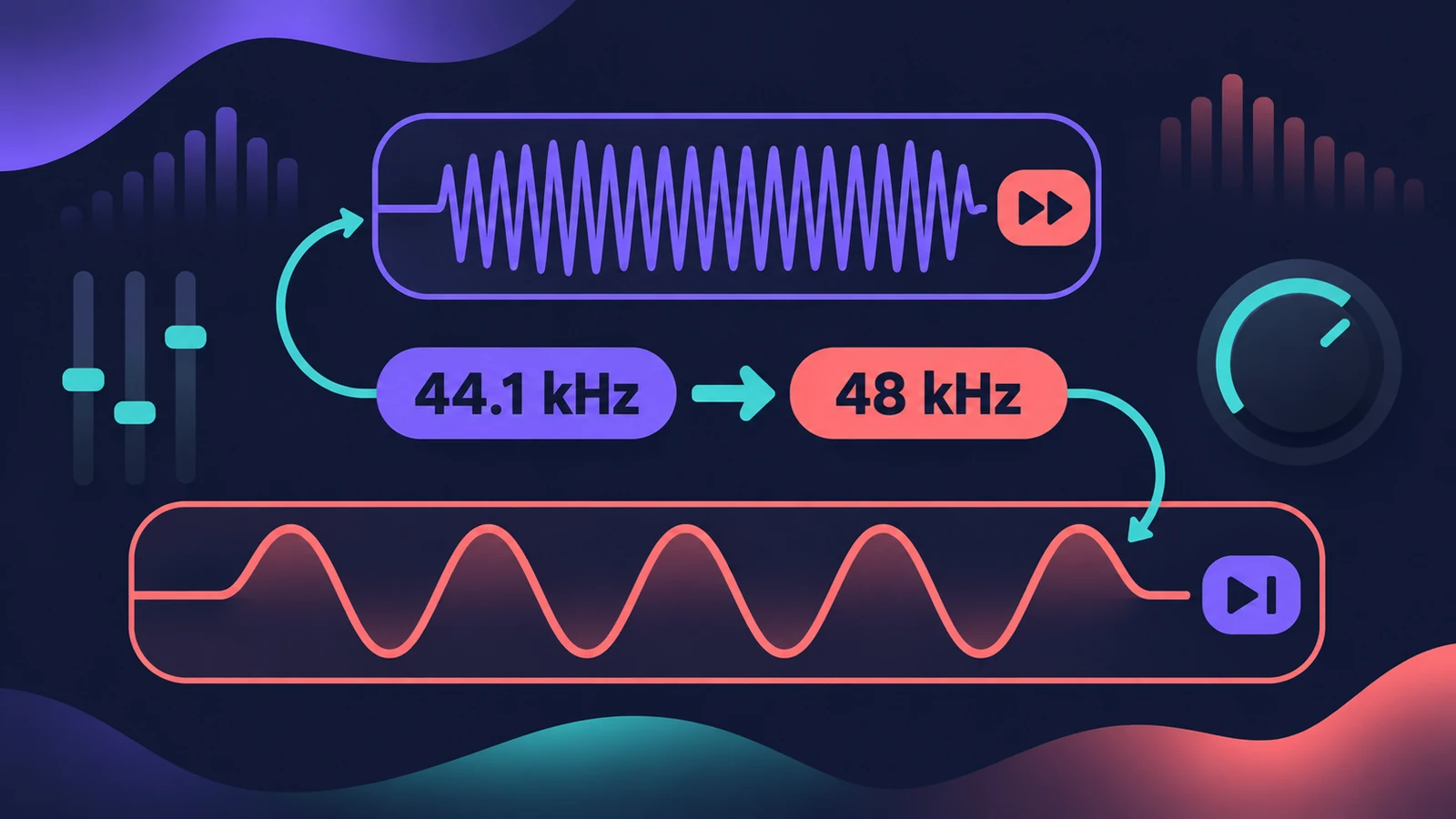
If imported audio sounds like chipmunks or slowed down, its sample rate doesn't match the project's. A file with a higher sample rate than the project plays slower and lower; a lower one plays faster and higher. The fix is to make the two match.
 Owen Hartley
Applies to: Logic Pro 13, 12 and 11 for Mac.
Most likely causes
- Audio file sample rate differs from the project (most common)
- Automatic conversion on import turned off (common)
- Project opened on a device that doesn't support its rate (occasional)
- File header shows the wrong sample rate (occasional)
Why it happens
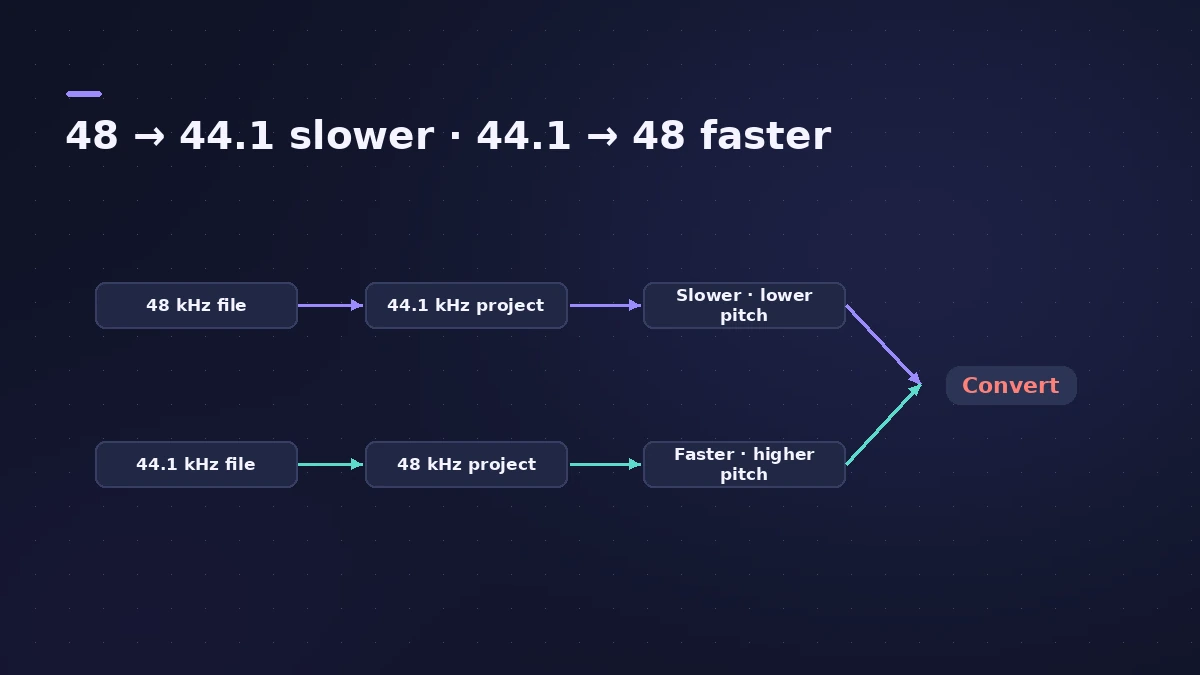
Digital audio has a fixed number of samples per second. Play a 96 kHz file at 48 kHz and only half the samples go by each second, so it plays at half speed. For the related alert about sample rates, see Audio and MIDI sync error.
Set it right from the start
Choose the project sample rate when you create a project, and keep conversion on when importing.
Fixes, in order
1. Check both sample rates
Compare the project sample rate in File > Project Settings > Audio with the file's rate in the Project Audio Browser.
2. Turn on conversion when importing
In File > Project Settings > Assets, turn on Convert audio file sample rate when importing, then import again.
3. Convert the existing file
In the Project Audio Browser, match the file's sample rate to the project instead of re-importing.
4. Or change the project rate
If all the files share one rate, set the project to that rate instead.
5. Check the interface
Moving a project to a computer that doesn't support its sample rate makes it play at the wrong speed.
Sources
- Apple — Logic Pro User Guide: Set the sample rate of a project
- Apple — Logic Pro X 10.1 Help: Set the project sample rate (old)
- Apple — Logic Pro 9: Setting the project sample rate (old)
- Apple Community — Convert 48000 to 44100 without change in pitch
Checked November 2026. Logic ProFiles is independent of Apple; menu names can differ slightly between Logic Pro versions.
Frequently asked questions
Why does my imported audio sound like chipmunks?
+
Its sample rate is lower than the project's, so it plays faster and higher. Convert it to the project rate.
Why does audio sound slow and low?
+
The file's sample rate is higher than the project's.
Will converting change the pitch?
+
No — a proper conversion keeps pitch and speed. If it still sounds wrong, the file may be tagged with the wrong sample rate.
Related
- Sample rate mismatch calculatorFind out how much faster or slower and how far out of tune a file plays at the wrong sample rate, such as 96 kHz audio in a 48 kHz project, plus its new length.
- Sample rate and bit depth in Logic ProChoose the right sample rate and bit depth in Logic Pro: 44.1 kHz for music, 48 kHz for video, 24-bit recording, 32-bit float and mismatched rates.
- "Error while trying to synchronize Audio and MIDI" in Logic ProLogic Pro shows Error while trying to synchronize Audio and MIDI? Match sample rates, use one clock source, raise the buffer and check sync settings. 9 fixes.
- How to import audio and MIDI files into Logic ProImport WAV, AIFF, MP3 and MIDI files into Logic Pro: drag from the Finder, use File > Import, keep files with the project, match tempo, make sampler tracks.
- How to create a new project in Logic ProCreate a new Logic Pro project with the right settings: template or empty project, tempo and key, sample rate, Flex Time and where the project is saved.
- Fix Logic Pro problems — errors, crashes and no soundStep-by-step fixes for Logic Pro on Mac: system overload, disk too slow, no sound, crashes, latency, missing plug-ins, MIDI keyboards and recording problems.