Learn Logic Pro
How to create a new project in Logic Pro
A Logic Pro project holds your recordings, edits and mix. Starting it right saves trouble later: set tempo and key before you record, choose the sample rate before the first take, and save it somewhere you'll find again.
 Owen Hartley
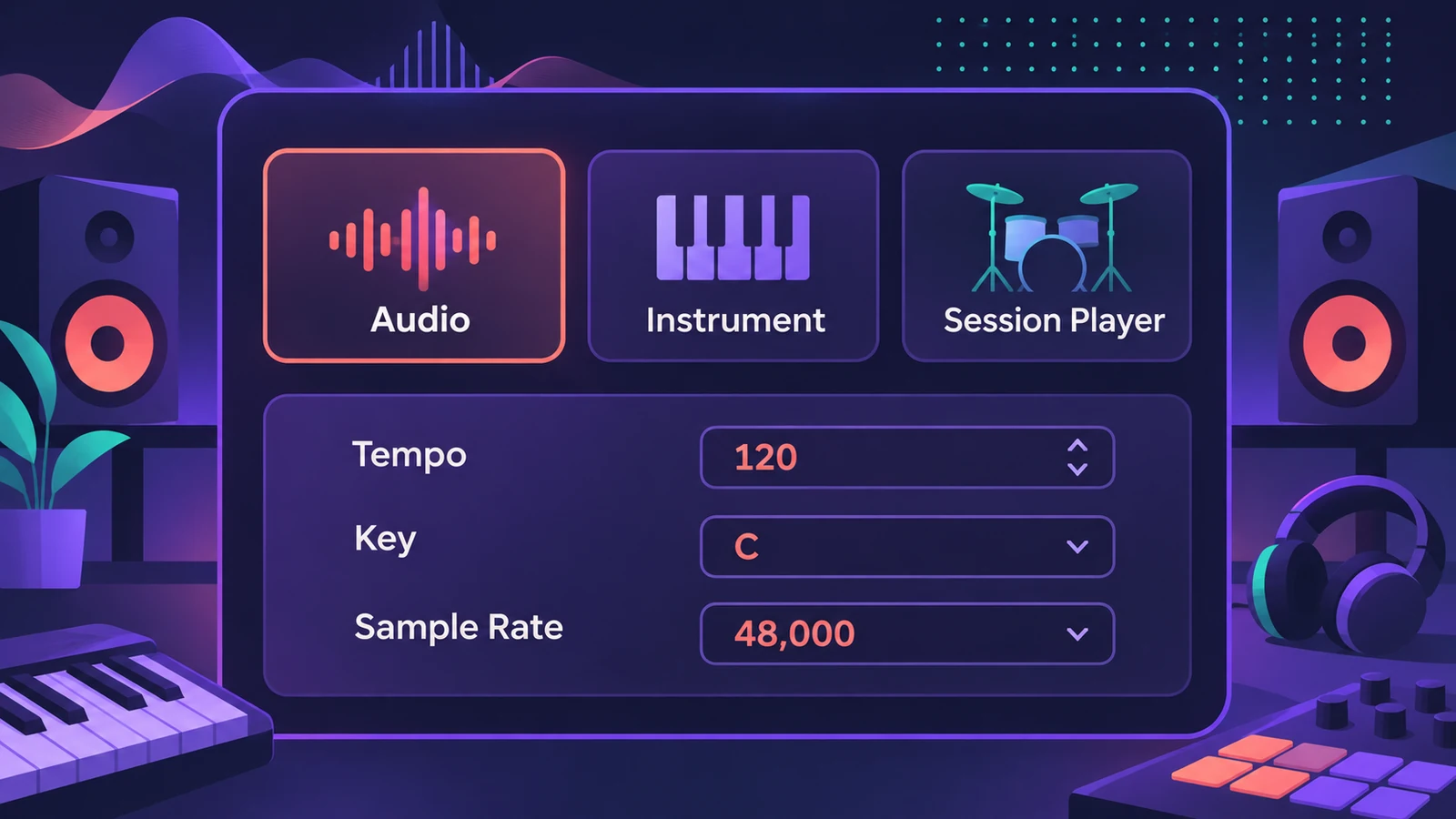
Where to find it
File > New from Template
Next, set tempo, key and time signature or jump into the beginner tutorial.
Step by step
-
1
Start a project
Choose File > New from Template (Command-N) to pick a template, or press Shift-Command-N for an empty project.
-
2
Add the first tracks
Choose the track type — audio, software instrument or a Session Player — and how many, then click Create.
-
3
Check the details
Open the Details section of the new project sheet to set tempo, key and time signature. Since Logic Pro 12.2 it also has a Use Flex Time option.
-
4
Set the sample rate
Choose File > Project Settings > Audio and set Sample Rate. Match what your interface and collaborators use.
-
5
Save and name it
Press Command-S and choose a location. Logic Pro can save a project as a single package or as a project folder.
Common mistakes
- Recording first and fixing the tempo later.
- Mixing sample rates between your interface and the project, which can cause sync alerts.
- Saving to the Desktop and losing track of projects.
Project settings vs Logic Pro settings
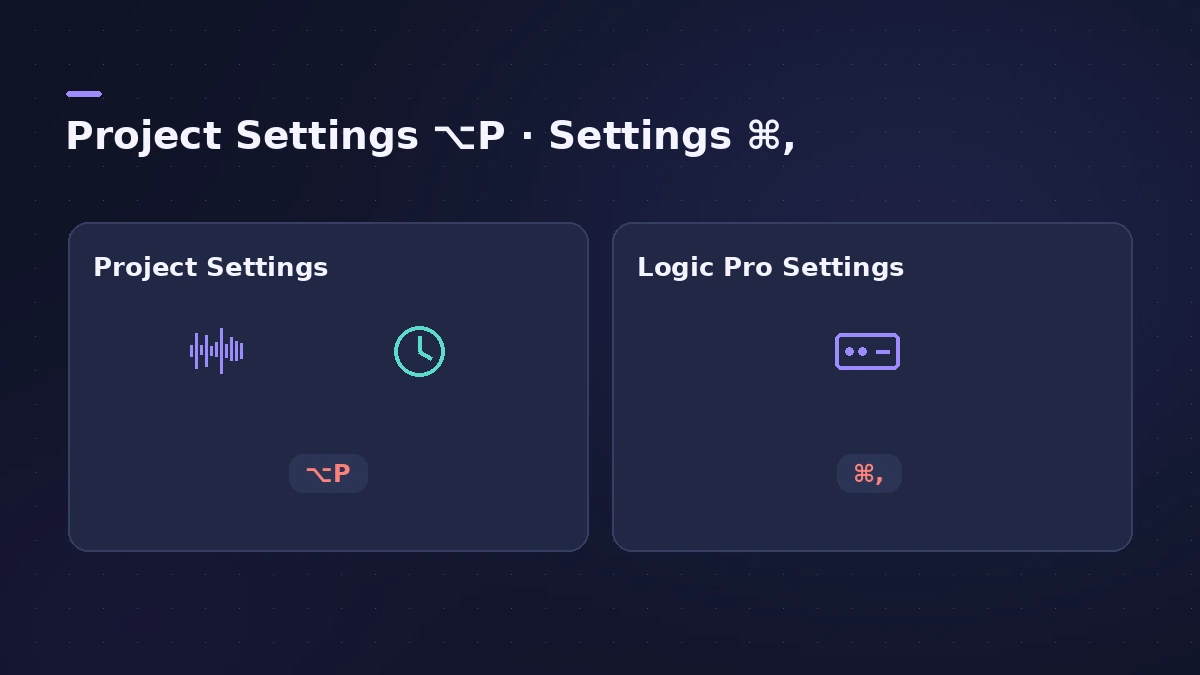
File > Project Settings (Option-P) holds settings stored with this project, such as sample rate and metronome. Logic Pro > Settings (Command-Comma) holds settings for every project, such as audio devices. Apple's settings overview notes the two windows can be open at the same time.
Sources
- Apple — Logic Pro X 10.1 Help: Global Commands key commands (old)
- Apple — Logic Pro User Guide: Get started with project properties
- Apple Support — Logic Pro for Mac release notes
- Apple — Logic Pro X 10.1 Help: Open projects (old)
- Apple Support — If you see an audio and MIDI sync alert in Logic Pro for Mac (Jul 2024)
- Apple — Logic Pro User Guide: GarageBand projects in Logic Pro for Mac
- Apple — Logic Pro User Guide: Overview of Logic Pro settings
- Apple Support — Avoid system overloads in Logic Pro for Mac (May 2026)
Checked November 2026. Logic ProFiles is independent of Apple; menu names can differ slightly between Logic Pro versions.
Frequently asked questions
What sample rate should I use in Logic Pro?
+
Use the rate your interface and any collaborators work at. 44.1 or 48 kHz suit most music; higher rates make bigger files and more CPU load.
How do I open a GarageBand project in Logic Pro?
+
Choose File > Open and select the GarageBand project. Apple says it opens without importing or converting files.
Related
- Logic Pro project templatesSave a Logic Pro project as a template with File > Save As Template, keep templates in folders, find them under My Templates and build a reusable setup.
- How to set tempo, key and time signature in Logic ProSet tempo, key and time signature in Logic Pro from the LCD, add tempo and key changes later in the song, and see what each setting changes in playback.
- Logic Pro tutorial for beginners — your first song in 9 stepsA Logic Pro tutorial for beginners: set up audio, create a project, set tempo and key, record, add a Session Player, edit, mix, master and bounce a song.
- "Error while trying to synchronize Audio and MIDI" in Logic ProLogic Pro shows Error while trying to synchronize Audio and MIDI? Match sample rates, use one clock source, raise the buffer and check sync settings. 9 fixes.
- Learn Logic Pro — tutorials for beginnersLearn Logic Pro on Mac: a beginner tutorial, the interface, the Logic Pro 13 Browser, audio interface setup, key commands, loops, patches and saving projects.