Reference
The Logic Pro MIDI Environment explained
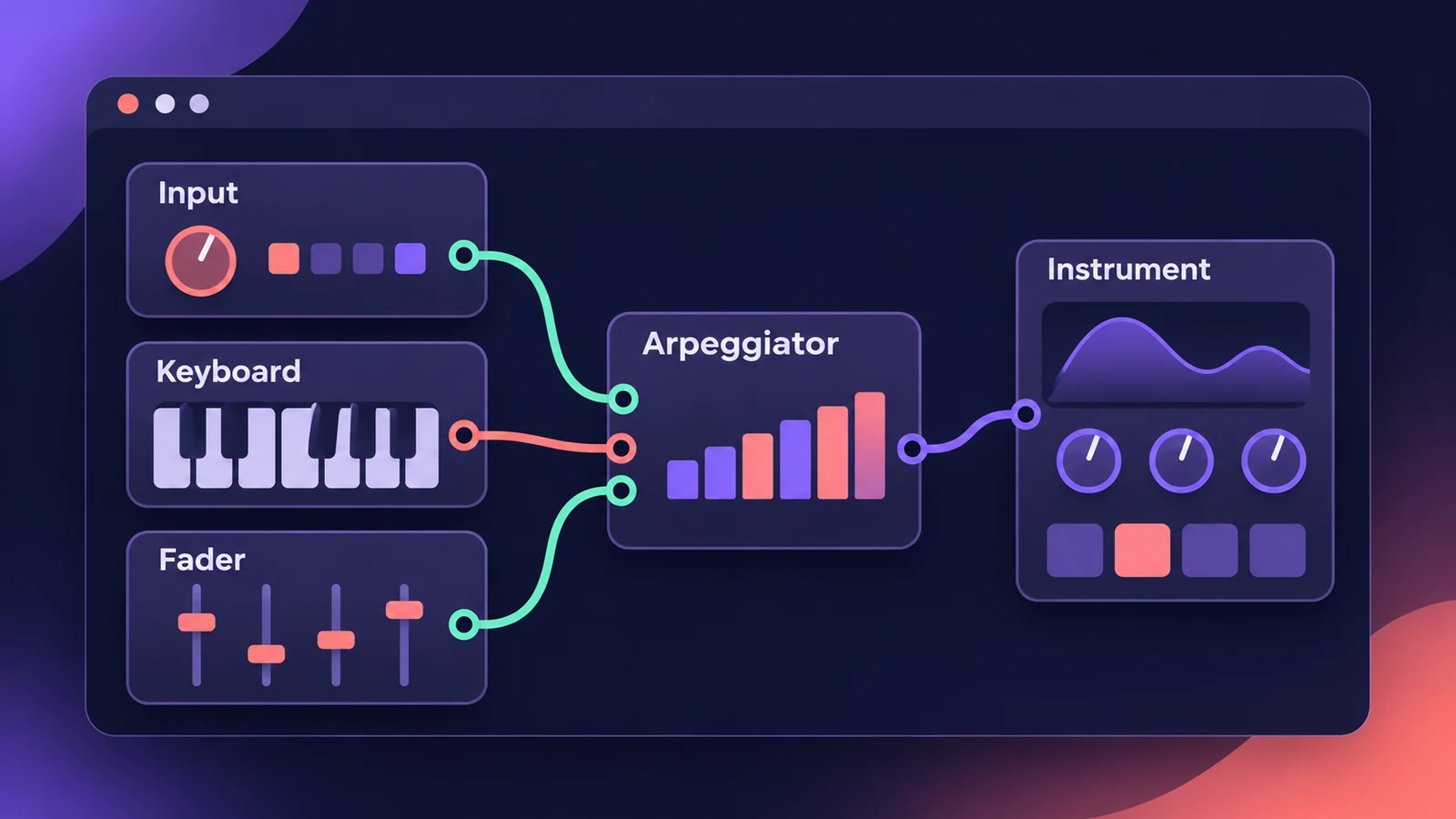
The Environment is Logic Pro's virtual MIDI studio — a window of objects for your MIDI inputs, instruments, faders and processors, joined by virtual cables. You don't need it to make music: Logic Pro creates the objects new tracks need automatically. It's there for custom MIDI routing and processing.
 Owen Hartley
What's in it
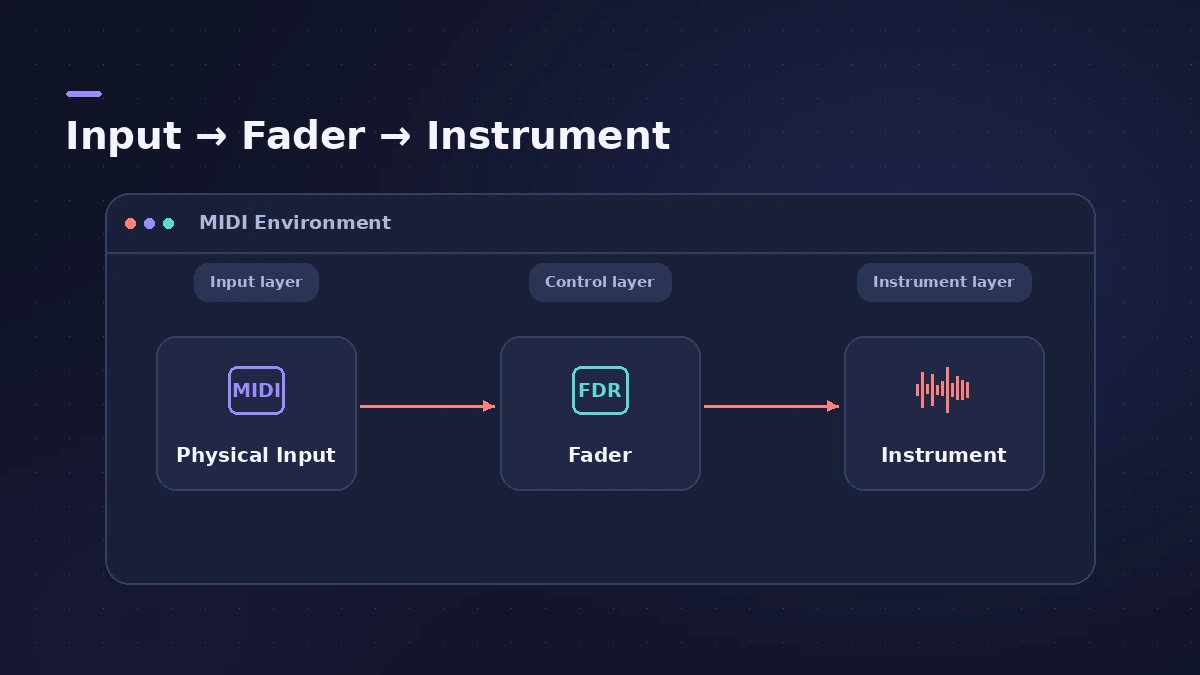
- Physical Input and Sequencer Input objects represent your MIDI interface's inputs and Logic Pro's input.
- Instrument objects stand for each MIDI device in your rig.
- Faders, knobs, switches, arpeggiators and more create or change MIDI data in real time.
Objects are connected with virtual cables, which makes the signal flow easy to follow, and grouped into layers to keep things tidy.
How to open it
First turn on the additional MIDI options in Logic Pro > Settings > Advanced — see advanced settings. Then choose Window > Open MIDI Environment. The default key command has differed between versions (Command-8 or Command-0), so check the Window menu.
Sources
- Apple — Logic Pro X 10.1 Help: Open the Environment (Additional MIDI Options)
- Apple — Logic Pro 9 User Manual: Introducing the Environment (old)
- Apple — Logic Pro 9 User Manual: Working in the Environment (old)
- Apple — Logic Pro 9 User Manual: Working with layers (old)
- Apple — Logic Pro X User Manual: Open the Environment window (old)
- Apple Community — Can't open the MIDI Environment (key command)
Checked November 2026. Logic ProFiles is independent of Apple; menu names can differ slightly between Logic Pro versions.
Frequently asked questions
Do I need the Environment in Logic Pro?
+
No. Apple says it isn't essential for making music with Logic Pro's instruments or external MIDI gear.
Why can't I find the MIDI Environment?
+
It appears only when the additional MIDI options are turned on in Advanced settings.
Related
- Logic Pro advanced settings — where "Enable Complete Features" wentCan't find Enable Complete Features or the Advanced pane in Logic Pro 12 or 13? Every feature is now always on. What changed and how older versions work.
- How to record MIDI with a keyboard in Logic ProRecord MIDI from a keyboard in Logic Pro: arm an instrument track, record with a count-in, overdub, replace or take passes in Cycle mode, then quantize.
- MIDI FX in Logic ProWhat each MIDI plug-in in Logic Pro does — Arpeggiator, Chord Trigger, Modifier, Modulator, Note Repeater, Randomizer, Scripter, Transposer, Velocity Processor.
- Logic Pro referenceLogic Pro reference: a plain-English glossary, supported audio and MIDI file formats, where plug-ins are installed, and how to make custom key commands.