Reference
Plug-in latency compensation in Logic Pro
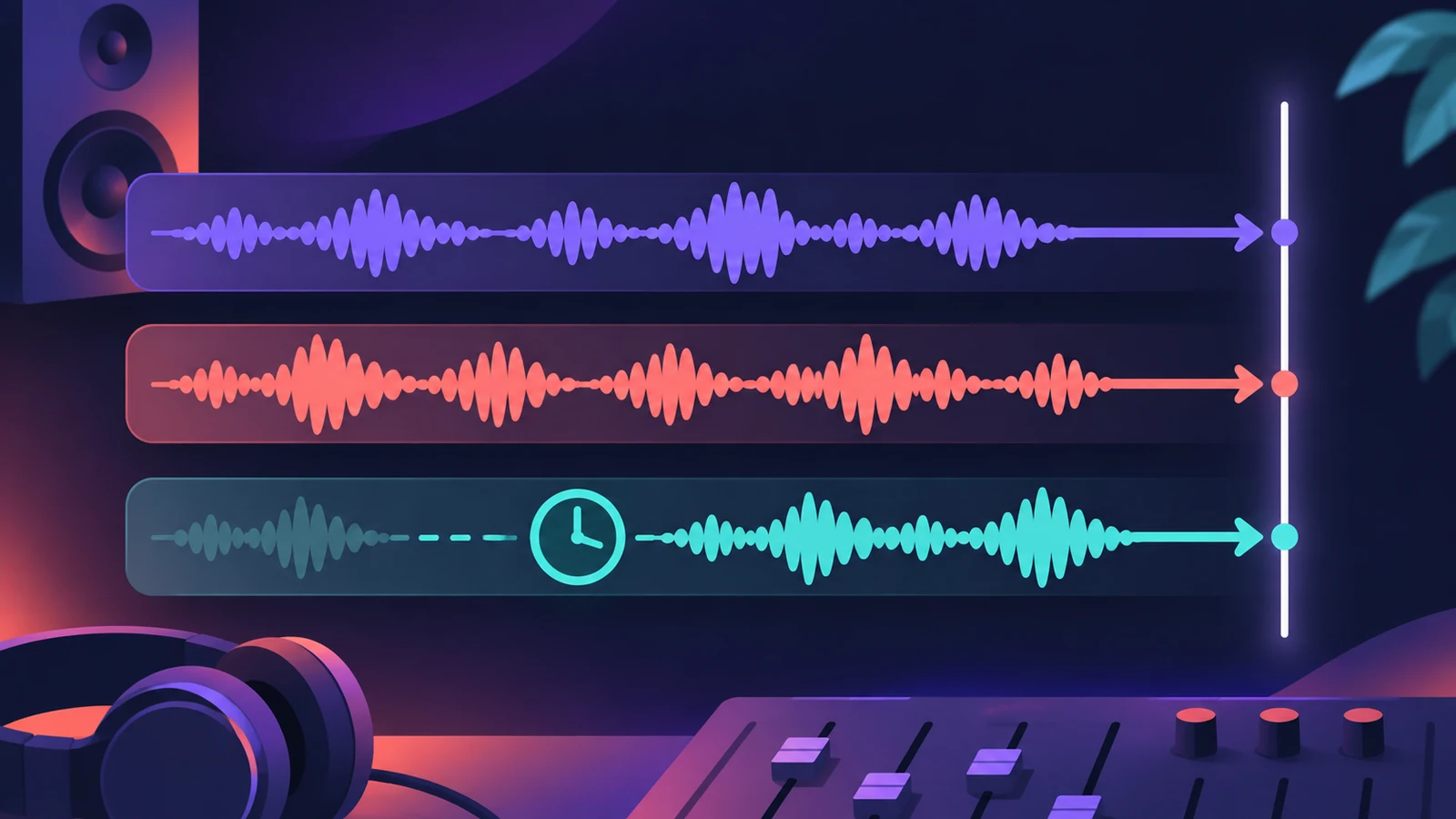
Every plug-in takes a little time to process audio. Plug-in latency compensation (also called delay compensation) keeps everything in sync by delaying or shifting tracks to match the slowest path. It's automatic, but the setting you choose affects recording.
 Owen Hartley
Compensation options
| Setting | Compensates |
|---|---|
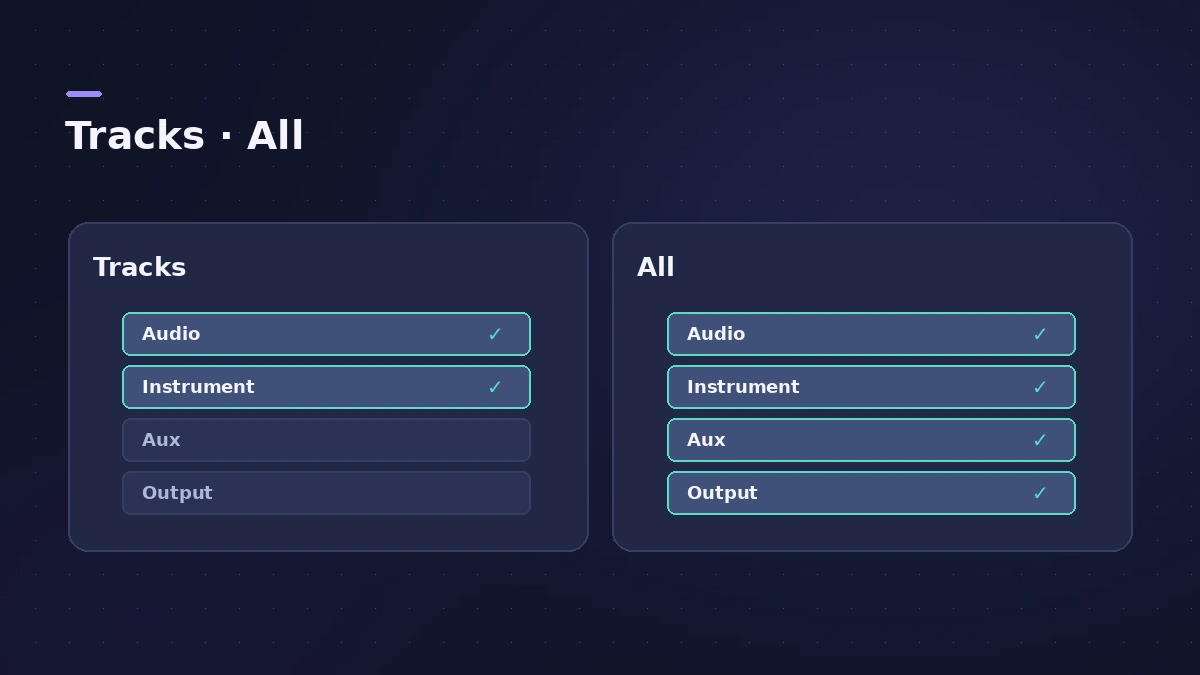
| Audio and Software Instrument Tracks | Plug-ins on audio and instrument channel strips |
| All | Also aux and output channel strips |
| Off | Nothing |
Apple explains that plug-ins on audio and instrument tracks are handled by shifting those tracks earlier in time, while plug-ins on auxes and outputs require delaying the other audio streams. That's why recording with All and heavy plug-ins on buses can feel late.
While recording
Use Low Latency Mode — set its Limit in Settings > Audio > General — to bypass plug-ins that add too much delay while you play. See latency.
Sources
- Apple — Logic Pro 9 Help: Plug-in latency compensation (old)
- Apple — Logic Pro X 10.4 Help: General Audio preferences (old)
- Apple — Manage input monitoring latency in Logic Pro for Mac
Checked November 2026. Logic ProFiles is independent of Apple; menu names can differ slightly between Logic Pro versions.
Frequently asked questions
Where is plug-in latency compensation in Logic Pro?
+
In Settings > Audio > General, in the Compensation pop-up menu: Audio and Software Instrument Tracks, All, or off.
Why does playing feel late with compensation set to All?
+
Apple notes that with All and latency-inducing plug-ins on auxes or outputs, playing software instruments live can have more latency.
Related
- Logic Pro latency — how to fix delay when recordingHearing a delay when you record in Logic Pro? Lower the I/O buffer, turn on Low Latency Monitoring Mode, use direct monitoring and avoid Bluetooth headphones.
- Recorded audio out of sync in Logic ProRecorded audio lands early or late in Logic Pro? Reset the Recording Delay slider to zero, try Low Latency Mode and measure the offset with a loopback test.
- Logic Pro signal flow explainedHow audio flows through a Logic Pro channel strip: insert effects in series, sends over buses to aux channels, pre-fader, post-fader and post-pan sends.
- Logic Pro referenceLogic Pro reference: a plain-English glossary, supported audio and MIDI file formats, where plug-ins are installed, and how to make custom key commands.