Fix Problems
Recorded audio out of sync in Logic Pro
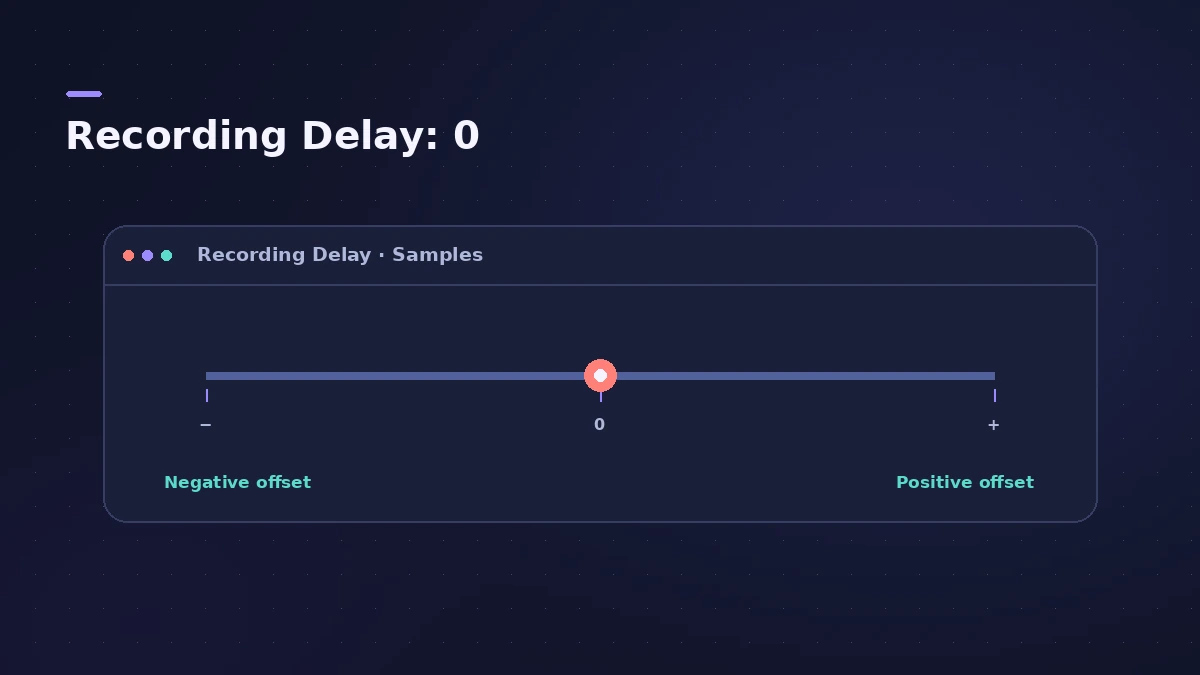
Hearing yourself late while you play is latency; finding the recorded take early or late on the timeline afterwards is an offset. The most common cause of the offset is a Recording Delay slider that's been moved away from zero.
 Owen Hartley
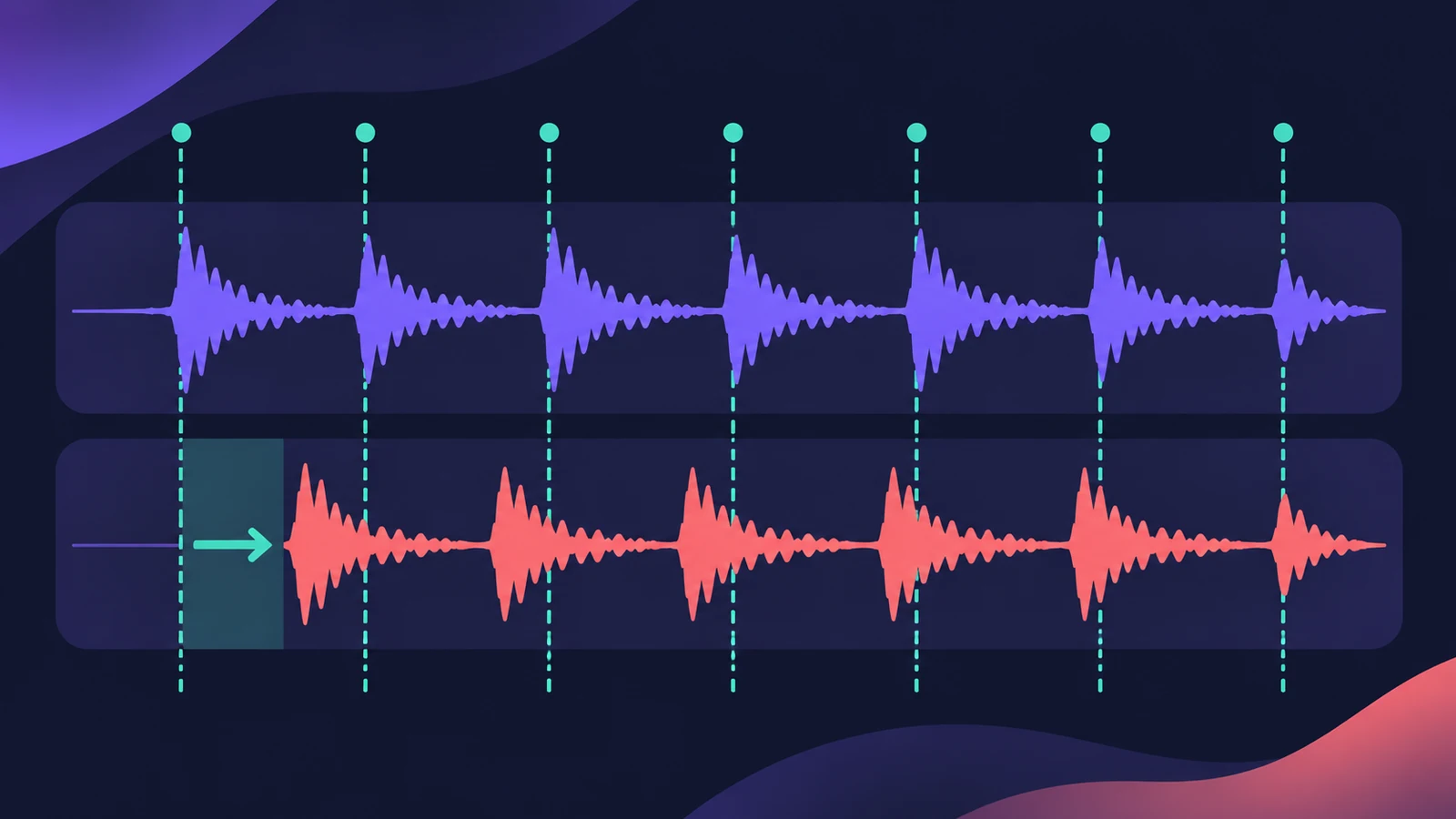
Applies to: Logic Pro 13, 12 and 11 for Mac with an audio interface.
Most likely causes
- Recording Delay slider moved away from zero (most common)
- Interface reporting its latency incorrectly (occasional)
- Latency-inducing plug-ins active while recording (occasional)
Offset vs latency
If the problem is hearing yourself late while you play, that's monitoring latency — see the latency guide.
Fixes, in order
1. Reset Recording Delay
In Logic Pro > Settings > Audio > Devices, set the Recording Delay slider back to the centre (0).
2. Use Low Latency Mode while recording
If latency-heavy plug-ins are in the project, turn on Low Latency Mode for recording.
3. Try a clean project
One user found the slider fine in a new project and the problem in a saved template — test with an empty project.
4. Measure with a loopback test
Route the click out and back in, record it, and compare with the grid to see how many samples the take is off.
5. Only then adjust Recording Delay
If your interface consistently records early or late, set Recording Delay to the measured offset.
Sources
- Apple Community — Audio out of sync: Recording Delay at zero
- Apple Community — Recording Delay slider moved off zero
- M-Audio — Audio recording too early or too late in Logic Pro
- Sunday Sounds — When I record in Logic, it's becoming out of sync
- Apple Community — Sync problems: Recording Delay at 0 and Low Latency Mode
- Fractal Audio Forum — Logic Pro: Recording Delay setting (loopback test)
- Logic Users Group — Recording delay (not latency)
- Apple — Manage input monitoring latency in Logic Pro for Mac (May 2026)
Checked November 2026. Logic ProFiles is independent of Apple; menu names can differ slightly between Logic Pro versions.
Frequently asked questions
Why is my recorded audio late in Logic Pro?
+
Check the Recording Delay slider first — it should normally be at zero. Latency-inducing plug-ins can also play a part; try Low Latency Mode.
Is this the same as latency?
+
No. Latency is the delay you hear while recording; this is the take being placed early or late afterwards.
Should I change Recording Delay?
+
Only after measuring a consistent offset with a loopback test; M-Audio says it should almost always sit in the middle.
Related
- Plug-in latency compensation in Logic ProHow Logic Pro compensates for plug-in latency: tracks-only vs All, why recording can feel late with All, and when to use Low Latency Mode.
- Samples to milliseconds calculatorConvert samples to milliseconds and milliseconds to samples at any sample rate — useful for recording offsets, latency figures and sample delay settings.
- Logic Pro latency — how to fix delay when recordingHearing a delay when you record in Logic Pro? Lower the I/O buffer, turn on Low Latency Monitoring Mode, use direct monitoring and avoid Bluetooth headphones.
- Clicks, pops and crackles in Logic ProHearing clicks, pops or crackles in Logic Pro? Raise the I/O buffer, check Multithreading, find the busy track and know when the noise is in the file.
- How to set up an audio interface in Logic ProConnect a USB or Thunderbolt audio interface to Logic Pro: choose input and output devices, set the I/O buffer, allow mic access and pick track inputs.
- Fix Logic Pro problems — errors, crashes and no soundStep-by-step fixes for Logic Pro on Mac: system overload, disk too slow, no sound, crashes, latency, missing plug-ins, MIDI keyboards and recording problems.