Recording
Logic Pro recording settings explained
Recording settings decide what format new audio is saved in and what happens when you record over something that's already there. Set them once and most sessions run without surprises.
 Owen Hartley
Where to find it
Logic Pro > Settings > Recording
Overlapping recording options
| Recording | Cycle off | Cycle on |
|---|---|---|
| Audio | Create Take Folder, Create Track, Create Track Alternative | Create Take Folder, Create Tracks and Mute, Create Track Alternatives |
| MIDI | Create Take Folder, Merge, Overlap, Overlap/Merge Selected Regions, Create Track, Create Track Alternative | Create Take Folder, Merge, Merge Current Recording Only, Create Tracks, Create Tracks and Mute, Create Track Alternatives |
Estimate how much disk space a session needs with the audio file size calculator.
Step by step
-
1
Choose the file type
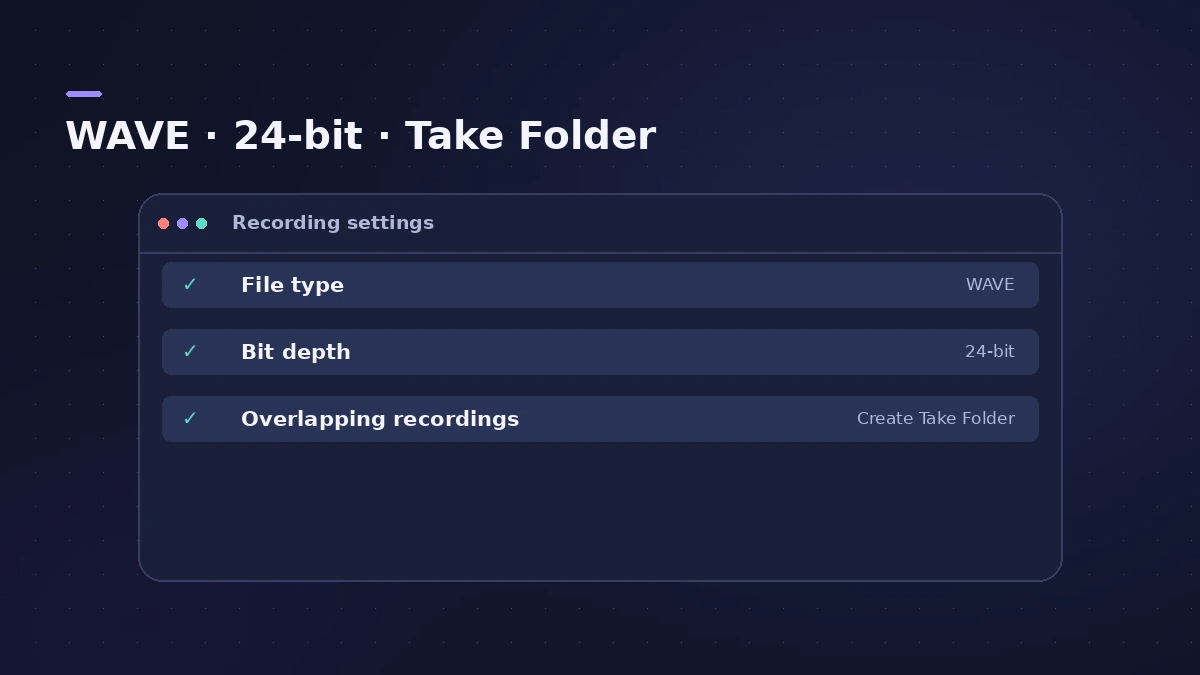
WAVE (BWF) is the most compatible; AIFF is mainly for Mac; CAF suits very long continuous recordings.
-
2
Choose the bit depth
24-bit is the common choice. 32-bit float lets you fix clipping later by lowering region gain, at the cost of bigger files.
-
3
Set overlapping audio recordings
Choose what happens when you record over audio, with Cycle off and on — for example Create Take Folder.
-
4
Set overlapping MIDI recordings
For MIDI, choose Create Take Folder, Merge or other options, separately for Cycle off and on.
-
5
Check Auto Record Enable
Decide whether arming applies only to the focused software instrument track or to all selected tracks.
Common mistakes
- Recording at 16-bit to save space and losing dynamic range.
- Expecting overlapping MIDI settings to apply in Replace mode — Replace overwrites existing MIDI.
Project recording settings
The Recording Project Settings button opens settings stored per project. For overwriting old takes, see Replace mode.
Sources
- Apple — Logic Pro User Guide: Recording settings
- Apple — Logic Pro X 10.1 Help: Recording project settings (old)
- Apple — Logic Pro for iPad Guide: Recording settings
Checked November 2026. Logic ProFiles is independent of Apple; menu names can differ slightly between Logic Pro versions.
Frequently asked questions
Should I record in 24-bit or 32-bit float?
+
24-bit is the common choice. 32-bit float lets you recover clipping by lowering gain later, but files are larger. Match your audio device.
Does changing the file type affect old recordings?
+
No. New files use the new format; earlier recordings in the project stay as they were.
Related
- Replace mode recording in Logic ProRecord over an old take in Logic Pro with Replace mode: Region Erase, Region Punch, Content Erase and Content Punch for audio, and replacing MIDI parts.
- Cycle recording and take folders in Logic ProRecord several takes of one section in Logic Pro: set a cycle area, choose Create Take Folder, record multiple passes, then preview takes and comp.
- Logic Pro settings vs project settingsLogic Pro has two settings windows: Logic Pro > Settings for every project, and File > Project Settings saved with each one. What lives where, how to reset.
- Audio file size calculatorWork out the size of a WAV or AIFF bounce, or a folder of stems, from length, sample rate, bit depth and channels — plus the size at MP3 or AAC bit rates.
- Recording in Logic ProHow to record in Logic Pro: vocals, electric and acoustic guitar, bass, drums and MIDI, plus cycle takes, punch-in, Flashback Capture and step input.