Recording
How to use a USB microphone in Logic Pro
A USB mic is a microphone and an audio interface in one. Logic Pro sees it as an audio device: choose it as the input, decide where you'll listen, and record on a mono track.
 Owen Hartley

Where to find it
Logic Pro > Settings > Audio > Devices
Device options
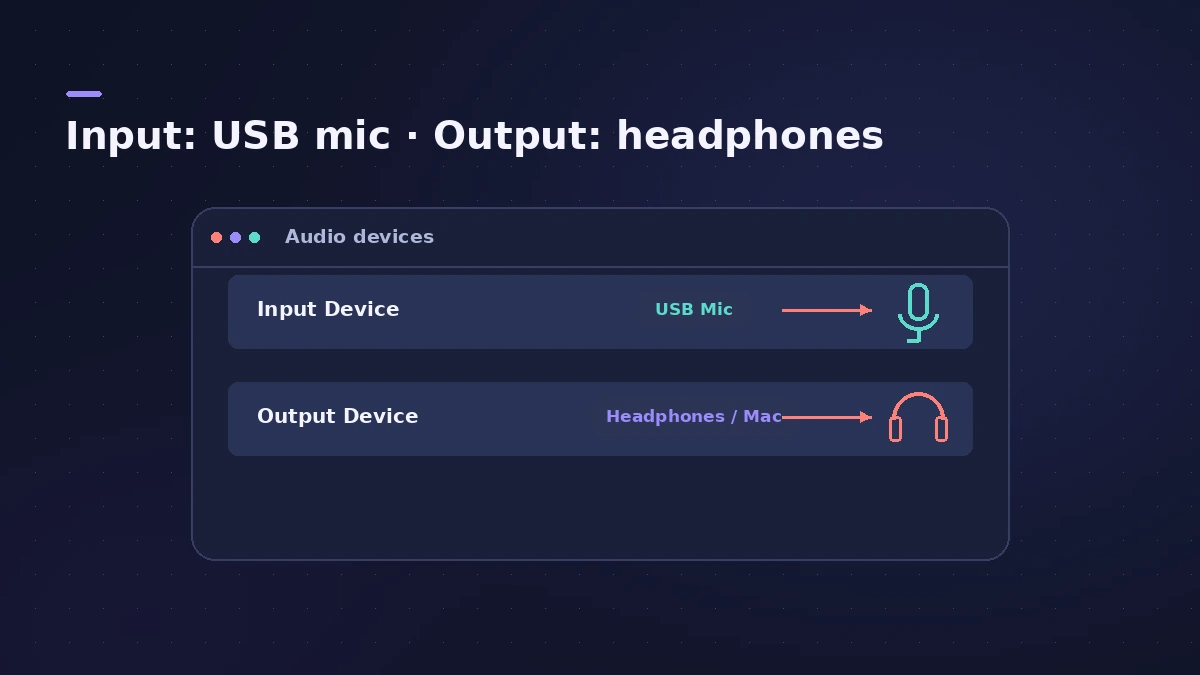
| Set-up | Input device | Output device |
|---|---|---|
| Monitor from the mic | USB mic | USB mic |
| Monitor on Mac or interface | USB mic | Mac or interface |
| Two USB mics | Aggregate Device | Aggregate Device |
Step by step
-
1
Plug in the mic
Connect the USB mic to your Mac; Logic Pro recognises it as an input device.
-
2
Choose input and output
In Audio settings, choose the mic as the Input Device. Logic Pro can use separate devices for input and output, so the output can be your headphones or Mac.
-
3
Monitor through the mic
If the mic has a headphone socket, choosing it as the output device too lets you monitor from the mic itself.
-
4
Arm a mono track
Create an audio track with the mic's input, set it to mono, arm it and record.
-
5
Set the gain on the mic
Use the mic's own gain control or the maker's app — Logic Pro's fader doesn't change the recording level.
Common mistakes
- Monitoring on speakers and getting feedback — use headphones.
- Trying to choose a different USB mic per track — the input device is global, so combine mics with an aggregate device.
Two USB mics at once
Combine two USB mics into an Aggregate Device in Audio MIDI Setup, choose it in Logic Pro, and give each track its own input. More in record multiple tracks.
Sources
- Apple — Logic Pro X 10.1 Help: Connect microphones (old)
- Apple — Logic Pro X 10.1 Help: Audio Devices preferences (old)
- Apple — Create an Aggregate Device to combine multiple audio devices
- Editors Keys — How to connect a USB microphone in Logic Pro
- Apple Community — Input device for two USB mics in Logic Pro
Checked November 2026. Logic ProFiles is independent of Apple; menu names can differ slightly between Logic Pro versions.
Frequently asked questions
Why can't I hear my USB mic in Logic Pro?
+
Check it's the Input Device, the track input matches, and input monitoring is on — or monitor from the mic's headphone socket.
Is a USB mic mono or stereo?
+
One capsule records a mono signal, so record on a mono track to hear it in both ears.
Related
- Dynamic or condenser: choosing a mic for Logic ProDynamic or condenser for home recording in Logic Pro: which suits vocals, guitar amps and untreated rooms, what phantom power is, and USB vs XLR microphones.
- How to record multiple tracks at once in Logic ProRecord a band, drum kit or podcast in Logic Pro: one input and track per mic, arm them all, record in one pass, and add inputs with an aggregate device.
- How to record vocals in Logic ProRecord vocals in Logic Pro: set up the mic and pop filter, arm an audio track, set the level, monitor without delay and record several takes to comp later.
- Logic Pro recording too quietVocals or guitar recording too quietly in Logic Pro? Raise interface gain, check the input device and track input, phantom power and Mic Mode.
- How to set up an audio interface in Logic ProConnect a USB or Thunderbolt audio interface to Logic Pro: choose input and output devices, set the I/O buffer, allow mic access and pick track inputs.
- Recording in Logic ProHow to record in Logic Pro: vocals, electric and acoustic guitar, bass, drums and MIDI, plus cycle takes, punch-in, Flashback Capture and step input.