Fix Problems
Logic Pro recording too quiet
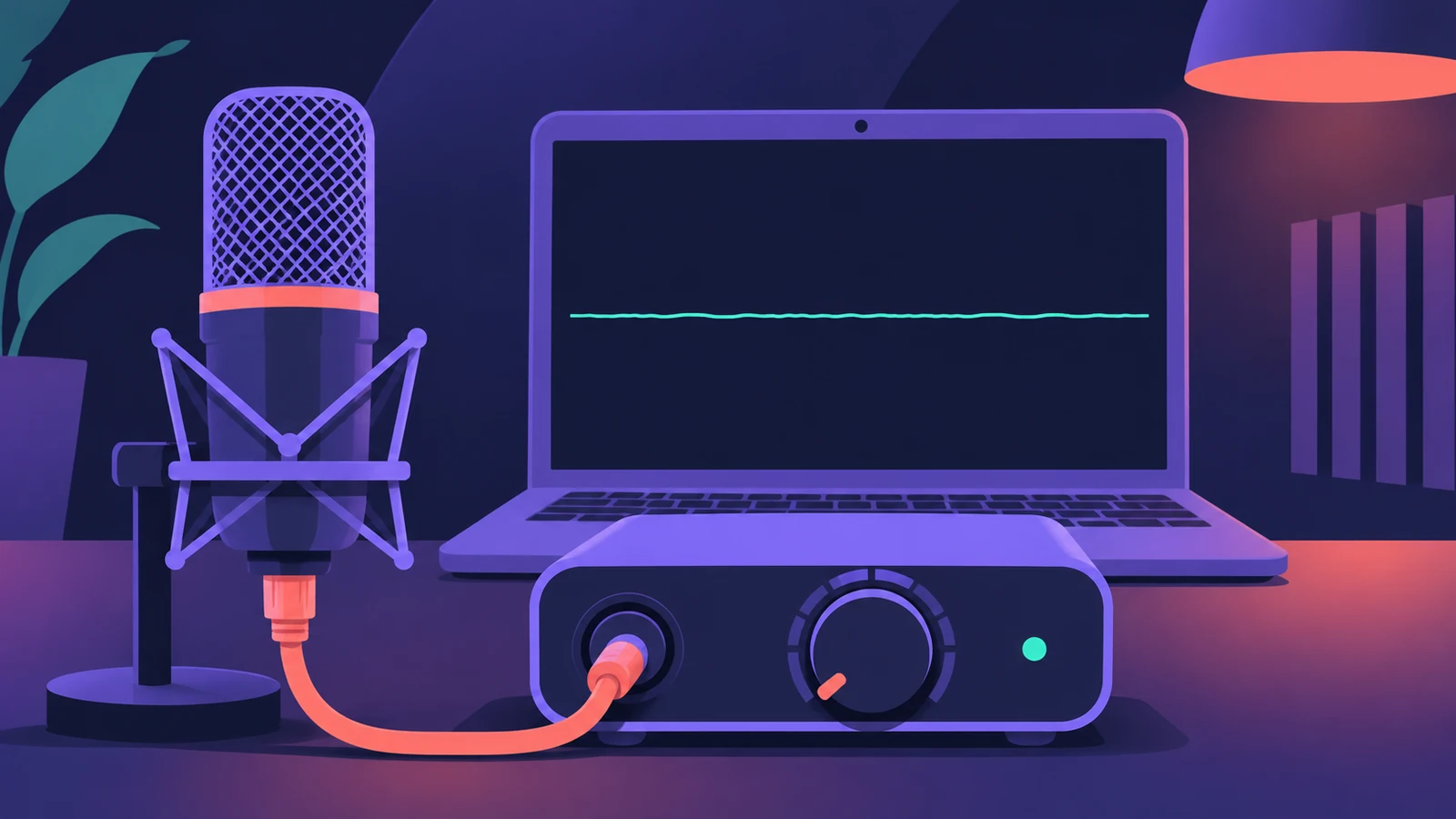
The waveform is a thin line and the take is barely audible. In Logic Pro the channel fader only sets what you hear, not what is recorded — the recording level is set before Logic Pro, usually by the gain knob on your interface.
 Owen Hartley
Applies to: Logic Pro 13, 12 and 11 for Mac.
Most likely causes
- Interface preamp gain set too low (most common)
- Recording from the wrong device, such as the Mac's built-in mic (common)
- Condenser mic without phantom power (common)
- Mic Mode (Voice Isolation) or a low macOS input level (occasional)
Follow the signal chain
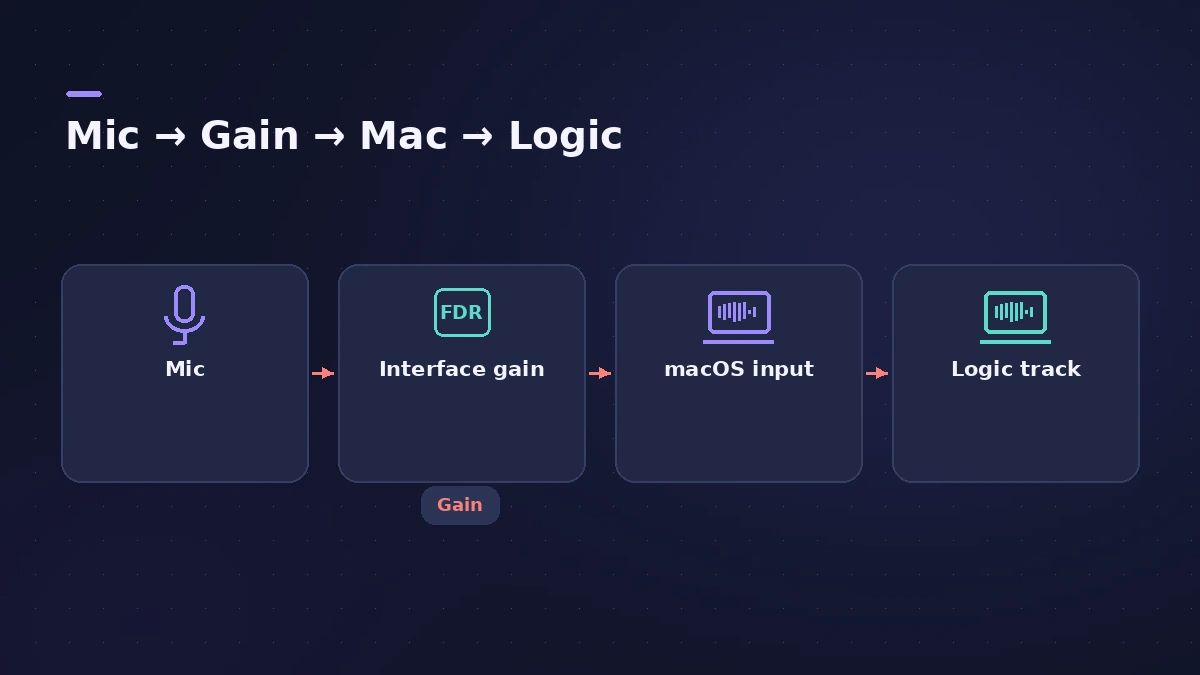
Check each stage in order. If the gain on the interface is too low, no amount of fader or plug-in gain later will bring back a clean signal. Aim for strong peaks that stay clear of the red — see recording distorted for the other end of the scale.
Fixes, in order
1. Turn up the interface gain
Raise the gain knob for that input while you sing or play at full volume. The track fader in Logic Pro doesn't change the recording level.
2. Check the input device
In Logic Pro's Audio settings, make sure the input device is your interface, not the Mac's built-in microphone.
3. Check the track input and phantom power
Match the track input to the socket your mic uses, and turn on +48V if the mic is a condenser.
4. Set Mic Mode to Standard
A user found Voice Isolation kept the guitar almost silent; switching it off fixed the recording.
5. USB mics — use the mic's own gain
A USB mic has its own preamp. Use its gain dial or the maker's app; for some USB devices the macOS input level also matters.
Sources
- Apple — Logic Pro 9 Help: Setting the monitoring level for recording (old)
- Apple Community — Vocal recording levels very low
- Apple Community — Recording almost no guitar (Voice Isolation)
- Hollyland — Why is my mic recording so quiet in Logic Pro? (2026)
- Apple Community — Setting recording levels in Logic
Checked November 2026. Logic ProFiles is independent of Apple; menu names can differ slightly between Logic Pro versions.
Frequently asked questions
Why does my Logic Pro fader not make the recording louder?
+
Apple notes the Volume fader controls only the playback or monitoring level; set recording levels on the interface or source.
Can I make a quiet recording louder afterwards?
+
Yes — users suggest a Gain plug-in or normalizing — but a stronger signal at recording time is the better fix.
Related
- How to use a USB microphone in Logic ProSet up a USB microphone in Logic Pro: choose it as the input device, pick the output for headphones, arm a mono track, set gain on the mic and use two USB mics.
- Recordings sound processed? Check Mic ModeIf recordings in Logic Pro sound thin, processed or noise-gated, macOS Mic Mode may be changing the input. Set Mic Mode to Standard in the menu bar.
- Logic Pro recording distortedVocals or guitar sound harsh and distorted in Logic Pro? Lower interface gain until peaks stay out of the red, and keep the master below 0 dB.
- Gain staging in Logic ProGain stage a Logic Pro mix: turn on pre-fader metering, set region gain and plug-in levels before the fader, keep peaks clear of clipping, leave headroom.
- How to record vocals in Logic ProRecord vocals in Logic Pro: set up the mic and pop filter, arm an audio track, set the level, monitor without delay and record several takes to comp later.
- Fix Logic Pro problems — errors, crashes and no soundStep-by-step fixes for Logic Pro on Mac: system overload, disk too slow, no sound, crashes, latency, missing plug-ins, MIDI keyboards and recording problems.