Fix Problems
Recordings sound processed? Check Mic Mode
macOS Mic Modes are built for calls: they reduce background noise and isolate voices. But they change any audio input, including external sources, so a recording in Logic Pro can sound different from what you expected. Apple's fix is simple — set Mic Mode to Standard.
 Owen Hartley
Applies to: Logic Pro for Mac on macOS versions with Mic Modes.
Most likely causes
- A noise-reducing Mic Mode active for Logic Pro (common)
Why it matters
Noise-reducing modes help on a video call but colour a vocal or instrument recording. Apple's general Logic Pro troubleshooting list includes checking Mic Mode for the same reason. For recording tips, see recording vocals.
Fixes, in order
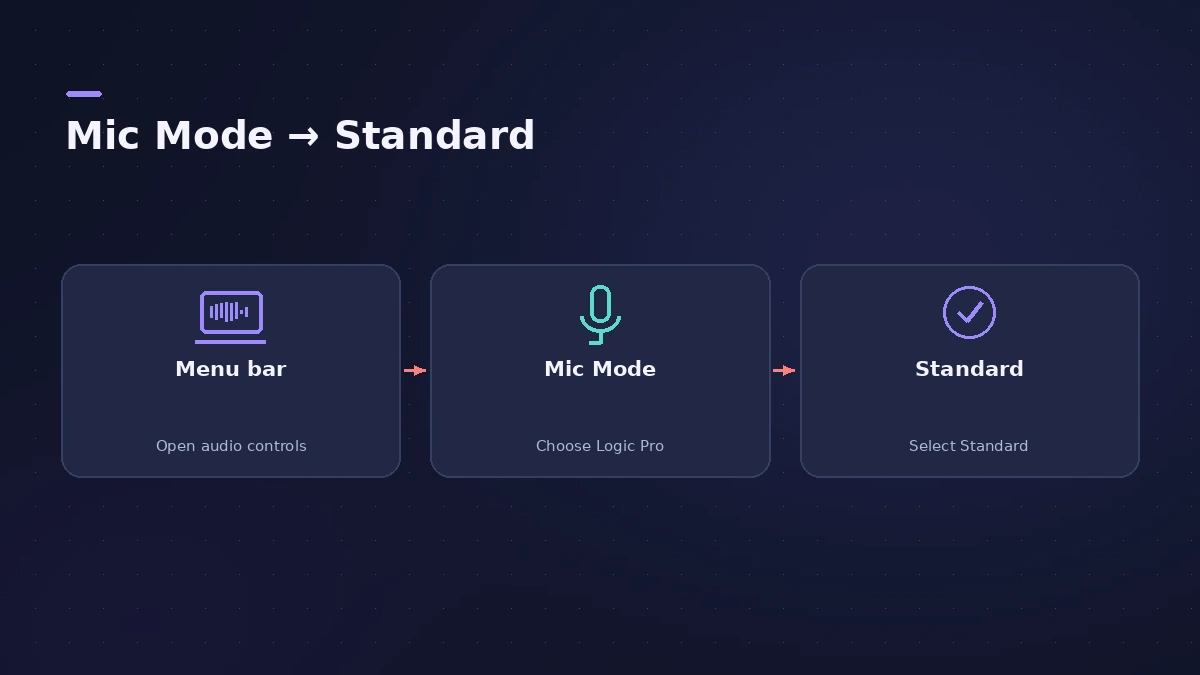
1. Open Logic Pro
Mic Mode settings apply per app, so have Logic Pro open.
2. Click the Mic Modes icon in the menu bar
If the icon isn't there, Mic Modes doesn't apply to the app you're using.
3. Choose Logic Pro
If more than one open app supports Mic Mode, select Logic Pro.
4. Select Standard
Apple recommends Standard whenever you record audio for creative purposes.
Sources
- Apple Support — If audio sounds different when recording on Mac (Mic Mode)
- Apple — If Logic Pro for Mac isn't working (reset steps)
Checked November 2026. Logic ProFiles is independent of Apple; menu names can differ slightly between Logic Pro versions.
Frequently asked questions
Why does my microphone sound different in Logic Pro?
+
A macOS Mic Mode meant for calls may be processing the input. Set Mic Mode to Standard for Logic Pro.
Does Mic Mode affect an audio interface?
+
Apple says the other modes alter the sound of any audio input, including external sources.
Related
- Logic Pro recording too quietVocals or guitar recording too quietly in Logic Pro? Raise interface gain, check the input device and track input, phantom power and Mic Mode.
- How to record vocals in Logic ProRecord vocals in Logic Pro: set up the mic and pop filter, arm an audio track, set the level, monitor without delay and record several takes to comp later.
- Logic Pro not recording audio — 9 fixes to tryLogic Pro won't record audio from your mic or interface? Check microphone access, the input device, record-enable state, unique inputs and the recording format.
- How to allow Logic Pro microphone access on MacLogic Pro can't hear your mic? Turn on its switch in System Settings > Privacy & Security > Microphone, or use Allow Access in Logic Pro's settings.
- Fix Logic Pro problems — errors, crashes and no soundStep-by-step fixes for Logic Pro on Mac: system overload, disk too slow, no sound, crashes, latency, missing plug-ins, MIDI keyboards and recording problems.