Fix Problems
Logic Pro recording distorted
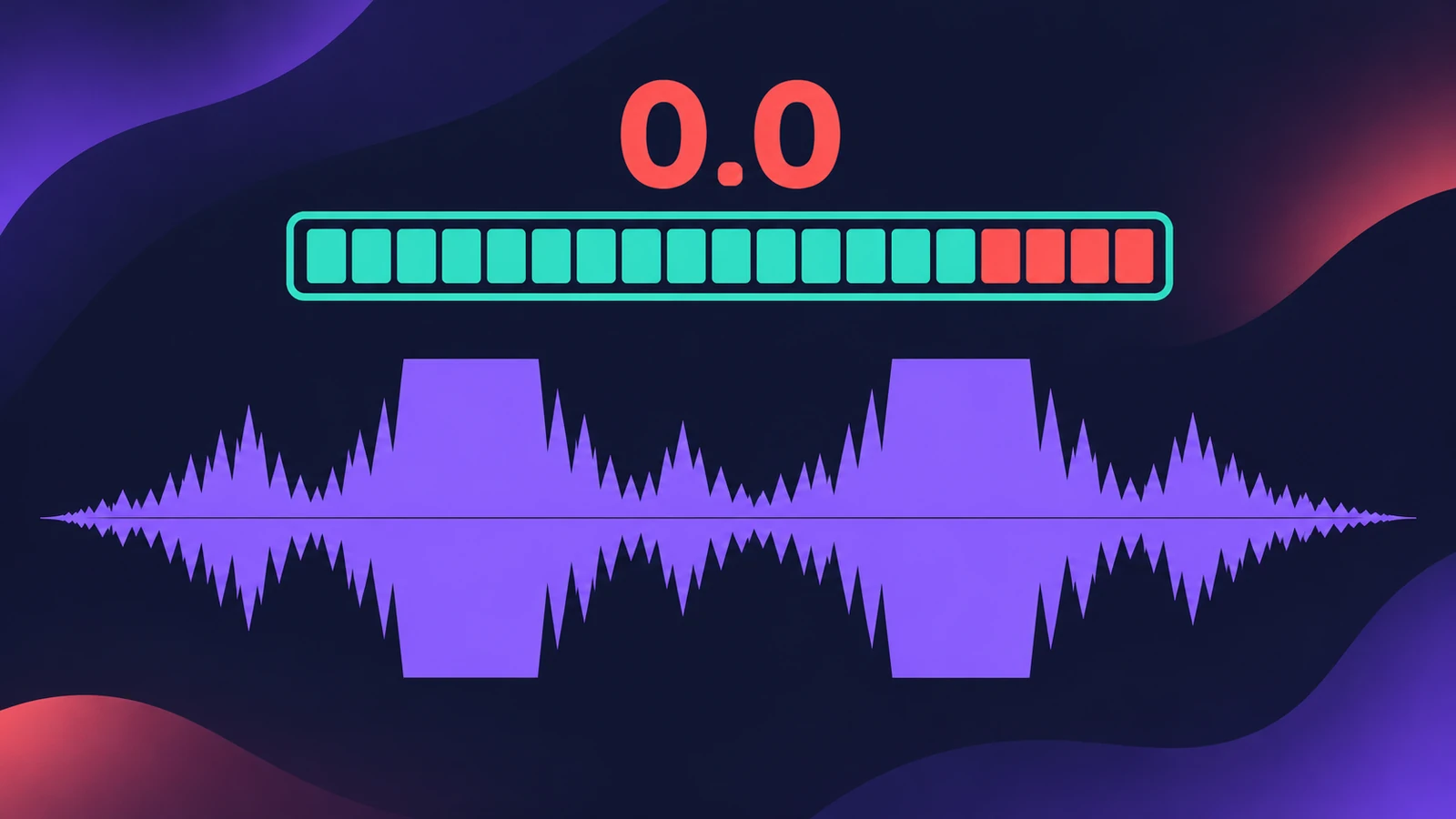
The take sounds crunchy or harsh in the loud parts. That's usually clipping: the signal hit the converter too hot. Apple describes clipping as a particularly harsh, metallic distortion — and once it is recorded, no plug-in can fully undo it.
 Owen Hartley
Applies to: Logic Pro 13, 12 and 11 for Mac.
Most likely causes
- Interface gain too high — input clipping (most common)
- Output channel or Stereo Out clipping on playback (common)
Find where it clips
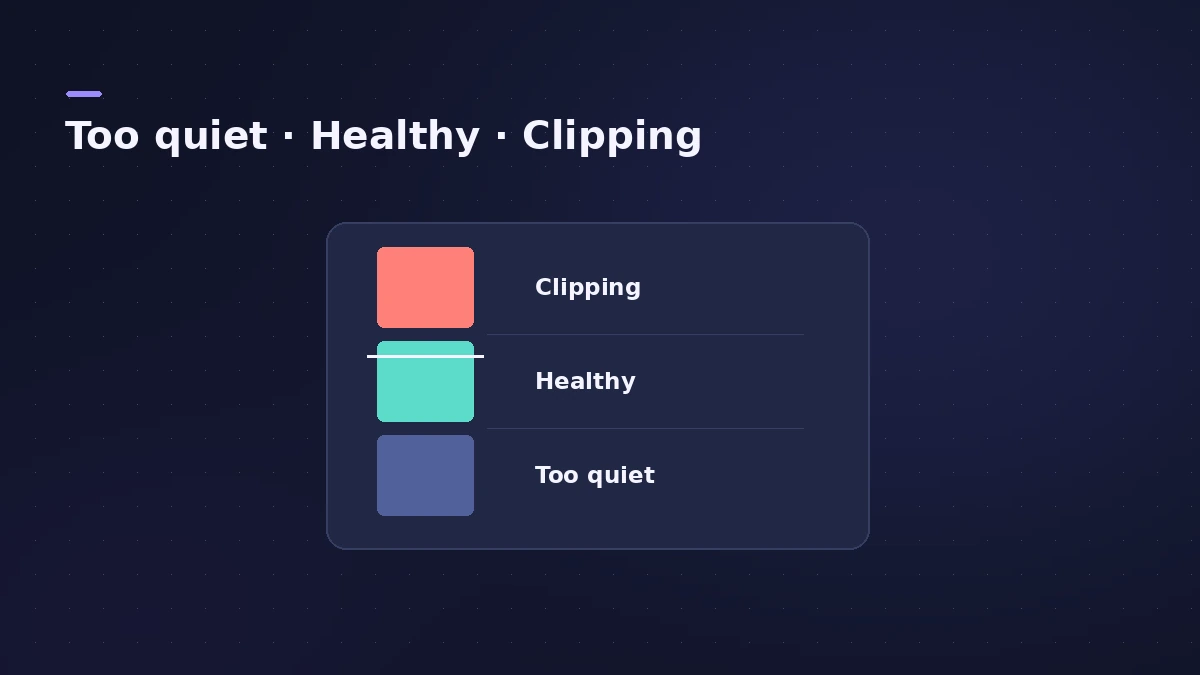
| Where it distorts | Cause | Fix |
|---|---|---|
| In the recorded waveform | Input clipping | Lower interface gain, re-record |
| Only when playing back | Channel or master too hot | Lower faders, check Stereo Out |
| Only in the exported file | Master clipping during bounce | See bounce sounds different |
Distortion that comes and goes with crackles is more often a buffer issue — see clicks and pops.
Fixes, in order
1. Lower the interface gain
Play or sing the loudest part and turn the gain down until the interface's clip light stays off.
2. Watch the peak level display
The number above the meter turns red when the signal clips. Occasional red peaks are fine; regular ones are not.
3. Re-record the clipped take
Clipping on the way in is baked into the file. Re-record with lower gain instead of trying to repair it.
4. Check the master on playback
If the recording is clean but playback distorts, lower the Volume fader on the clipping channel by the value shown in red, and keep the Stereo Out below 0 dB.
Sources
- Apple — Logic Pro 9 Help: Setting the monitoring level for recording (old)
- Apple — Logic Pro X 10.1 Help: Peak level display and signal clipping (old)
- Apple — Logic Pro X 10.1 Help: Level meter colours (old)
- Apple Community — Setting recording levels in Logic
Checked November 2026. Logic ProFiles is independent of Apple; menu names can differ slightly between Logic Pro versions.
Frequently asked questions
Does the Logic Pro fader cause recording distortion?
+
No. While recording, the fader only changes the monitoring level; distortion on the take comes from the input gain.
My track meter is red but it sounds fine — is that a problem?
+
Apple calls occasional red peaks "hot" levels; worry when the clipping indicator lights regularly, and avoid red on output channels.
Related
- Logic Pro recording too quietVocals or guitar recording too quietly in Logic Pro? Raise interface gain, check the input device and track input, phantom power and Mic Mode.
- Gain staging in Logic ProGain stage a Logic Pro mix: turn on pre-fader metering, set region gain and plug-in levels before the fader, keep peaks clear of clipping, leave headroom.
- Stereo Out vs Master channel strip in Logic ProThe difference between Logic Pro's Stereo Out and Master channel strips: where mastering plug-ins go, which fader affects the bounce, and how Dim works.
- Clicks, pops and crackles in Logic ProHearing clicks, pops or crackles in Logic Pro? Raise the I/O buffer, check Multithreading, find the busy track and know when the noise is in the file.
- Fix Logic Pro problems — errors, crashes and no soundStep-by-step fixes for Logic Pro on Mac: system overload, disk too slow, no sound, crashes, latency, missing plug-ins, MIDI keyboards and recording problems.