Fix Problems
Logic Pro bounce sounds different from playback
The mix sounds right in Logic Pro, but the bounced file is quieter, louder, thinner or distorted. Most differences come from a setting in the Bounce window, a plug-in that only belongs on your monitoring, or a master that clips during export.
 Owen Hartley
Applies to: Logic Pro 13, 12 and 11 for Mac.
Most likely causes
- Normalize set to On or Overload Protection Only (most common)
- Headphone or room correction plug-in on the output (common)
- Master clipping during the bounce (common)
- Listening at different volumes or on different players (common)
Normalize options
| Setting | What it does |
|---|---|
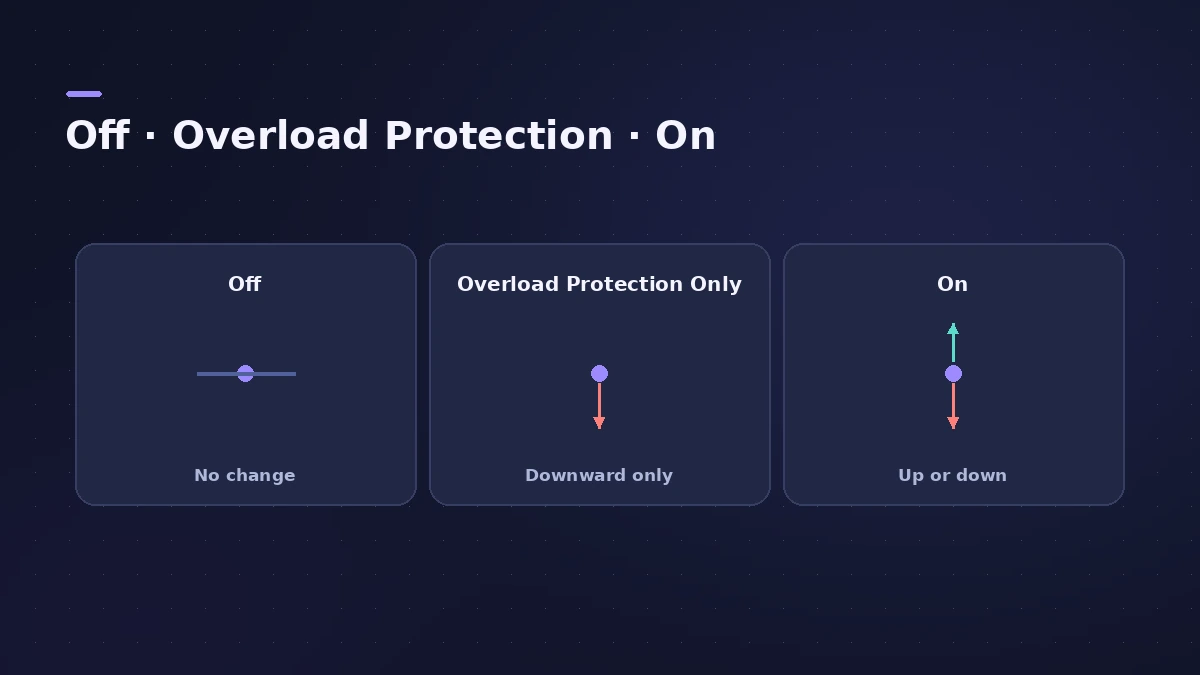
| Off | No normalization |
| Overload Protection Only | Lowers the level only if it goes above 0 dB |
| On | Normalizes up or down |
Users point out that some third-party plug-ins have separate quality settings for playback and bouncing, often oversampling, so a bounce can differ slightly. For a silent file, see silent bounce.
Fixes, in order
1. Check Normalize
In the Bounce window, Overload Protection Only lowers the level when peaks pass 0 dB; On normalizes both ways. Users with a limiter on the master report getting the expected level with Normalize off.
2. Remove monitoring plug-ins
A user's 6 dB quieter bounces came from a headphone correction plug-in on the output. Use its system-wide mode, or bypass it before bouncing.
3. Compare inside Logic Pro
Import the bounced WAV into a new project and play it on the same outputs at the same volume — the fairest comparison.
4. Try a real-time bounce
Some users found Mastering Assistant distorted offline bounces but not real-time ones. Switch the Bounce mode to Realtime as a test.
5. Keep the master below 0 dB
If the file distorts, lower the Stereo Out or add a limiter so peaks stay under 0 dB.
Sources
- Reddit r/Logic_Studio — Bounces differ: plug-in render settings (2025)
- Apple — Logic Pro X 10.1 Help: Peak level display and signal clipping (old)
- Apple — Logic Pro X 10.1 Help: Bounce a project to an audio file (old)
- Apple — Logic Pro 9 Help: Bouncing in place, Normalize options (old)
- Apple Community — Normalization: Overload Protection Only
- Apple Community — Bounces 6 dB quieter (resolved: monitoring plug-in)
- Apple Community — Bounce sounds different: checks
- Apple Community — Mastering Assistant distortion in offline bounce
Checked November 2026. Logic ProFiles is independent of Apple; menu names can differ slightly between Logic Pro versions.
Frequently asked questions
Why is my Logic Pro bounce quieter than playback?
+
Check the Normalize setting and any correction plug-in on the output; both are commonly reported causes.
Should I turn Normalize off when bouncing?
+
If you've set the master level yourself, Off keeps it exactly; Overload Protection Only only steps in when peaks exceed 0 dB.
Related
- How to bounce in Logic Pro — every bounce setting explainedBounce your Logic Pro project to WAV, MP3 or AAC: set the range, choose offline or realtime, include the reverb tail and pick the right normalize setting.
- Logic Pro bounce is silent or missing tracksBounced or exported file silent or missing parts in Logic Pro? Check track outputs, muted tracks, input monitoring on exported tracks and the command.
- Stereo Out vs Master channel strip in Logic ProThe difference between Logic Pro's Stereo Out and Master channel strips: where mastering plug-ins go, which fader affects the bounce, and how Dim works.
- Mastering in Logic Pro with Mastering AssistantMaster your song in Logic Pro with Mastering Assistant: insert it on the stereo output, pick a Character, adjust EQ, loudness and width, then bounce the master.
- Fix Logic Pro problems — errors, crashes and no soundStep-by-step fixes for Logic Pro on Mac: system overload, disk too slow, no sound, crashes, latency, missing plug-ins, MIDI keyboards and recording problems.