Fix Problems
Logic Pro bounce is silent or missing tracks
A bounce that plays fine in Logic Pro but comes out silent — or without some parts — almost always points to routing or track state rather than a broken file. Check where the tracks go, what's muted, and which export command you used.
 Owen Hartley
Applies to: Logic Pro 13, 12 and 11 for Mac (based on cases users report).
Most likely causes
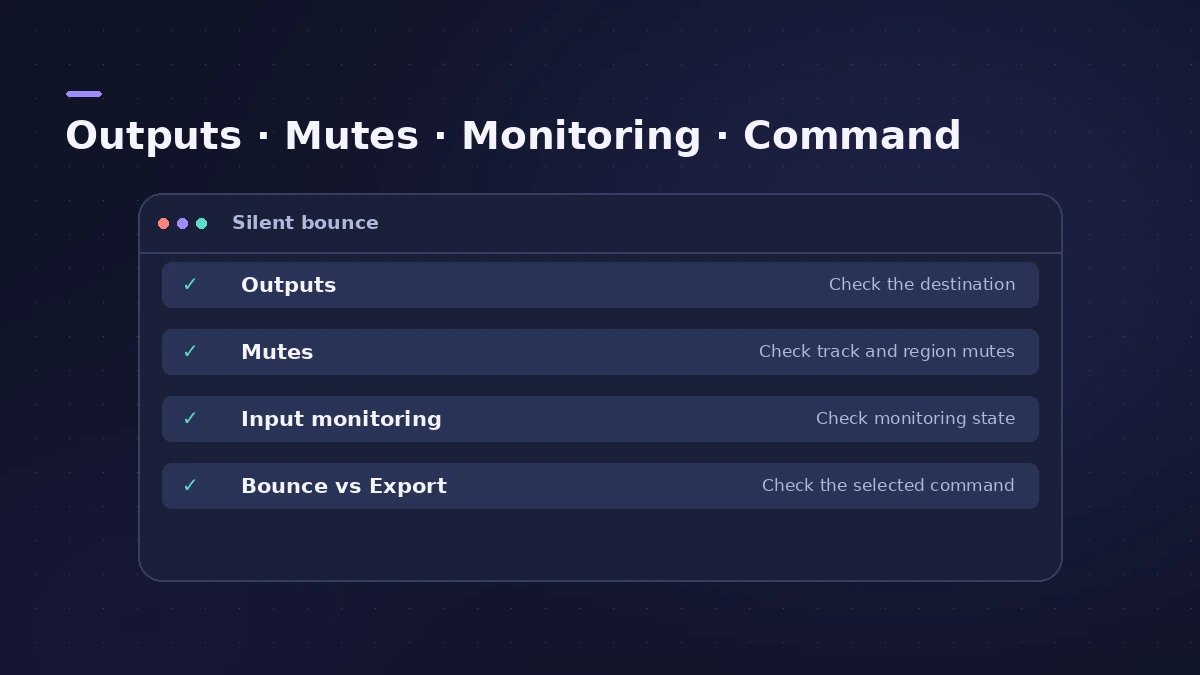
- Tracks routed to an output other than the one you bounce (common)
- Tracks left muted after Bounce in Place (common)
- Input monitoring on when exporting a track (occasional)
- Export Selection used where a mix bounce was needed (occasional)
Four checks
For bounce settings and formats, see how to bounce in Logic Pro, and if you can't find the file at all, see where bounces are saved.
Fixes, in order
1. Check track outputs
One user's silent bounce was fixed by routing tracks to the Stereo Output instead of a custom output. Bounce the output your tracks feed.
2. Unmute bounced-in-place tracks
If you chose to mute originals during Bounce in Place, they stay muted in exports until you unmute them.
3. Turn off input monitoring
Users found that exporting an audio track with input monitoring on produced a silent file; turn it off and export again.
4. Use Bounce for the mix
Exporting regions as audio files doesn't print your mix settings; use File > Bounce > Project or Section for the full mix.
5. Listen before you send
Check the bounced file in another app before sharing it.
Sources
- Apple Community — Bounced file has no audio (outputs not to Stereo Out)
- Apple Community — Exporting as audio file results in a silent file (input monitoring)
- Sound On Sound — Logic Pro bouncing and export options (Oct 2021)
Checked November 2026. Logic ProFiles is independent of Apple; menu names can differ slightly between Logic Pro versions.
Frequently asked questions
Why is my Logic Pro bounce silent?
+
Usually because tracks are routed to a different output from the one you bounced, or because they're muted.
Why are some tracks missing from my bounce?
+
Check for muted tracks — especially originals muted by Bounce in Place — and tracks sent to other outputs.
Related
- Logic Pro bounce sounds different from playbackBounce quieter, distorted or different from playback in Logic Pro? Check Normalize, monitoring plug-ins on the output, master clipping and real-time bounce.
- How to bounce in Logic Pro — every bounce setting explainedBounce your Logic Pro project to WAV, MP3 or AAC: set the range, choose offline or realtime, include the reverb tail and pick the right normalize setting.
- Bounce in place in Logic Pro — print instruments and effects to audioTurn software instruments and effects into audio inside your Logic Pro project with Bounce in Place: every option explained, plus when to freeze instead.
- Where does Logic Pro save bounces?Can't find your bounced song? Logic Pro saves bounces to ~/Music/Logic/Bounces by default. How to open the folder, change it and name files so you find them.
- Fix Logic Pro problems — errors, crashes and no soundStep-by-step fixes for Logic Pro on Mac: system overload, disk too slow, no sound, crashes, latency, missing plug-ins, MIDI keyboards and recording problems.