Recording
Step input in Logic Pro — enter notes without playing
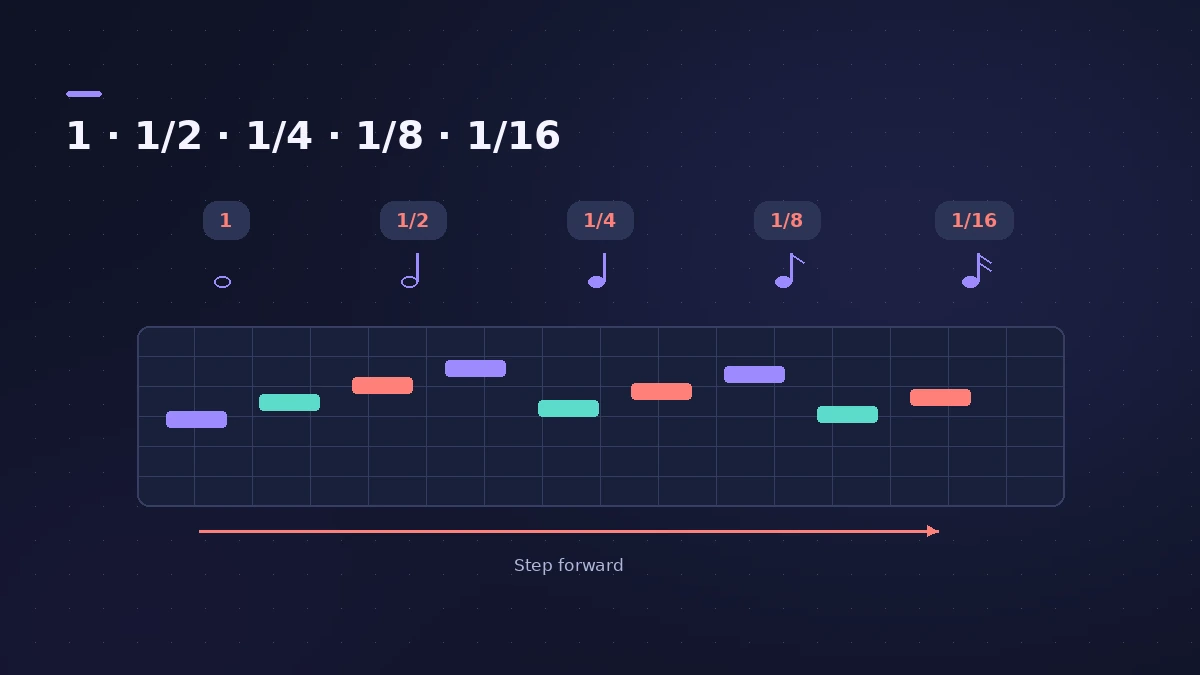
Step input lets you enter MIDI notes one at a time instead of playing in real time — handy for runs too fast to play or for copying parts from sheet music. Place the playhead, open the Step Input Keyboard, choose a note length and click notes; the playhead moves on after each one.
 Owen Hartley

Where to find it
Window > Show Step Input Keyboard
Step input options
| Method | Good for |
|---|---|
| Step Input Keyboard | Clicking notes with exact lengths |
| MIDI keyboard | Choosing pitches by playing, one step at a time |
| Musical typing | Entering notes from the computer keyboard |
Step by step
-
1
Open the region
Create or select a MIDI region and open it in the editor you want to work in, such as the Piano Roll.
-
2
Place the playhead
Move the playhead to where the first note should go — its position decides where each note lands.
-
3
Open the Step Input Keyboard
Choose Window > Show Step Input Keyboard.
-
4
Choose length and enter notes
Pick a note value, then click keys to insert notes. The playhead advances after each note.
-
5
Add chords
Turn on Chord mode to stack notes at one position; turn it off before the last note of the chord so the playhead moves on.
Common mistakes
- Forgetting to place the playhead first, so notes land in the wrong bar.
- Leaving Chord mode on and stacking a whole melody into one chord.
- Entering every note at the same velocity when the part needs dynamics.
Other ways to step-enter
Apple's guide also describes step input from a MIDI keyboard and musical typing on your computer keyboard. For beats, the Step Sequencer is often quicker. To play parts in real time instead, see record MIDI.
Sources
- Apple — Logic Pro X 10.1 Help: Use step input recording techniques (old)
- Apple — Logic Pro 9 manual: Getting to know MIDI recording (old)
- Apple — Logic Pro User Guide for Mac 12.3 (table of contents)
- Apple — Logic Pro User Guide: What's new in Logic Pro for Mac 12
Checked November 2026. Logic ProFiles is independent of Apple; menu names can differ slightly between Logic Pro versions.
Frequently asked questions
When should I use step input?
+
For note runs too fast to play, or to enter parts from sheet music that are too hard to perform.
Do I need complete features for the Step Input Keyboard?
+
Not from Logic Pro 12. In Logic Pro X it appeared only with Show Advanced Tools on.
Related
- Step Sequencer in Logic ProProgram beats with Logic Pro's Step Sequencer: create a Pattern Region, set step rate and velocity, add note repeats and automation, follow the chords.
- How to record MIDI with a keyboard in Logic ProRecord MIDI from a keyboard in Logic Pro: arm an instrument track, record with a count-in, overdub, replace or take passes in Cycle mode, then quantize.
- Logic Pro tools explainedThe Logic Pro tools explained: open the Tool menu with T, set Left-click and Command-click tools and the right mouse button, and what each common tool does.
- Logic Pro shortcuts — the default key commands worth learningThe Logic Pro key commands worth learning first: transport, recording, windows, editing, tracks and export from Apple's U.S. preset, and how to change them.
- Recording in Logic ProHow to record in Logic Pro: vocals, electric and acoustic guitar, bass, drums and MIDI, plus cycle takes, punch-in, Flashback Capture and step input.