Learn Logic Pro
Logic Pro tools explained
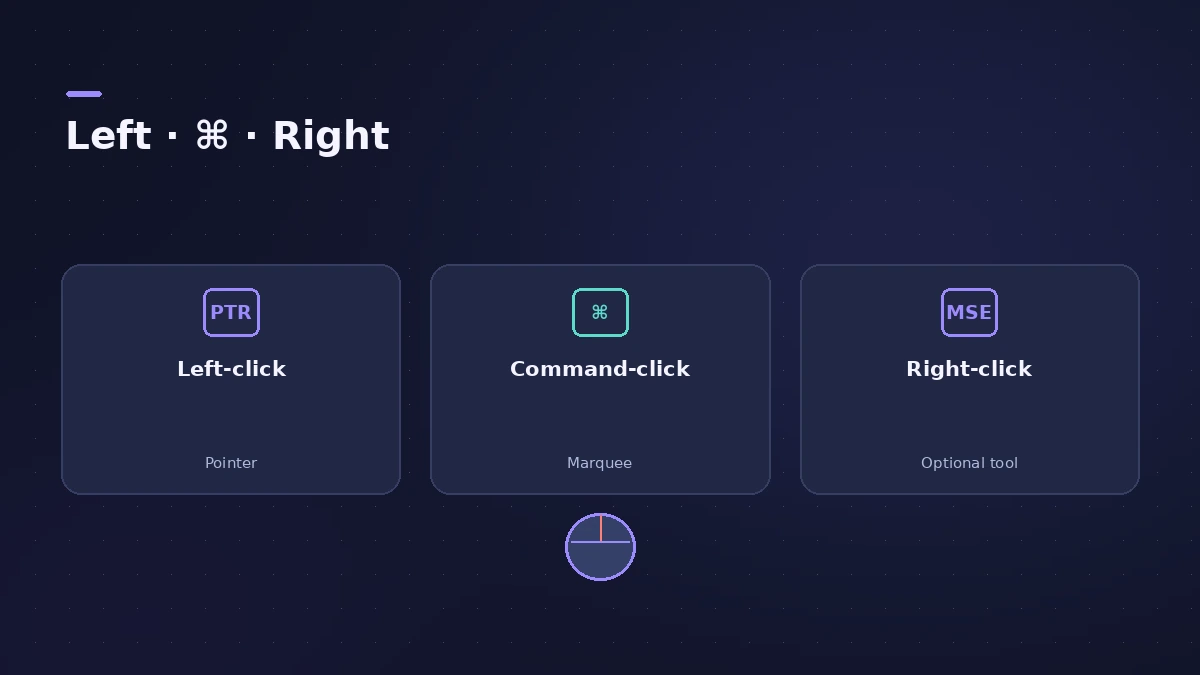
Logic Pro has two tool slots in each editing area: the Left-click tool and the Command-click tool, used while you hold Command. You can add a third on the right mouse button. Press T to open the Tool menu under the pointer, and press T twice to go back to the Pointer.
 Owen Hartley
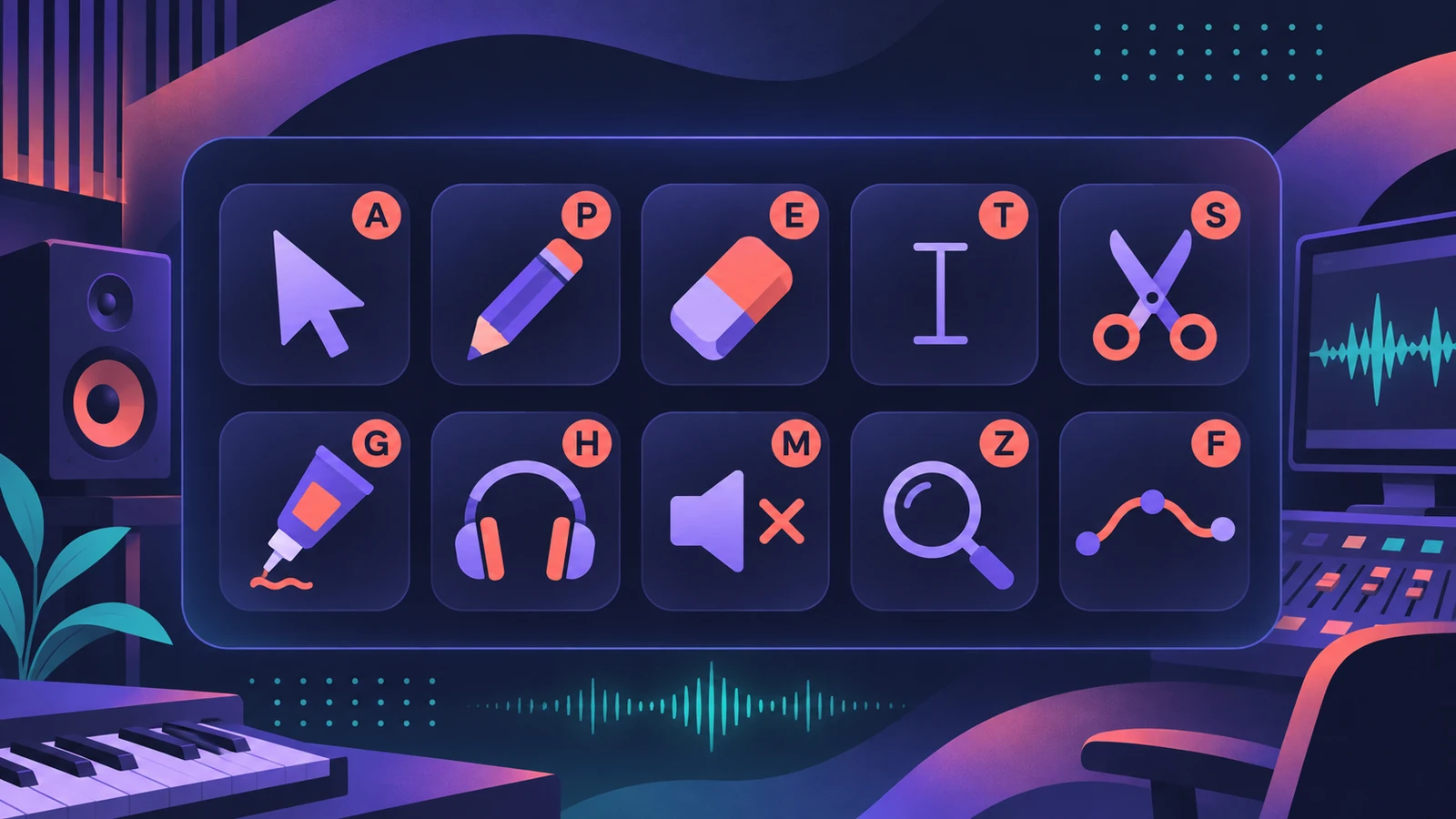
The common tools
| Tool | What it does |
|---|---|
| Pointer | Selects, moves, copies, resizes and loops regions or events — the default |
| Pencil | Adds regions or events; can also select, drag and resize |
| Eraser | Deletes regions or events |
| Text | Names regions and other items, or adds text to a score |
| Scissors | Splits regions and events |
| Glue | Joins selected regions or events into one |
| Solo | Plays a region by itself; drag sideways to scrub |
| Mute | Mutes or unmutes a region or event |
| Zoom | Drag to zoom in; click the background to reset |
| Flex | Basic Flex edits without turning on Flex view |
Logic Pro 10.8 added Slip and Rotate tools, which move the content inside a region without moving the region's edges.
Set up your tools
Open the Left-click Tool menu and choose a tool; do the same for the Command-click Tool menu. Releasing Command returns you to the Left-click tool. For a third tool, go to Logic Pro > Settings > General > Editing and set the Right Mouse Button. The same Editing pane sets how the Pointer behaves in the Tracks area. Shortcuts for the tools are in key commands.
Sources
- Apple — Logic Pro User Guide (12.2) glossary: Tool
- Apple — Logic Pro User Guide: Assign tools
- Apple — Logic Pro X 10.1 Help: Common tools (old)
- Apple — Logic Pro User Guide: What's new in Logic Pro for Mac 10.8
- Apple — Logic Pro User Guide: What's new in Logic Pro for Mac 12
Checked November 2026. Logic ProFiles is independent of Apple; menu names can differ slightly between Logic Pro versions.
Frequently asked questions
How do I get the Pointer tool back?
+
Press T twice.
How do I set a tool on the right mouse button?
+
In Logic Pro > Settings > General > Editing, choose a setting from the Right Mouse Button pop-up menu. Shortcut menu is the default.
Why can't I see the Command-click Tool menu?
+
In Logic Pro 11 and earlier it appeared only with Enable Complete Features on. From Logic Pro 12 every feature is always available.
Related
- Logic Pro shortcuts — the default key commands worth learningThe Logic Pro key commands worth learning first: transport, recording, windows, editing, tracks and export from Apple's U.S. preset, and how to change them.
- The Logic Pro interface explainedA tour of the Logic Pro window: control bar and LCD, Tracks area, inspector, Library, Browser, Mixer, editors and Smart Controls, with keys to toggle them.
- Logic Pro track types explainedLogic Pro track types explained: audio, software instrument (MIDI, Session Player and pattern regions), external MIDI, Track Stacks, aux and global tracks.
- Learn Logic Pro — tutorials for beginnersLearn Logic Pro on Mac: a beginner tutorial, the interface, the Logic Pro 13 Browser, audio interface setup, key commands, loops, patches and saving projects.