Instruments
Vintage B3 Organ in Logic Pro
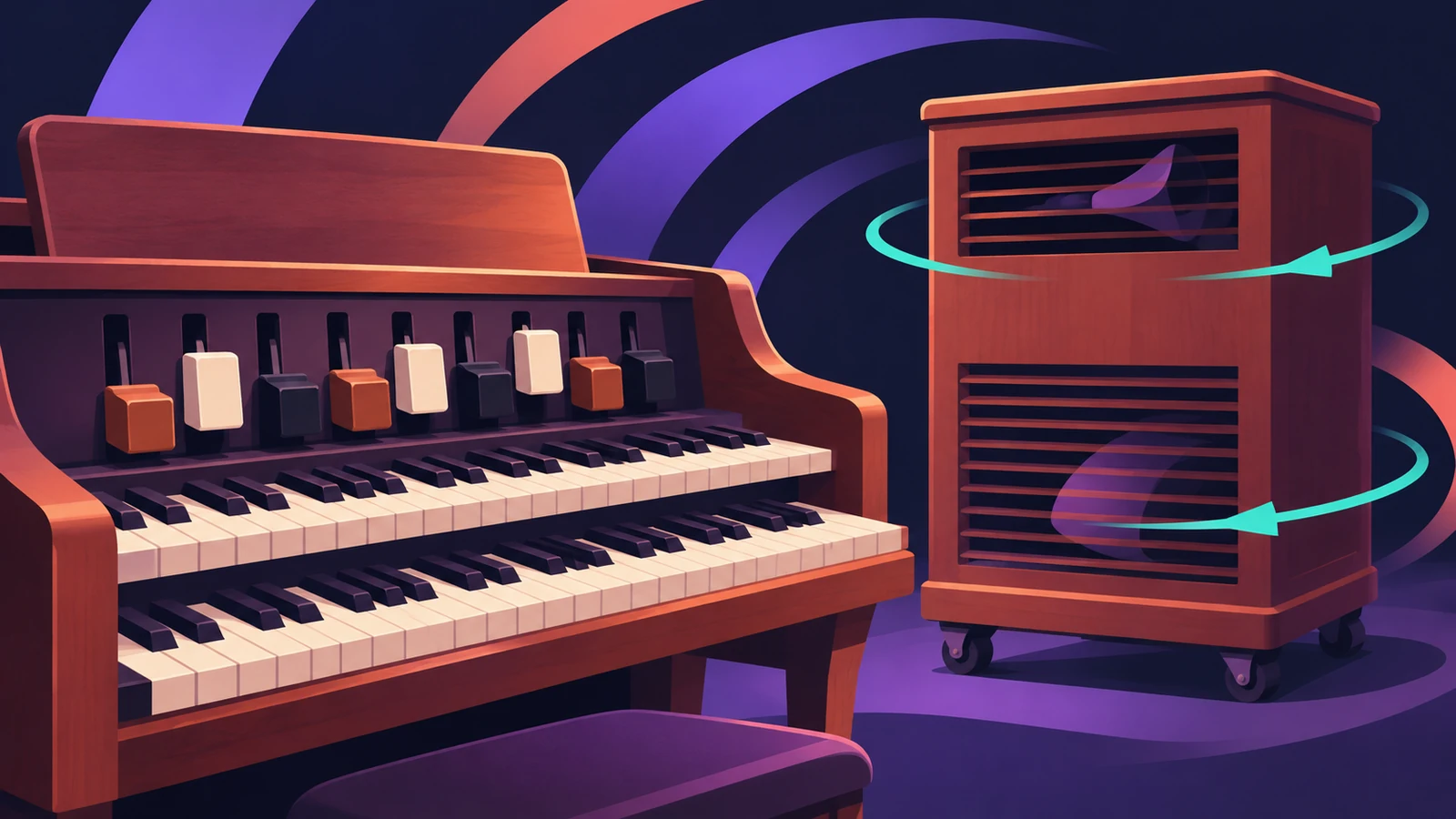
Vintage B3 Organ emulates a Hammond B3 with two manuals and a pedalboard. It isn't sample playback: a component modeling engine recreates the tonewheels, and a Leslie rotating speaker simulation, drive, EQ, wah and reverb finish the sound.
 Owen Hartley
Where to find it
Instrument slot > Vintage Keys > Vintage B3 Organ
Vintage B3 sections
| View | What's there |
|---|---|
| Main | Drawbars, percussion and vibrato controls |
| Rotor Cabinet | Leslie models, speed, microphones |
| Options | Tone controls, percussion, scanner vibrato and morph options |
| Effects | EQ, wah, distortion, chorus, reverb |
| Expert | Organ condition, tuning, key click, crosstalk |
Leslie speeds
| Setting | Result |
|---|---|
| Slow | Slow rotor movement |
| Fast | Fast rotor movement |
| Brake | Stops the rotor |
Step by step
-
1
Insert Vintage B3
On a software instrument track, choose Vintage Keys > Vintage B3 Organ in the instrument slot, or pick an organ patch.
-
2
Set the drawbars
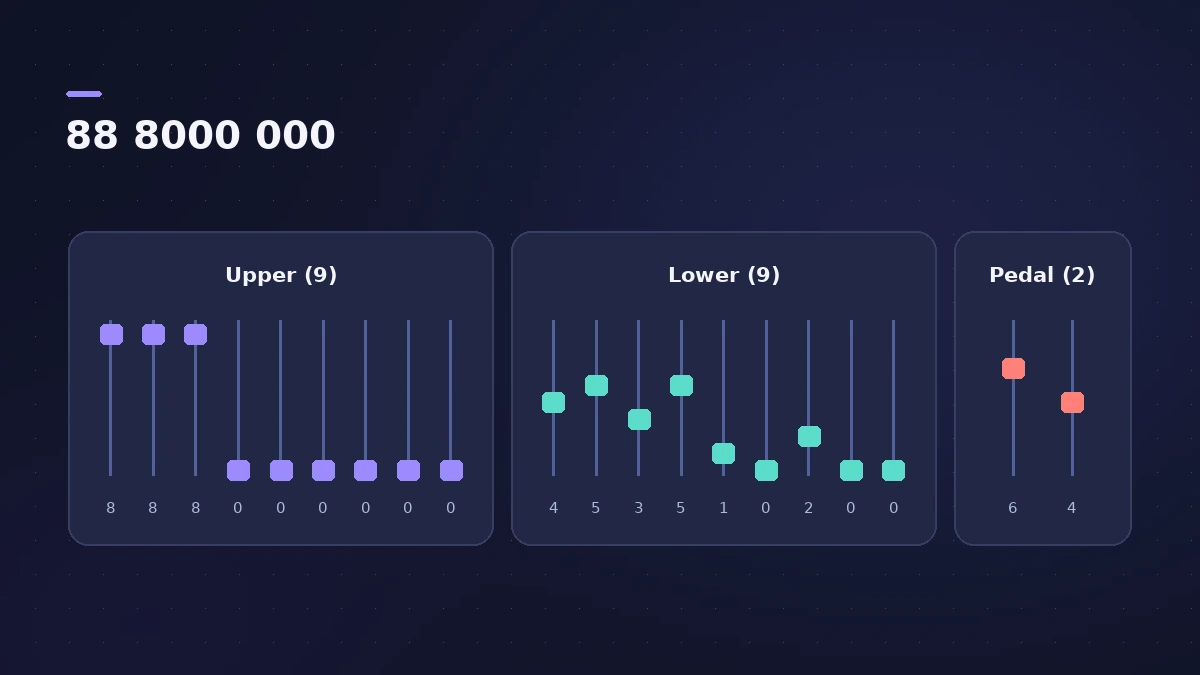
Pull drawbars to add sine harmonics. Starting from the first three drawbars fully out (88 8000 000) gives a good basic organ.
-
3
Add percussion and vibrato
Use Percussion for an edge at the front of each note and Scanner Vibrato for a vibrato or chorus effect.
-
4
Work the Leslie
Switch Rotation between Slow, Brake and Fast while you play — the speed change is part of the classic sound.
-
5
Age the organ
In the Expert view, raise Filter Age, RandomFM and Drawbar Leak for an older, dirtier instrument.
Common mistakes
- Leaving the Leslie on one speed for the whole song.
- Pulling every drawbar out on every part, so the organ fills the whole mix.
- Forgetting that drawbars work like inverted faders.
Using a hardware organ controller
Vintage B3 has MIDI modes for Hammond/Suzuki, Roland VK and Korg CX drawbar controllers. In Logic Pro 13 you can move several drawbars at once with Multi-Touch. For other vintage keys, see Vintage Electric Piano.
Sources
- Apple — Logic Pro for iPad User Guide: Vintage B3 Organ
- Apple — Logic Pro for iPad User Guide: Vintage B3 drawbars
- Apple — Logic Pro for iPad User Guide: Vintage B3 basic Leslie controls
- Apple — Logic Pro for iPad User Guide: Vintage B3 Organ Condition
- Apple — MainStage User Guide: Vintage B3 Organ
- MusicTech — Vintage B3 in detail, step by step
- Apple Support — Logic Pro for Mac release notes
Checked November 2026. Logic ProFiles is independent of Apple; menu names can differ slightly between Logic Pro versions.
Frequently asked questions
How many drawbars does Vintage B3 have?
+
Twenty — nine each for the upper and lower manuals and two for the pedalboard.
Is Vintage B3 sample-based?
+
No. It uses component modeling to recreate the tonewheel generators.
How do I switch the Leslie speed?
+
Use the Rotation switch (Slow, Brake, Fast), or assign it to a pedal or controller.
Related
- Make R&B and soul grooves in Logic ProMake an R&B or soul groove in Logic Pro: an R&B Drummer with swing, Vintage Electric Piano and B3 Organ chords, Clav riffs and a bass locked to the kick.
- Rotor Cabinet in Logic ProRotor Cabinet in Logic Pro emulates a rotating speaker cabinet: pick a cabinet type, switch Slow, Brake and Fast, set the deflector and microphones.
- Vintage Electric Piano in Logic ProVintage Electric Piano in Logic Pro: choose a Rhodes, Wurlitzer or Hohner model, shape decay and bell, and add tremolo, chorus, phaser and drive to the sound.
- Vintage Clav in Logic ProVintage Clav in Logic Pro models the Hohner Clavinet D6: which model to pick, how the movable pickups change the tone, and how to set up its stereo output.
- Vintage Mellotron in Logic ProVintage Mellotron in Logic Pro: sampled from the original tapes but looped for endless sustain, with two layers to blend and extras the original lacked.
- Keyboard Player in Logic ProUse Keyboard Player in Logic Pro for piano and keys parts that follow your chords: pick one of four styles, shape the part and set up the Studio Piano sound.