Plug-ins
Rotor Cabinet in Logic Pro
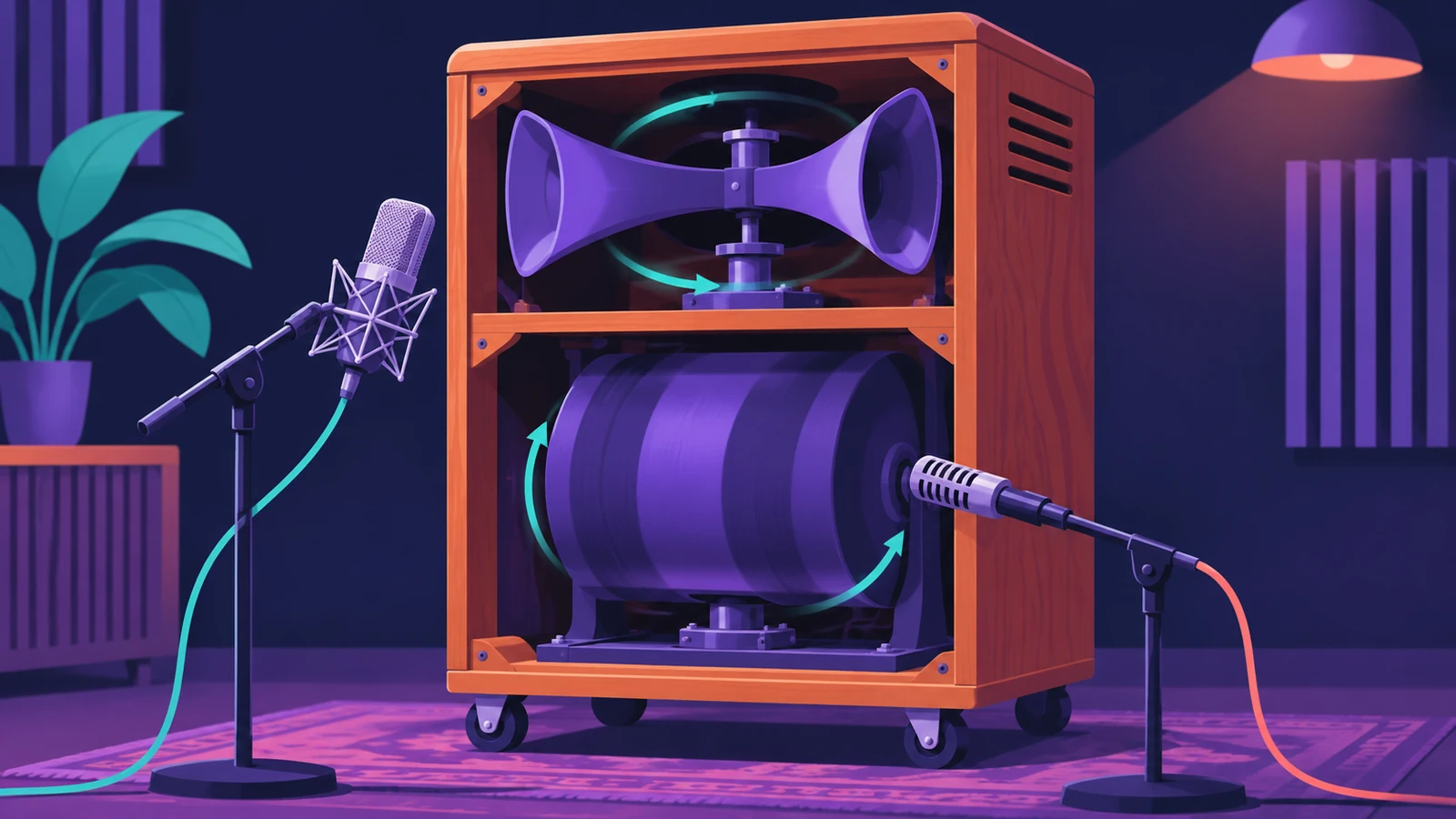
Rotor Cabinet emulates the rotating speaker cabinet used with tonewheel organs — including the cabinet itself, with or without deflectors, and the microphones that pick it up. Because it's an effect plug-in, you can put that swirl on guitars, keys or vocals, not just an organ.
 Owen Hartley
Cabinet types
| Cabinet | Sound |
|---|---|
| Wood | A wooden enclosure |
| Proline | A more open enclosure |
| Single | One full-range rotor |
| Split | Bass rotor slightly left, treble rotor toward the right |
| Wood / Proline / Split & Horn IR | The same, using impulse responses |
Speed and motor
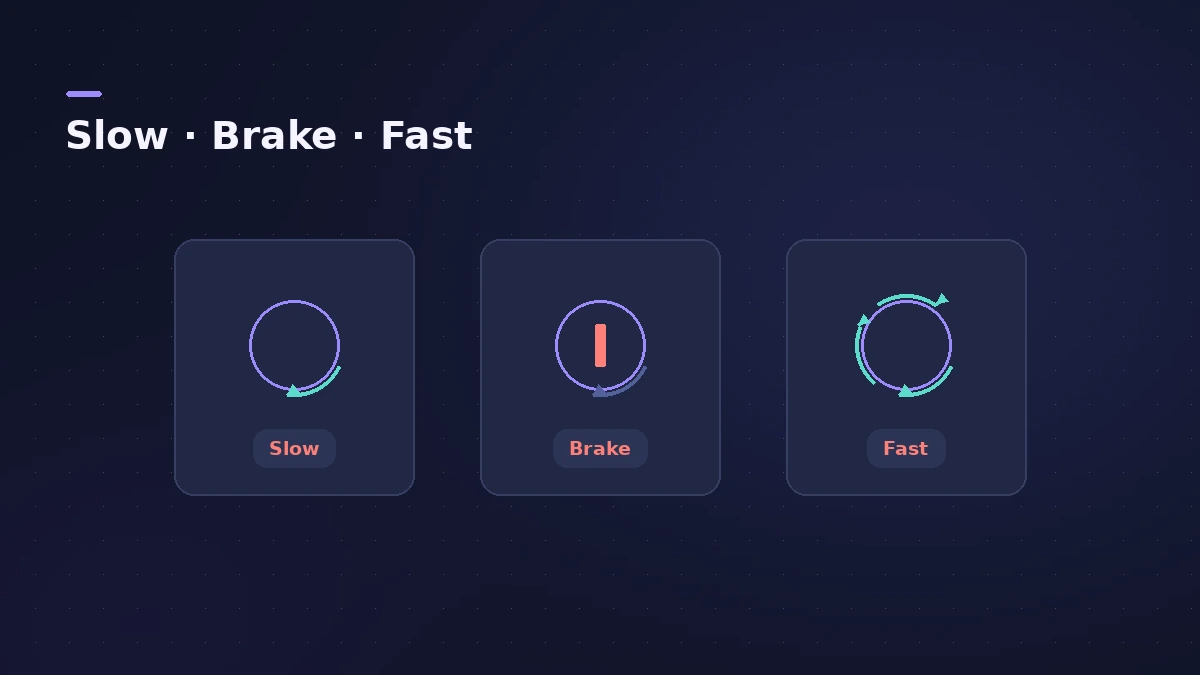
Rotor Speed switches between Slow, Brake and Fast. Rotor Fast Rate sets the top speed, and an acceleration control decides how long the change takes — the default centre position behaves like the real cabinet. Automate the speed switch to change it during a song; see automation.
On the organ
Vintage B3 has its own rotor cabinet section, so you don't need this plug-in on the organ itself.
Sources
- Apple — Logic Pro for iPad User Guide: Rotor Cabinet effect
- Apple — Logic Pro X 10.1 Effects Help: Rotor Cabinet (old)
- Apple — Logic Pro X 10.2 Effects Help: Rotor Cabinet deflector (old)
- Apple — Logic Pro 9 Effects: Rotor Cabinet (old)
Checked November 2026. Logic ProFiles is independent of Apple; menu names can differ slightly between Logic Pro versions.
Frequently asked questions
What do Slow, Brake and Fast do in Rotor Cabinet?
+
Slow and Fast set the rotor speed; Brake stops the rotor.
What does the deflector switch do?
+
It emulates the cabinet with the horn deflectors attached or removed.
Is Rotor Cabinet the same as the Leslie in Vintage B3?
+
They're closely related; Vintage B3 has its own built-in rotor cabinet, while Rotor Cabinet is a separate effect you can use on any track.
Related
- Vintage B3 Organ in Logic ProGet a classic organ sound from Vintage B3 in Logic Pro: set the 20 drawbars, add percussion and vibrato, switch the Leslie between slow and fast, age the organ.
- Chorus, Flanger, Phaser and other modulation effects in Logic ProLogic Pro's modulation effects explained: Chorus, Ensemble, Flanger, Phaser, Microphaser, Tremolo, Ringshifter and more — what each does and when to use it.
- How to record electric guitar in Logic ProRecord electric guitar into Logic Pro: use the Hi-Z input, tune with the Tuner, pick an Amp Designer and Pedalboard tone and keep latency low.
- Automation in Logic Pro — Read, Touch, Latch and WriteAutomate volume, pan, sends and plug-ins in Logic Pro: what Read, Touch, Latch, Write and Trim do, how to record automation with the fader and how to draw it.