Instruments
ES1 in Logic Pro
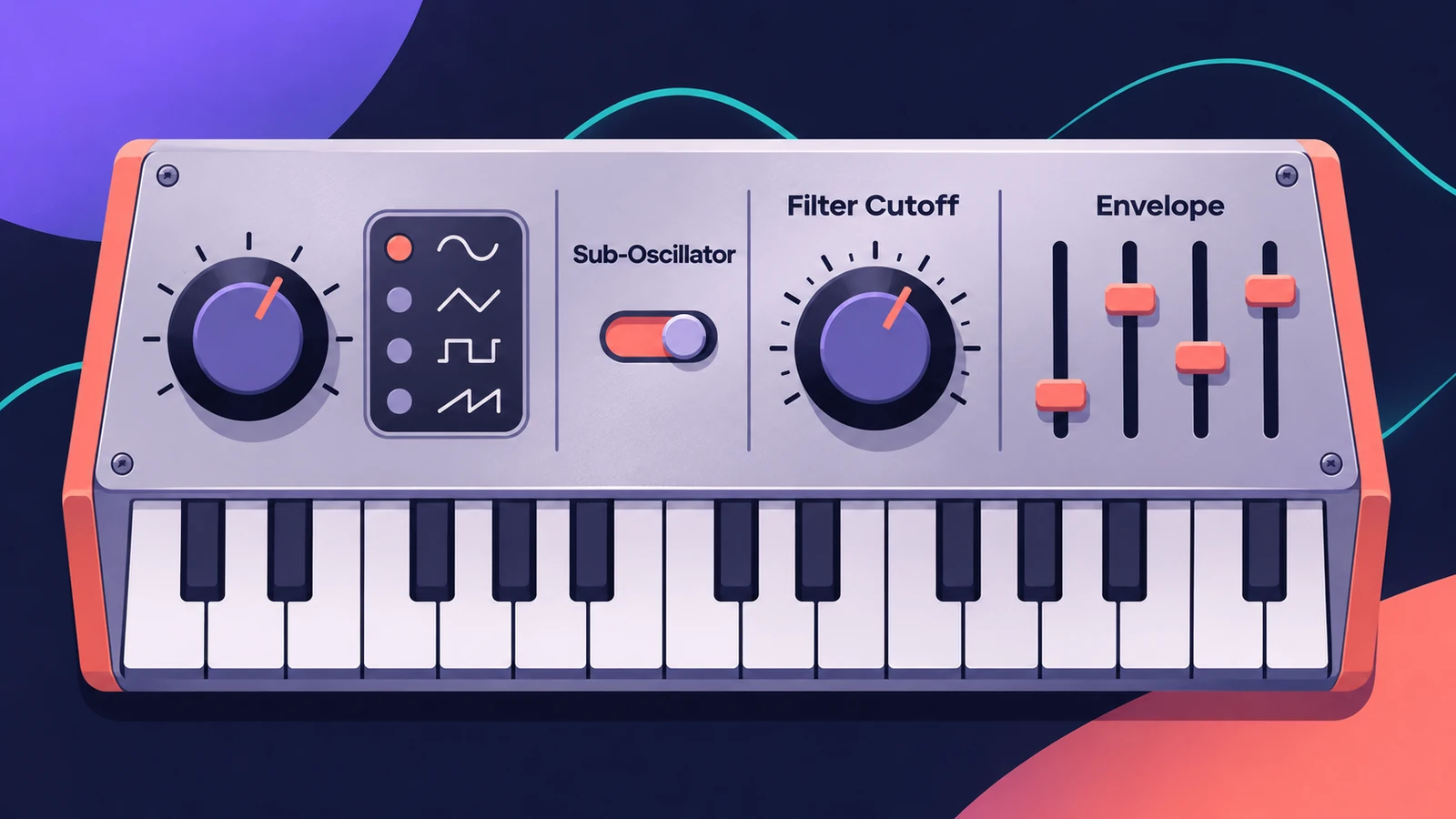
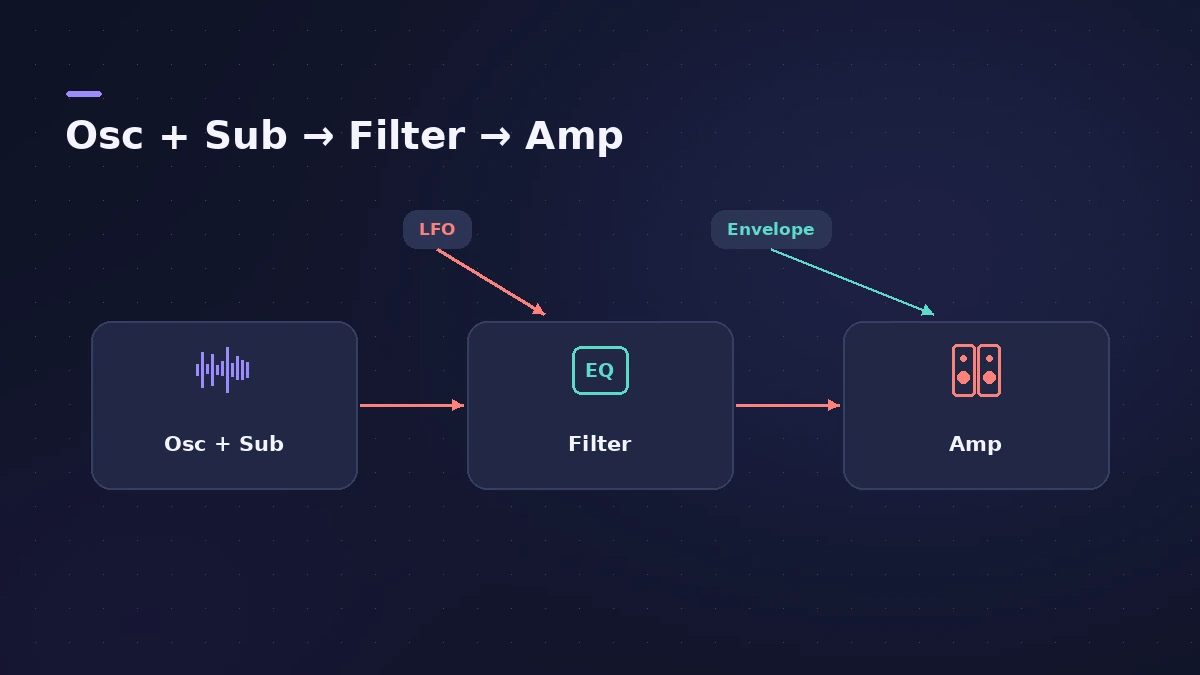
ES1 emulates analog synthesizer circuits in a simple interface. It uses subtractive synthesis: one oscillator plus a sub-oscillator create a harmonically rich sound, and a filter carves it into basses, leads and plucks. It's a good first synth for learning the basics.
 Owen Hartley
Where to find it
Instrument slot > Synthesizer > ES1
ES1 sections
| Section | What it does |
|---|---|
| Oscillator | Main waveform |
| Sub-oscillator | Square, pulse or noise, one or two octaves lower; or External |
| Osc Mix | Balance between oscillator and sub |
| Filter | Carves the tone; can self-oscillate |
| Amplifier and envelopes | Level and shape over time |
| Global | Glide, polyphony, bend, keyboard response |
Berklee's guide notes that, unlike the simpler ES synths, ES1 has a modulation routing system for its envelope and LFO.
Step by step
-
1
Load ES1
Create a software instrument track and choose ES1 in the Instrument slot, or start from one of its patches.
-
2
Pick the waveforms
Choose the main oscillator wave, then the sub-oscillator — square, pulse or noise — which can sit one or two octaves below.
-
3
Balance with Osc Mix
Set the level relationship between the main and sub-oscillator; with the sub off, it's removed from the signal path.
-
4
Shape the filter
Lower cutoff and add resonance to carve the tone; the filter can be driven to self-oscillate.
-
5
Set envelopes and glide
Use the amp and modulation envelopes for the shape of each note, and set glide and polyphony in the global parameters.
Common mistakes
- Turning up resonance at high cutoff and getting a piercing whistle — the filter can self-oscillate.
- Forgetting the sub-oscillator's External setting, which lets ES1 process audio from another track.
More synths
For more oscillators and modulation, see ES2; for a quick vintage synth with four engines, Retro Synth. For FM tones, try EFM1.
Sources
- Apple — Logic Pro for iPad User Guide 1.1: ES1
- Apple — Logic Pro for iPad User Guide: ES1 overview
- Apple — Logic Pro for iPad User Guide: ES1 oscillator parameters
- Apple — Logic Pro for iPad User Guide 1.0: ES1 oscillator (external side chain)
- Apple — Logic Pro for iPad User Guide 3.0: ES1 Osc Mix
- Berklee Library — ES1: Exploring Logic's E-Synths
- Apple — Logic Pro Instruments User Guide (PDF)
Checked November 2026. Logic ProFiles is independent of Apple; menu names can differ slightly between Logic Pro versions.
Frequently asked questions
What kind of synth is ES1?
+
A subtractive synthesizer that emulates analog circuits, with an oscillator, a sub-oscillator, a filter, an amplifier and envelopes.
Can ES1 process audio?
+
Yes. Set the sub-oscillator to External and choose a side-chain source to run a channel strip's audio through the ES1 engine.
Related
- Logic Pro synths comparedWhich Logic Pro synth to use: ES1 for learning, Retro Synth for classic sounds, ES2 for deep virtual analog, Alchemy for layers, Sculpture for modeling.
- ES2 in Logic ProHow ES2 works in Logic Pro: three oscillators with 100 Digiwaves, FM, sync and ring mod, the Oscillator Mix pad, 10 Mod Matrix slots and the Vector Envelope.
- Retro Synth in Logic ProRetro Synth in Logic Pro explained: a 16-voice synth with Analog, Sync, wavetable and FM engines, which engine to pick for leads, pads, basses and bells.
- EFM1 FM synth in Logic ProProgram Logic Pro's EFM1 FM synth: set the carrier and modulator ratio, shape FM depth with its envelope, and get bells, electric pianos and punchy basses.
- ES E, ES M and ES P — Logic Pro's simple synthsLogic Pro's simple synths ES E, ES M and ES P explained: warm pads, mono bass and lead lines, 1980s-style poly sounds — and when to move up to ES1 or ES2.
- Instruments in Logic ProGuides to Logic Pro's instruments: Session Players, Drummer, Synth Players, Chord ID, Drum Machine Designer, Sampler, Step Sequencer and Play Surface.